
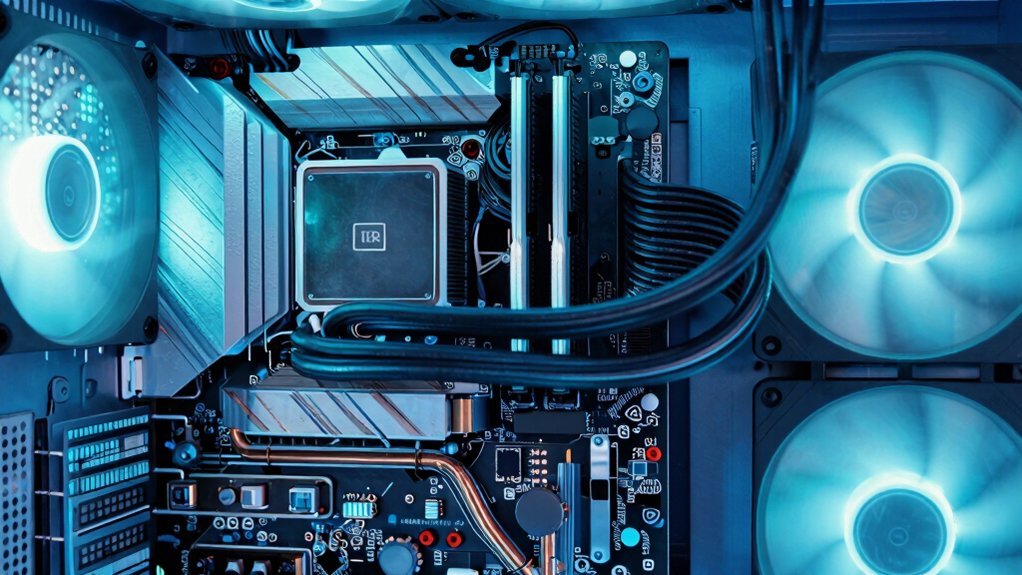
You boost performance by clearing dust filters, keeping intake and exhaust paths open, and moving fans a few centimeters from walls so air flows freely. Good cable management reduces turbulence, and maintaining 2‑3 inches of clearance lets cool air reach components efficiently. Adding passive heat‑sinks spreads heat and lets natural convection lift warm air upward. These tweaks lower temperatures and noise, and if you keep going you’ll discover even more tricks.
Free PC Cooling Mods: Optimize Case Airflow Without New Fans
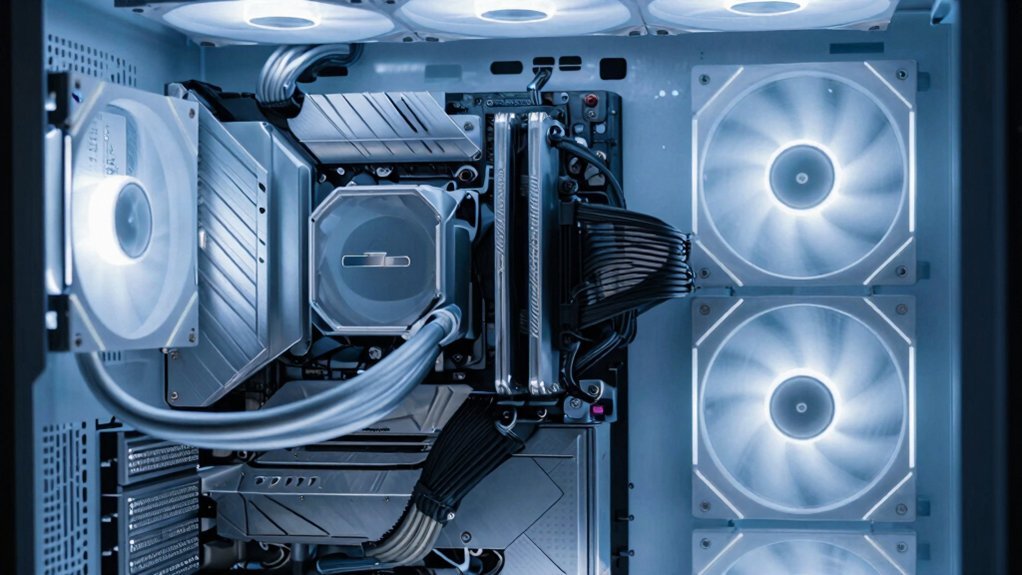
How can you boost your PC’s thermal performance without buying a single fan? Start with airflow optimization: clear dust filters, ensure intake air clarity, and keep exhaust paths open. Good cable management creates unobstructed air channels, reducing turbulence and hot‑spot formation. Verify positive pressure by balancing intake and exhaust, so air moves steadily through the case.
Rearange existing fans a few centimeters away from walls to improve case airflow and let hot air from the CPU/GPU area flow toward defined exhaust zones. These free cooling mods—clean grills, tighten cable ties, and confirm no blockages—lower interior temperatures modestly without new hardware. The result is a cooler, quieter system that runs more efficiently under load. Viewing Angle Specifications
Free PC Cooling Mods: Re‑Arrange Cables and Components for Better Free‑Space Cooling
Ever wondered why your PC still runs hot despite clean filters and balanced fans? Good cable management can change that. By routing cables away from fans and vents, you cut fan obstruction and let airflow sweep through thermal zones unimpeded. Keep 2–3 inches of intake clearance and the same for exhaust clearance; this space lets fresh air rush in and hot air escape, boosting free-space cooling. Bundle wires behind the motherboard tray and trim any loose loops to achieve clutter reduction and smoother fan flow. Verify radiator access isn’t blocked by bulky cables, and adjust the case layout so components sit in a logical, open arrangement. These small tweaks lower interior temperatures by several degrees, improving overall system performance without adding hardware. Proper use of adhesive cable clips can help maintain this organization by securing cables to surfaces and preventing tangles Cable Clips from disrupting airflow.
Free PC Cooling Mods: Add Passive Heat‑Sinks & Harness Natural Convection
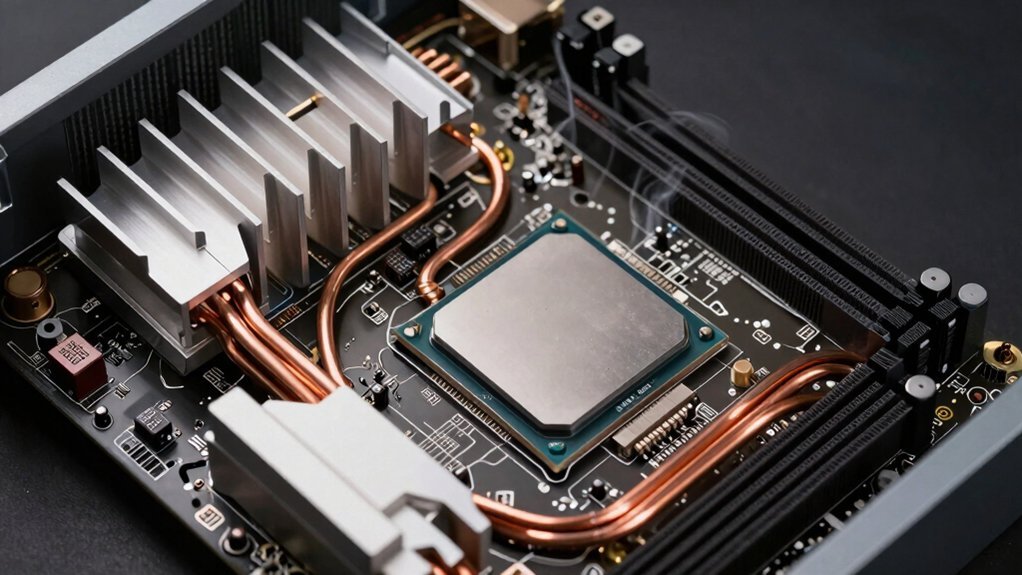
After clearing the airflow path with proper cable management, the next easy win is adding passive heat‑sinks to key hotspots. You’ll want high‑thermal‑conductivity copper or aluminum fins on VRM cooling and memory cooling zones; they spread heat, lower resistance, and let natural convection do the work. By placing larger, finned passive heat sinks near the CPU and GPU, you create a broader surface for heat transfer, so warm air rises and cooler air fills the gap without fans. This free cooling approach reduces temperature spikes, keeps thermal throttling at bay, and improves overall airflow optimization. The practice aligns with using passive cooling strategies that rely on bearingless, quiet operation and strategic placement for effective air movement passive cooling principles. The result is smoother performance, quieter operation, and a modest temperature drop across the whole system.
Frequently Asked Questions
Does Better PC Cooling Improve Performance?
Yes, better cooling lets your CPU and GPU stay cooler, preventing thermal throttling so you can sustain higher boost clocks, keep frame rates steady, and even extend component lifespan.
Can a Cooling Fan Improve Performance?
Yes, a cooling fan can boost performance; it lowers CPU and GPU temps, preventing thermal throttling, so your hardware maintains higher boost clocks and steadier speeds during demanding tasks.
How to Instantly Boost PC Performance?
You instantly boost performance by closing background apps, setting power to high performance, overclocking safely, cleaning dust, and improving airflow with optimal fan curves and unobstructed vents.
Is 11 Fans in a PC Overkill?
Yes, 11 fans are overkill for most builds; they’ll add noise, power draw, and turbulence without meaningful temperature gains, especially if your case airflow isn’t designed for that many.
In Summary
By tweaking airflow, decluttering cables, and adding passive heat‑sinks, you’ve turned ordinary case space into a natural cooling system. These low‑cost tweaks let heat escape faster, keeping components cooler without extra fans or power draw. The result? Better thermals, quieter operation, and a modest performance boost that lets your PC run smoother and longer. All it takes is a few thoughtful adjustments—no expensive upgrades required.


Leave a Reply