
You’ll notice games launch and load dramatically faster on an SSD because its microsecond‑level reads dwarf the mechanical delays of an HDD, which tops out around 150 MB/s. A PCIe 5 NVMe SSD can hit ~14,500 MB/s, cutting load times by 4–7×—for example, Cyberpunk 2077 loads about a minute quicker. The speed boost also makes texture streaming smoother and boot‑ups snappier. Keep going and you’ll see which budget‑friendly SSD upgrades give you the biggest performance jump.
Why SSD vs HDD Gaming Performance Matters?
Why does SSD vs HDD performance matter for gaming? You notice it the moment you boot a title: SSDs slash boot times and level loading, while HDDs lag behind. The difference stems from random access and latency—SSDs deliver microsecond‑level reads, whereas traditional hard drives suffer mechanical delays. PCIe NVMe SSDs can push 14,500 MB/s versus the 150 MB/s ceiling of HDDs, so every texture and asset streams faster. In practice, you’ll see Cyberpunk 2077 load almost a minute quicker on an SSD, and even smaller titles feel snappier. Those gains translate into smoother gameplay, less waiting, and a more responsive experience overall. Choosing an SSD over a conventional HDD is essential for optimal gaming performance. Future‑proofing considerations suggest aligning storage performance with your CPU/GPU for balanced system responsiveness.
What Games and Hardware Did We Test for SSD vs HDD Performance?
What hardware and games did we put to the test? We ran three titles on a Ryzen 7950X3D, RX 7900 XTX rig with 32 GB RAM and an X670 board, swapping a WD Black SN770 NVMe SSD for a Seagate BarraCuda SATA HDD.
1. Marvel Rivals – measured boot time and level load time.
2) Cyberpunk 2077 – observed a near‑minute longer load on the HDD.
3) Warhammer: Vermintide 2 – recorded HDD load times over seven times slower than SSD.
4) System benchmarks – PCIe 5 SSD hit ~14,500 MB/s, while the HDD lingered around 150 MB/s.
These results show SSD dramatically slashes load time and boot time, boosting gaming performance and even multiplayer fairness. The contrast between NVMe speed and SATA limits is unmistakable. Storage performance
PCIe 5 SSD vs 7200 RPM HDD: Measured Load‑Time Differences
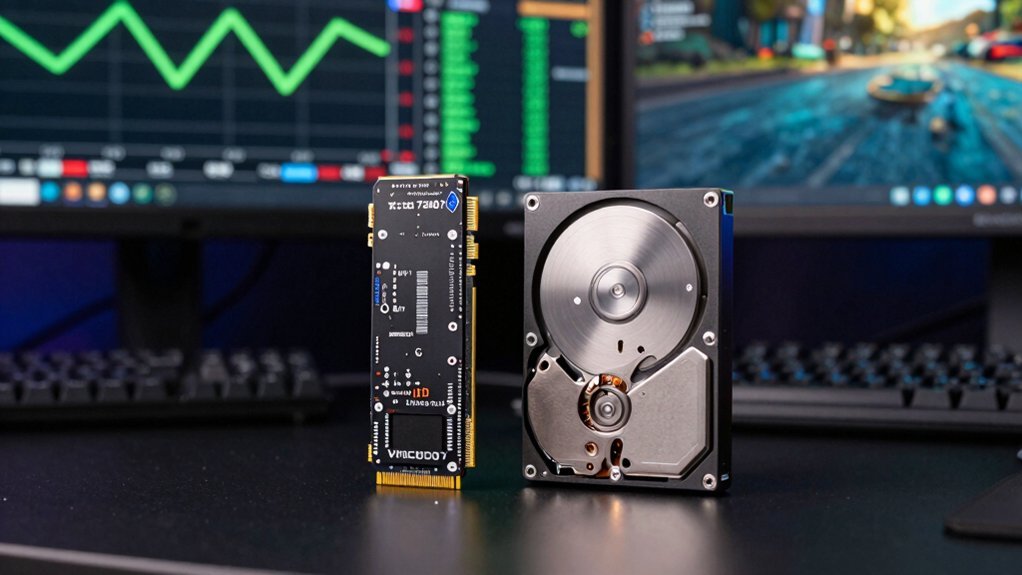
The PCIe 5 SSD shaves minutes off game load times that a 7200 RPM HDD can’t match, delivering up to 14,500 MB/s read speeds versus the HDD’s roughly 150 MB/s. When you launch Marvel Rivals, the HDD stalls for over seven times longer, while the PCIe 5 SSD breezes through, cutting level‑load time dramatically. Cyberpunk 2077 adds a full minute of latency on the HDD, showing how slower read speeds and higher latency cripple gaming performance. Vermintide 2 narrows the gap but still favors the SSD. Across the board, boot time drops, write speeds soar, and overall responsiveness improves. Choosing a PCIe 5 SSD as your storage solution yields consistently faster load times and smoother gameplay than any 7200 RPM HDD. In budget vertical stands, similar considerations apply to airflow and heat management to prevent throttling during peak loads heat ventilation design.
Budget‑Friendly SSD Upgrades to Boost Gaming Performance
Looking to shave minutes off game load times without breaking the bank? A budget-friendly SSD upgrade can slash load times, boost boot times, and lift overall gaming performance while keeping your HDD for bulk storage. Here are four affordable options to consider:
- 500 GB WD Blue SN5000 (NVMe) – around $45, delivers up to 14,500 MB/s, cutting level loads by 4‑7×. Warranty coverage supports long-term reliability.
- 256 GB Silicon Power SATA III SSD – about $18, still outpaces HDDs (≈150 MB/s) and speeds up OS/games boot.
- Pair an OS/games SSD with existing HDD – keep fast access for games, store media on the HDD.
- Upgrade only the storage – no need to replace the whole system; a simple storage upgrade yields immediate performance gains.
Switching from HDD to SSD transforms your gaming experience, delivering snappier load times and smoother play without a hefty price tag.
Frequently Asked Questions
Do Games Perform Better on SSD or HDD?
You’ll notice games run smoother on an SSD; load times drop dramatically, levels and assets appear faster, and overall responsiveness improves, giving you a more seamless gaming experience than an HDD.
Is 2TB SSD Overkill?
You probably don’t need 2 TB for gaming alone, but it gives you room for future titles, OS, and large updates without juggling drives, and the speed boost makes load times feel instantaneous.
Do Games Lag Less on SSD?
You’ll notice less lag on an SSD because it delivers data in microseconds, eliminating the bottleneck caused by HDD’s slower, mechanical reads, which translates into smoother gameplay and quicker response times.
What Is One Disadvantage of an SSD?
You’ll find SSDs cost more per gigabyte, especially at large capacities, and they have limited write endurance, so heavy gaming installs can wear them out faster, requiring careful space and wear‑management.
In Summary
In the end, you’ll notice games launch faster and load worlds smoother with an SSD, especially the newer PCIe 5 models. Even a budget‑friendly SSD beats a 7200 RPM HDD by a wide margin, cutting wait times and keeping you in the action. So if you want a snappier experience without overhauling your rig, swapping the HDD for an SSD is the simplest, most effective upgrade you can make.


