
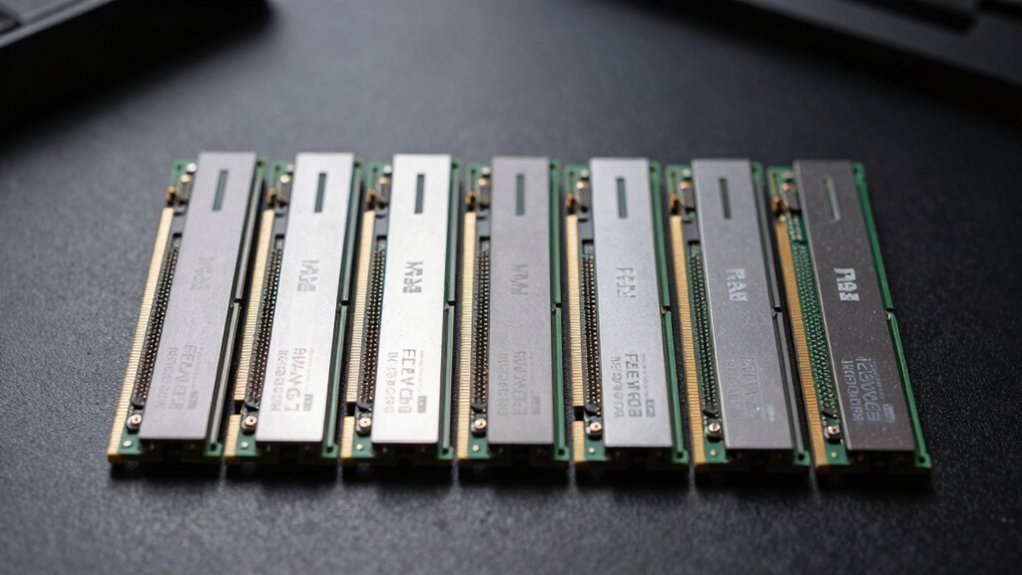
You’ll get the best bang for your buck with a DDR4‑3600 kit for most GPU‑focused builds, while DDR5‑6000 or higher only shines on new platforms that require it or in bandwidth‑hungry workloads. For tight budgets, look at DDR4‑3200/3600 16 GB or 32 GB kits around $60‑$110; they match DDR5 gaming scores and cost far less. If you can spend a bit more, DDR5‑6400 CL36 kits under $100 give a modest 1‑3% FPS boost in memory‑limited titles. Keep an eye on XMP/EXPO profiles and latency vs bandwidth trade‑offs for superior performance. Continue and and you’ll see the top seven specific RAM choices and how to pick the perfect one for your setup.
How to Choose DDR4 vs DDR5 for a GPU-Focused Build

So, which memory should you pick for a GPU‑centric rig? You’ll want to balance price/performance, bandwidth, and latency while keeping motherboard compatibility in mind. If your platform supports DDR4, a 3200‑3600 RAM memory kit usually delivers gaming scores comparable to DDR5, and it costs less. DDR5 offers higher theoretical bandwidth and lower latency, but the real‑world gaming boost is often only 2‑3 % and can be negligible at 1080p‑1440p. Stick with DDR4 when you’re upgrading an existing Intel or AMD board that still accepts it; you’ll save money without sacrificing frame rates. Choose DDR5 only on a new platform that mandates it or if you need future‑proofing for memory‑heavy workloads, accepting the higher price tag. XMP/EXPO profiles can help you realize advertised speeds on supported platforms.
DDR5‑6000 vs DDR4‑3200: Real‑World FPS Gains
You’ll notice that DDR5‑6000’s higher bandwidth can shave a few FPS off titles that are bandwidth‑limited, even though its latency is a bit higher.
In CPU‑bound games, the extra bandwidth often reduces 1% lows and micro‑stutters, giving a smoother feel.
Keep in mind that the actual FPS boost varies by workload, so the upgrade isn’t universally game‑changing.
This explanation aligns with how memory speed interacts with system balance, especially when paired with compatible CPUs and memory controllers like those described in standard PC configurations. wrinkle‑resistant
Core Latency Impact
How much does the latency difference between DDR5‑6000 and DDR4‑3200 actually affect your frame rates? In practice, DDR5 latency rises because its memory timings (e.g., 36‑36‑36‑76) are looser than DDR4’s 18‑19‑19‑39, yet the faster memory speed cuts the nanosecond delay close to DDR4’s. So you’ll see gaming FPS minimal differences—often only 1–3%—unless a title is heavily memory‑bound. The core latency impact hinges on the latency vs bandwidth trade‑off: higher CAS latency can be offset by DDR5’s greater memory bandwidth, but the benefit varies by game and scene.
- Compare CAS latency and effective nanoseconds.
- Measure timing impact on CPU‑heavy titles.
- Evaluate whether bandwidth gains outweigh latency penalties.
Bandwidth‑Limited Game Scaling
What difference does DDR5‑6000 really make when a game is throttled by memory bandwidth? In bandwidth‑limited gaming, DDR5‑6000 boosts DDR5 bandwidth enough to shave a few percent off gaming FPS compared with DDR4‑3200. The uplift hinges on CPU memory throughput; high‑core CPUs can exploit the extra headroom, while DDR4 latency still lags slightly. In memory‑heavy tasks, you’ll see larger gains, but most 1080p‑1440p titles stay in single‑digit improvements. The latency impact of DDR5’s looser timings tempers the boost, so you only notice a difference when the title truly taxes memory bandwidth. Overall, expect modest FPS gains, with noticeable benefits in titles that are bandwidth‑limited and pair with powerful CPUs memory bandwidth advantages.
Which DDR5 Kit Delivers the Highest FPS?

Wondering which DDR5 kit squeezes the most frames out of your rig? You’ll find that DDR5-6400 CL36 tops the FPS charts because its 100 GB/s memory bandwidth eclipses slower kits while keeping kit latency low enough not to throttle gaming performance. Pair it with the right XMP profiles and ensure platform compatibility, and you’ll see a modest 2‑3% bump over DDR4‑3605 in CPU‑bound titles. Higher MHz matter, but capacity per module and balanced timings keep the system stable at peak speeds. Additionally, maintaining proper humidity levels for your gaming setup can help preserve hardware longevity and performance across components Budget Storage.
Best DDR5 Gaming Kits Under $100 (Capacity & Timings)
Looking for a DDR5 kit that boosts gaming performance without breaking the bank? You’ll find several DDR5 gaming kits under $100 that hit the sweet spot of capacity and timings. A solid choice is a 32GB KIT (2 × 16GB) rated DDR5-4800, with timings around 40‑39‑39‑76 at 1.10 V. This configuration delivers higher bandwidth than DDR4 while keeping latency acceptable for most titles. Some budget RAM even includes Samsung B‑die chips, which can improve overclock headroom if you’re willing to tweak. Expect no RGB and modest speeds, but the extra bandwidth still translates into smoother frame rates in CPU‑heavy games. Keep an eye on pricing, as 5600‑6400 variants sometimes dip into the under‑$100 range. Energy efficiency considerations also play a role in longer gaming sessions with DDR5 platforms.
Budget DDR5 vs DDR4 Overclocking: Tips for Extra Performance

While the $100‑plus DDR5 kits we just covered give you a solid baseline, squeezing every extra frame out of a budget build often means pushing the memory beyond its stock specs. You can still out‑perform a cheap DDR4 set by tweaking latency and voltage, but keep an eye on the PMIC heat. For a modest overclock, start with XMP/EXPO profiles, then fine‑tune manually. Additionally, choose a stand that keeps air flowing around the system to prevent thermal throttling and maintain stable performance heat ventilation during testing.
- Raise frequency modestly – push DDR5‑4800 to 5400 MT/s or DDR4‑3200 to 3600 MT/s; the gain is noticeable in gaming benchmarks.
- Adjust voltage carefully – increase DDR5 to 1.35 V or DDR4 to 1.45 V only if cooling can handle the extra heat.
- Tweak timings – lower CL on DDR5 (e.g., CL36 to CL34) or tighten DDR4 CAS; watch latency spikes and test stability with memtest86.
Future‑Proof Gaming on a Budget: DDR5 vs DDR4
So, should you pick DDR5 or stick with DDR4 for a budget‑friendly, future‑proof gaming rig? If your gaming budget is tight, DDR4 wins on price per GB and offers solid performance with high‑speed kits that already hit 3200 MT/s. DDR5 vs DDR4 gives you higher memory bandwidth and larger memory capacity, but real‑world gaming gains hover around 1‑3% at 1080p and barely register at 4K. Future‑proofing favors DDR5 because newer platforms and CPUs will lean on its 4800‑6400 MT/s lanes, and the RAM upgrade path stays open as DDR5 becomes mainstream. However, unless your motherboard and CPU support DDR5 and you can absorb the cost, the performance uplift isn’t enough to justify the extra spend. Choose DDR4 for now, and upgrade when platform support and price per GB align with your long‑term gaming plans. Additionally, keep an eye on motherboard DDR5 compatibility as newer boards expand DDR5 support options.
Best DDR4 Gaming Kits for Tight Budgets (Speed vs Price)
What matters most when you’re hunting a budget‑friendly DDR4 kit is the balance between speed and price. You’ll find 16‑32 GB kits at DDR4‑3200 or DDR4‑3600 that beat DDR5’s price‑to‑performance ratio, offering solid gaming performance without sacrificing capacity. Look for low latency timings like 18‑20‑20‑40 and ensure compatibility with your Intel AM4 or 12th‑13th Gen board. The sweet spot is a 2‑x16 GB or 2‑x32 GB kit that maximizes value while keeping power draw around 1.35 V.
- 2 × 16 GB DDR4‑3200, ~\$50, low latency, great for 1080p gaming.
- 2 × 16 GB DDR4‑3600, ~\$60, higher speed, still budget‑friendly.
- 2 × 32 GB DDR4‑3600, ~\$110, massive capacity for content creation, no DDR5 premium.
Frequently Asked Questions
Which RAM Is Best, DDR4 or DDR5?
You’ll find DDR5 best for future‑proofing and bandwidth‑heavy tasks, but DDR4 gives you better value and sufficient performance for most gaming today; choose based on budget, platform support, and workload needs.
Is DDR4 Still Good in 2026?
Yes, DDR4’s still good in 2026 if you prioritize cost‑effectiveness and solid performance; it offers up to 4000 MT/s, abundant capacity, and broad compatibility, especially for budget or older systems.
What Are the Drawbacks of Using DDR5?
You’ll face higher prices, increased latency from looser timings, extra heat from the on‑module PMIC, and limited gaming gains—plus you can’t mix it with DDR4 and still need ECC for server reliability.
Is DDR5 RAM Worth It Over DDR4 RAM?
You’ll find DDR5 worth it only if you need its higher bandwidth, larger capacities, or future‑proofing; otherwise, DDR4 gives better price‑performance for typical gaming and everyday tasks.
In Summary
You now have the tools to pick the right RAM for a GPU‑centric build. If you need raw speed and future‑proofing, go DDR5—especially the high‑FPS kits under $100. If budget’s tight, DDR4 still delivers solid performance, and smart overclocking can squeeze extra frames. Balance capacity, timings, and price, and you’ll get the best gaming experience without overspending.


