
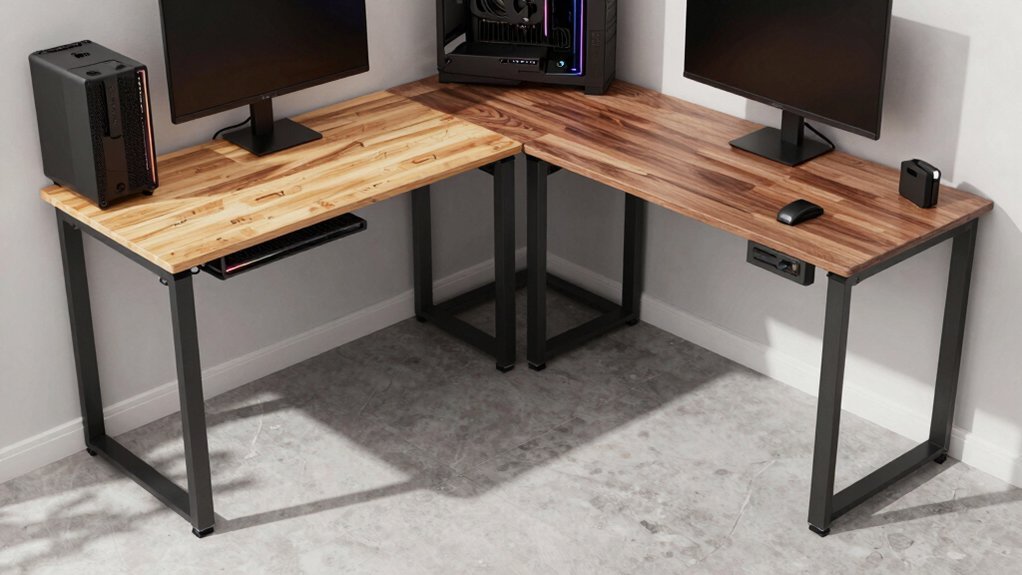
You can build a sturdy, budget‑friendly L‑shaped gaming desk by cutting a 36‑inch top and a 31.5‑inch side, framing with 2×4s and pocket‑hole joinery, and assembling two side panels with six wide boards, notched for the non‑90‑degree corner. Add a ¼‑inch plywood backing, a cabinet bottom, and reinforce with pocket screws and brad nails. Finish with stain, paint, and a protective top coat, then hide LED strips and cables in custom corner molds for a clean, immersive look. The next steps will show you how to integrate multi‑screen setups and bias lighting.
Plan a Budget‑Friendly L‑Shaped Corner Gaming Desk
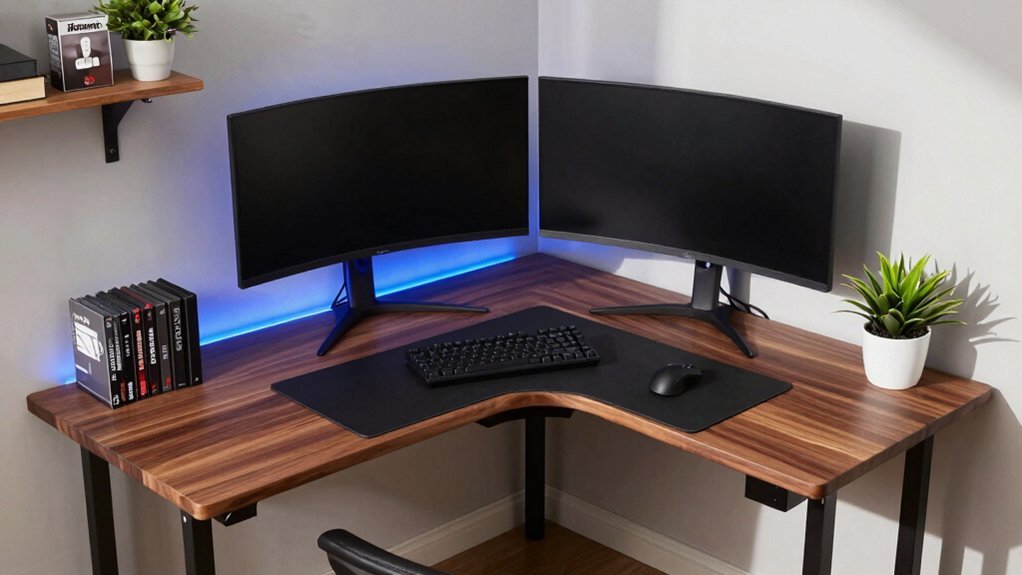
How can you create a sturdy, stylish L‑shaped gaming desk without breaking the bank? Start by cutting a 36‑inch long top and a 31.5‑inch medium top, then build a 2×4 frame using 1¼‑inch pocket hole joinery for solid joints. Assemble six wide boards into two side panels, trim and notch them to fit the corner’s non‑90‑degree angle, and hide any gaps with corner molds. Add a rabbeted backside to each panel to accept a ¼‑inch plywood backing, giving a seamless edge along the corner. Secure a cabinet bottom and back with ¾‑inch plywood, reinforcing with pocket screws and brad nails for a firm base under the longest span. Finish the desk with stain or paint, a protective top coat, and optional epoxy or mica accents to personalize your budget‑friendly L‑shaped gaming setup. Align the bottom panels with proper bias lighting considerations to ensure consistent illumination and reduce eye strain in dim rooms bias lighting.
Add LED Lighting & Concealed Cable Management to Your Corner Gaming Desk
Ever wondered how to turn a plain corner desk into a sleek, glow‑filled workstation while keeping every cable out of sight? Start by adding LED lighting strips inside custom corner molds; the molds hide joints and conceal wiring, giving your L‑shaped desk a seamless glow.
Turn a plain corner desk into a sleek, glow‑filled workstation with hidden LED strips and seamless lighting.
Sketch cable‑management holes in your desk plans before cutting panels, then route under‑desk cables through these openings to keep hidden wiring tidy.
Mount a sturdy L‑shaped desk with shimmed supports, allowing space for power strips and a floating shelf.
Finish the shelf with epoxy resin accents that double as decorative cable‑management surfaces.
The result is a clean, futuristic corner desk where illumination and organization work together without visual clutter.
Set Up Multi‑Screen Gaming & a Wall‑Mounted 4K TV on Your Corner Desk

After installing the LED strips and hidden cable channels, you can turn the same corner desk into a command center for multi‑screen gaming and a wall‑mounted 4K TV. Position the L‑shaped desk so the longer arm hosts a dual‑monitor rig, then add a third monitor on the shorter leg for a true multi‑monitor setup. Mount the wall‑mounted 4K TV just above the desk, using low‑profile brackets and recessed outlets to keep power cords out of sight. Run all cables through the pre‑planned cable management channels, securing them with zip ties and clips. Align the TV and monitors with your seating focal point to reduce neck strain, and let the LED lighting accentuate the gaming desk while preserving a clean, immersive workspace. Budget Storage Principles guide you to maximize space with clear labeling and modular organizers to keep ancillary gear organized without clutter.
Frequently Asked Questions
How to Protect the Desk Surface From Heat and Spills?
You should apply a heat‑resistant, spill‑proof coating—like a clear polyurethane or epoxy finish—then add a silicone or leather mat for extra protection, ensuring the desk stays safe from hot drinks and accidental spills.
Can the Desk Accommodate a Built‑In Headphone Rack?
Yes, you can integrate a built‑in headphone rack by cutting a shallow groove on the side panel, reinforcing it with brackets, and drilling a discreet hole for cable routing, keeping everything sturdy and accessible.
What Wood Finish Best Resists Scratches From Mouse Pads?
You should use a polyurethane‑based finish with a matte or satin sheen; it hardens the surface, resists scratches from mouse pads, and stays durable while keeping the desk’s look natural.
Is It Possible to Add a Hidden Power Strip Inside the Frame?
Yes, you can route a slim power strip through a drilled channel in the frame, secure it with brackets, and cover it with a removable panel so cables stay hidden yet easily accessible.
How to Reinforce the Desk for Heavy Gaming Chairs Without Wobble?
You reinforce the desk by adding cross braces between the legs, installing metal corner brackets at each joint, using thicker plywood for the top, and securing the frame to the wall with lag bolts.
In Summary
Now you’ve got a budget‑friendly L‑shaped desk, sleek LED lighting, hidden cables, and space for multiple screens or a wall‑mounted 4K TV. By following these plans, you’ll create a functional, stylish gaming hub that maximizes corner space and keeps everything organized. Enjoy the immersive setup you built yourself, and let the games begin.


Leave a Reply