

Swap in a 120‑140 mm PWM fan for under $20—larger blades spin slower and stay quiet, and PWM lets you dial down noise while keeping airflow. Line the panels with cheap foam or acoustic grommets ($5‑$15) to soak up vibrations, and slip a silicone PSU pad ($10‑$12) between the PSU and the case to dampen resonance. Finally, pick a budget mid‑tower that ships with a quiet‑fan bundle for $30‑$50, and you’ll have a silent rig without breaking the bank—more details await if you keep going.
Pick Quiet PC Case Fans for $20 or Less
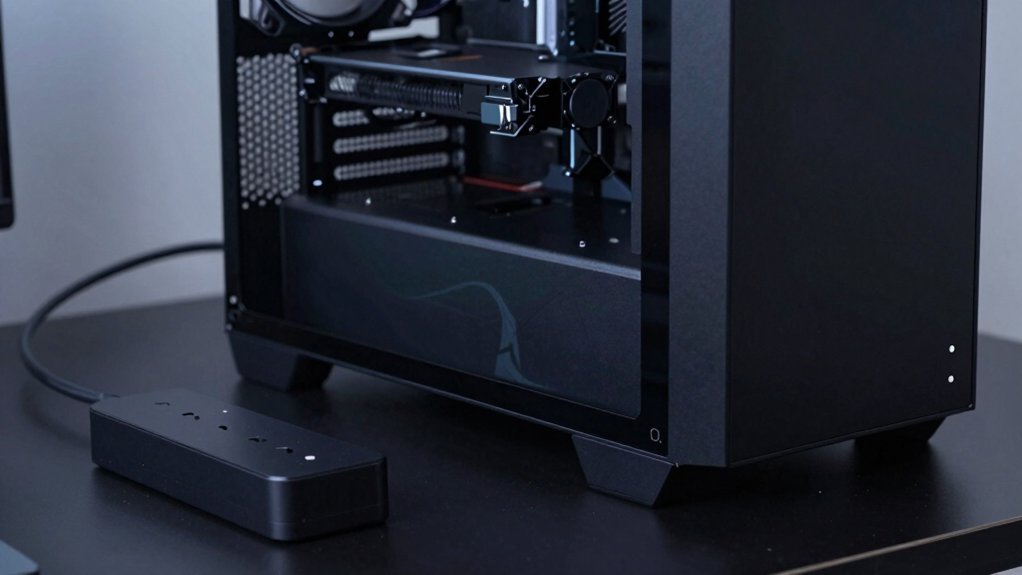
Looking for a fan that stays whisper‑quiet without breaking the bank? You’ll find plenty of case fans under $20 that use PWM control to keep noise low while delivering solid airflow. Aim for 120‑140 mm models with low dBA ratings; larger diameters spin slower and stay quieter. The Shadow Base 800 DX ships with a 140 mm PWM fan that’s a solid starter, and many bundles—like three Pure Wings 3 140 mm PWM fans—drop the total under $50. When you shop, prioritize fans marketed for quiet performance rather than high static pressure, especially for mid‑tower builds. These budget‑friendly options give you smooth, silent cooling without sacrificing airflow, keeping your system cool and your wallet happy. PWM control advantages
Add Quiet‑Case Foam or Grommets for $5‑$15
Even after you’ve chosen whisper‑quiet fans, the case itself can amplify vibration noise, so adding a simple foam or grommet kit is a cheap way to tame those rattles. You can line the front and side panels with thin foam strips or acoustic mats, which absorb the hiss from intake fans without choking airflow. For drive bays and mounting points, snap in grommets or rubber dampeners; they isolate the hard‑metal chassis from the spinning disks and screws, cutting rattles at the source. Most kits sell for $5‑$15 and fit mid‑tower cases out of the box, requiring no brackets or tools. Pair the foam with stock fans set to lower RPM, and you’ll notice a noticeable drop in overall case noise while staying well under the $50 budget. Additionally, look for kits that use an anti‑vibration design to further reduce chassis resonance noise reduction features.
Install a Quiet‑Case PSU Pad for $10‑$12

Ever wondered how a $10‑$12 PSU pad can slash case noise? You’ll find a dense foam or silicone PSU pad that isolates vibration, cuts fan whine, and fits any ATX unit. Remove the power supply, slip the pad between the PSU and the case mount, then reseat the PSU snugly. No extra hardware’s needed—just a screwdriver. The pad’s vibration isolation dampens chassis resonance, letting your system stay quiet while staying under budget. Fire-resistant design considerations from adjacent tech discussions can further safeguard components during installation.
Choose a Quiet PC Case for $30‑$50
Want a case that keeps your rig quiet without breaking the bank? Look for a mid‑tower that touts quiet operation and ships with a silent fan bundle—often three 140 mm PWM fans that move air efficiently while staying low‑noise. Choose a model with mesh panel and integrated dust filters on the front and top; the panels let airflow pass, and the filters prevent dust buildup that can raise fan RPMs. In the $30‑$50 range you’ll still find options that support large radiators and even E‑ATX boards, so you don’t sacrifice cooling. Keep an eye on sales that drop the list price to around $79 and bundle free fans, pulling the total cost into your budget. This way you get a quiet case that handles heat without blowing your budget. By planning with a budget mindset and using modular components, you can maximize performance while staying affordable Budget Storage Principles.
Frequently Asked Questions
How Do I Prevent Dust Buildup When Adding Foam Dampening?
You should seal all openings with foam, then regularly vacuum the interior and use filtered intake fans. Keep the case upright, avoid carpeted surfaces, and replace filters every few months.
Can I Use Rubber Grommets on a Metal Case Without Damage?
Yes, you can use rubber grommets on a metal case without damage; just press them gently, avoid over‑tightening, and ensure the holes match the grommet size for a snug, non‑abrasive fit.
Will a Anti‑Vibration PSU Pad Affect Power Stability?
Yes, a proper anti‑vibration PSU pad won’t destabilize power; it merely isolates vibrations, keeping the unit steady. Just ensure the pad’s material is non‑conductive and fits snugly to avoid movement.
Do Low‑Noise Fans Require Different Voltage Settings?
No, low‑noise fans don’t need special voltage; you just run them at the manufacturer‑specified 12 V (or 5 V for 3‑pin models). If you lower voltage, expect reduced speed and airflow.
How to Test for Acoustic Improvements After Modifications?
You’ll measure dB levels before and after using a sound meter or smartphone app, record idle and load noise, then compare the readings; a noticeable drop confirms your acoustic improvements.
In Summary
By swapping in budget-friendly fans, adding foam or grommets, and padding your PSU, you can slash noise without breaking the bank. Even a modest $30‑$50 case upgrade can make a big difference, giving you a quieter workspace and a smoother gaming or work experience. These simple, affordable tweaks let you enjoy a peaceful PC without spending a fortune.


