
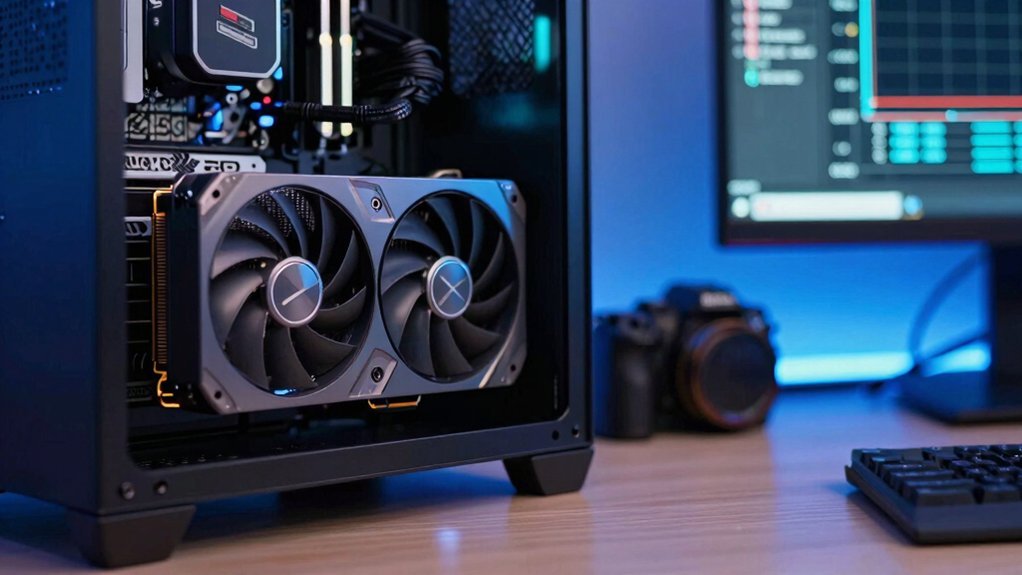
You’ll know it’s time to upgrade when your GPU is stuck at 100 % while the CPU barely moves, when frame‑time lows drop into the 1 % range making the game feel choppy even on low settings, and when modern features like ray tracing, DLSS or FSR are missing. Those signs mean the GPU can’t keep up, overheating and aging may be worsening the issue, and you’re not getting the smooth performance newer titles expect. Keep going to discover how to pinpoint the bottleneck and choose the right upgrade.
Why Your GPU May Be Holding You Back – 3 Signs You Need an Upgrade
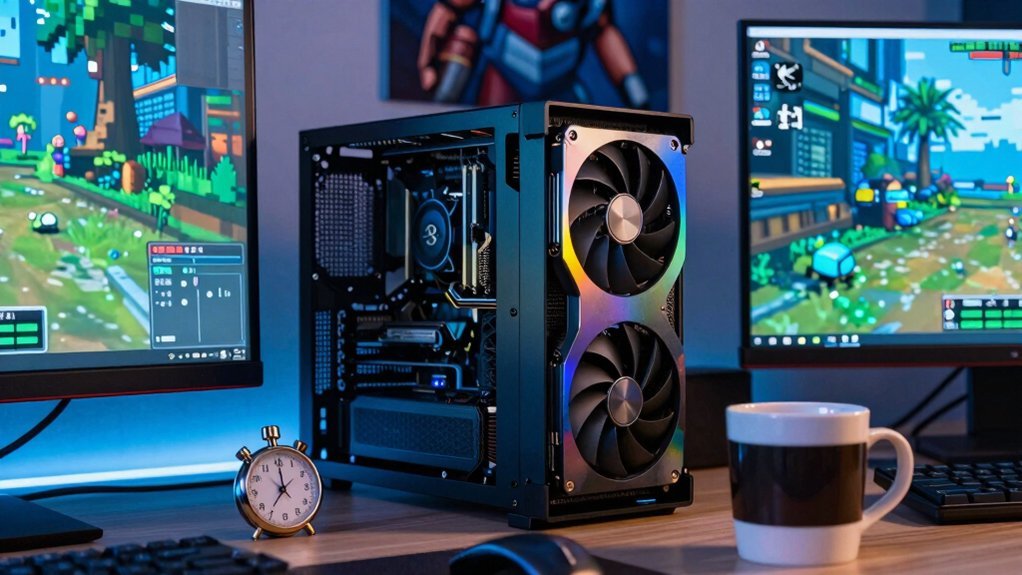
If your GPU constantly hits 100% while the CPU idles at a fraction of that, it’s the clear bottleneck. You’ll notice the frame rate sagging below 60 FPS even on low settings, and the 1% lows will plunge, making gameplay feel choppy.
Overheating shows up as hot vents, loud fans, or sudden crashes during demanding scenes, signaling the GPU is aging.
Hot vents, loud fans, or sudden crashes during demanding scenes signal an aging, overheating GPU.
Missing modern features like ray tracing, DLSS, or FSR means the card can’t keep up with current titles, and you’ll struggle to run new games smoothly.
These signs—persistent 100% usage, dropping frame rate, poor 1% lows, overheating, and lack of modern features—point to a needed GPU upgrade to restore solid gaming performance. Ray tracing features
How to Detect Low GPU Utilization and What It Means for Your System
How can you tell whether your system is being held back by the CPU rather than the GPU? Check GPU utilization in real time; if it hovers below 80% while your CPU spikes, you’ve got low GPU utilization and a CPU bottleneck. Tools like MSI Afterburner or Task Manager reveal the balance, and you can spot frame-time lows that betray hidden constraints. Consistent 90‑100% GPU load with little CPU activity signals a GPU bottleneck, whereas the opposite points to a system bottleneck elsewhere. Watch GPU utilization at 1440p and 1080p. Notice persistent dips below 80% in demanding titles. Compare CPU usage percentages to GPU usage. Use MSI Afterburner to log frame-time lows. Identify whether low GPU utilization stems from CPU bottleneck or other limits. GPU utilization
Why High FPS Can Still Feel Janky – Identifying the Bottleneck and Choosing the Right Upgrade
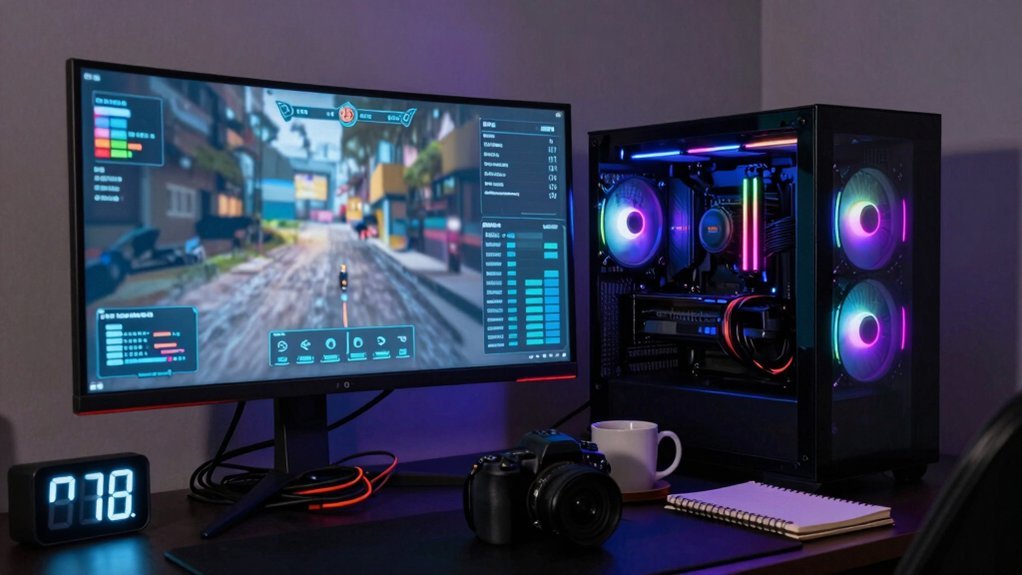
Why does a game that reports 120 FPS still feel jittery? You’re probably looking at uneven frame times and low 1% lows, which betray a hidden bottleneck. Even when average FPS is high, inconsistent frame pacing makes motion feel choppy.
If your GPU runs at 70‑85 % while the CPU or RAM lags, you’re CPU‑bound; the GPU can’t get data fast enough, so upscaling and frame generation can’t smooth things out. Conversely, a GPU‑bound scenario shows near‑100 % GPU usage with a low CPU load, indicating the graphics card is the limiter and an upgrade could raise real‑time responsiveness.
Track 1% and 0.1% lows, not just average FPS, to guide your upgrade decision and ensure true smoothness.
Upgrading your GPU can also benefit texture streaming and shader workloads, which indirectly improve frame time consistency during demanding scenes upstream data access.
Frequently Asked Questions
How Do You Know When to Upgrade Your Graphics Card?
You know it’s time to upgrade when frame drops appear despite low settings, the GPU runs at 100% constantly, it overheats or makes loud noises, drivers lag behind, or you see visual artifacts and crashes.
How Do I Know if I Need to Update My GPU?
You know you need a GPU update when you see frame drops, overheating, loud fans, crashes, visual artifacts, or drivers no longer supported—especially if the card’s five‑year old and maxes out while your CPU idles.
Is a 5 Year Old GPU Still Good?
Yes, it can still handle many games, but you’ll notice lower frame rates, reduced settings, and occasional stutters in newer titles. If you want smooth 1440p/4K performance, consider upgrading soon.
How Do I Know if I Should Upgrade My GPU?
You’ll know it’s time when frame rates dip despite low settings, GPU usage hits 100% while CPU stays under 70%, temperatures soar, fans roar, or crashes and visual artifacts increase.
In Summary
If you’re seeing low GPU usage, frequent frame drops, or stutter despite high FPS, it’s a clear sign your graphics card is holding you back. Upgrading to a more capable GPU will eliminate bottlenecks, boost performance, and give you smoother, more responsive gameplay. Don’t let an outdated card limit your experience—make the swap and unleash your system’s full potential.


