
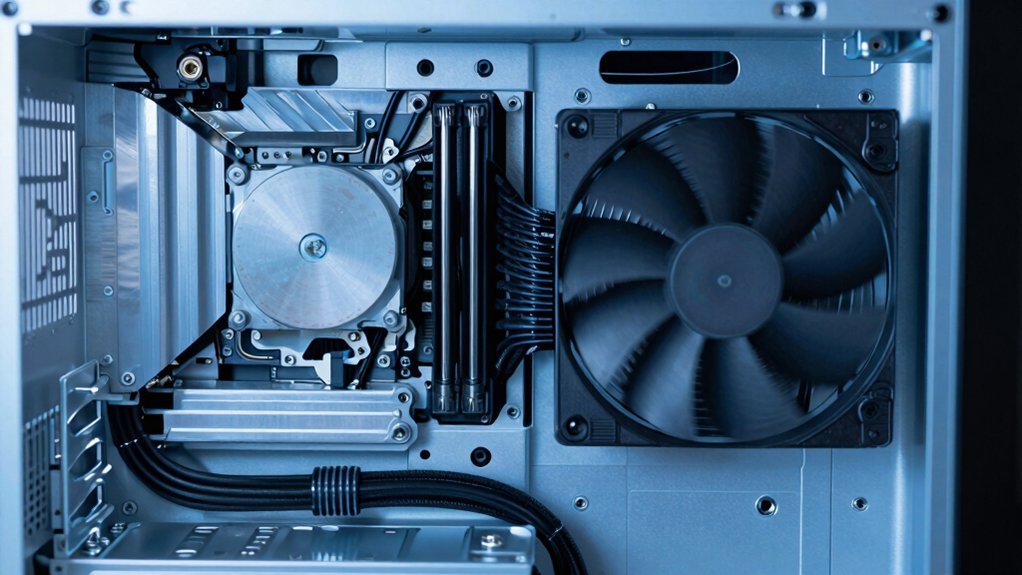
You can keep your PSU quiet by choosing a semi‑passive or high‑efficiency model, which stays cooler and only spins the fan when temperatures rise. Look for a clear fan‑curve and a low fan‑cutoff load so the fan stays off at idle. Adjust BIOS or a PWM controller to set a low temperature threshold, and add vibration‑damping foam or insulation to block sound. Regularly clean dust and check fan speed, and you’ll find more tips on fine‑tuning performance and silence.
Identify Why PSU Fan Noise Occurs and How Load Affects It
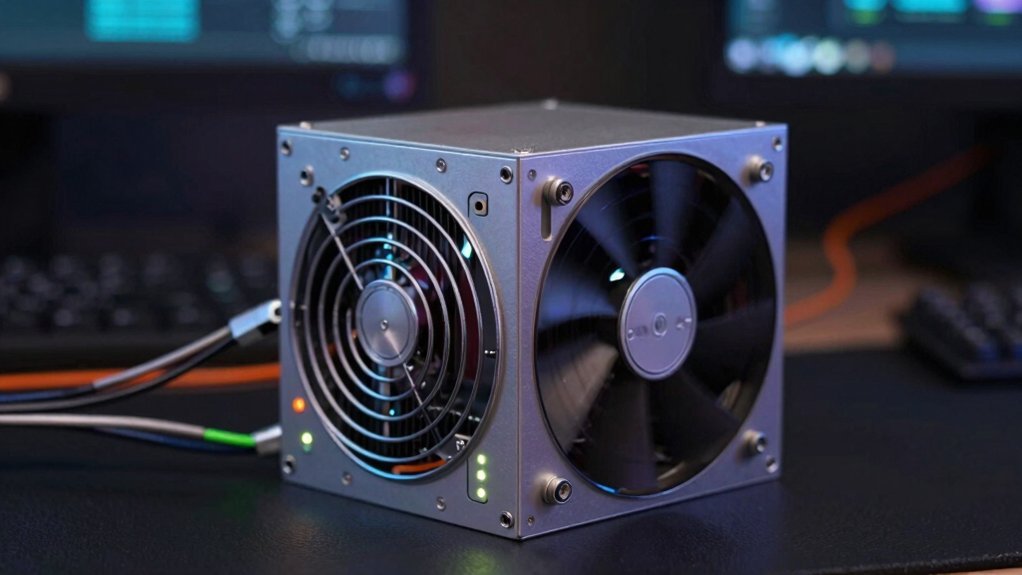
Usually, PSU fan noise stems from the heat generated during voltage conversion and power dissipation, which rises as the unit works harder to meet higher loads. You’ll notice that as load climbs—say during gaming or heavy compute—the fan must spin faster to push more air across the heatsink, and the noise climbs accordingly. Higher efficiency PSUs waste less power as heat, so they stay cooler and keep the fan quieter at low to moderate loads. The cooling design—fan size, heatsink area, and ramp‑up curve—determines how sharply the fan accelerates when load increases. Semi‑passive models may keep the fan off at idle, but once load pushes the temperature up, the fan engages and noise rises sharply. Understanding this relationship lets you target efficiency and cooling design to tame PSU fan noise. Additionally, choosing a PSU with a larger heatsink and more favorable thermal dissipation characteristics can further minimize fan activity thermal performance.
Pick a Semi‑Passive or High‑Efficiency PSU to Cut Fan Noise
Ever wondered how a semi‑passive or high‑efficiency PSU can silence your rig? You’ll cut noise by picking a unit that shuts its fan at low‑to‑mid loads and runs cooler thanks to superior efficiency. Look for a clear fan curve, a cutoff load where the fan stays off, and a high‑efficiency rating that minimizes waste heat. Those specs directly translate into noticeable noise reduction and a smoother acoustic profile.
| Feature | What to Check | Why It Matters |
|---|---|---|
| Semi‑passive mode | Cutoff load value | Determines when fan stops |
| Efficiency rating | 80 PLUS Gold/Platinum | Less heat → quieter |
| Fan curve | RPM vs. load graph | Predicts noise levels |
| Heatsink design | Size & fin density | Improves cooling, reduces fan speed |
Choose a PSU that balances these factors, and you’ll enjoy a quieter build without sacrificing performance.
Apply Simple Fan‑Control Tweaks – Step‑by‑Step

How can you tame your PSU’s fan without swapping the whole unit?
First, locate the fan‑control header on the motherboard or PSU and install a PWM controller. Set the low‑speed threshold around 30 °C; the PSU fan will stay off or spin slowly until the temperature climbs.
Locate the fan‑control header, install a PWM controller, and set a 30 °C low‑speed threshold.
Next, adjust the voltage curve in the BIOS or using software like SpeedFan, lowering the voltage at idle to cut RPM and achieve noise reduction. Verify the new fan‑control settings by monitoring temperature and fan speed under typical loads.
If you replace the stock fan, choose a low‑noise model such as the Noctua NF‑A14, ensuring it matches the PSU’s connector and current draw.
Finally, test the system at 50 % and 100 % load, confirming that efficiency stays high while the fan stays quiet.
Additionally, consider choosing a PSU with a low‑noise design to further minimize acoustic output while maintaining performance.
Add Insulation, Vibration Damping, and Routine Maintenance for Ongoing PSU Fan Quietness
Ever wonder why your PSU fan still hums loudly even after tweaking its speed? You can tame that noise by adding insulation and vibration‑damping foam around the internals. Pack foam spacers between the PSU chassis and the fan to absorb tremors, then re‑assemble with a thin layer of insulation to block acoustic transmission. Routine maintenance is equally essential: grab a round paintbrush and sweep dust from the fan blades and intake vents weekly, preventing buildup that forces the fan to work harder. Keep an eye on load and temperature; lower heat lets the fan spin slower, cutting noise further. If you upgrade, choose a high‑efficiency PSU that generates less heat, ensuring quiet operation without sacrificing performance. Magnetic capabilities in toolkits like labeled storage and magnetized tips help you manage tiny screws and components during maintenancemagnetic capabilities.
Frequently Asked Questions
How to Make a Power Supply Fan Quieter?
Swap the stock fan for a low‑noise model like Noctua NF‑A14, use a compatible JST‑XH adapter, and guarantee proper airflow; keep the PSU sealed, avoid soldering, and monitor temperatures.
Why Is My PSU Fan so Loud?
Your PSU fan’s loud because it’s working hard to cool inefficient, high‑heat components or a high‑load load; the fan’s size, speed, and design cause noise, especially when the unit lacks semi‑passive control.
Is a 25 dB Fan Loud?
No, a 25 dB fan isn’t loud; it’s barely above background chatter. You’ll hear it faintly, especially in quiet rooms, but it won’t dominate the soundscape or distract you during normal use.
How to Reduce Power Supply Noise?
You can lower PSU noise by tightening case airflow, setting a fan curve curve your BIOS or software, cleaning dust, using rubber mounts, and choosing a high‑efficiency, semi‑passive unit.
In Summary
By understanding why your PSU fan revs up and choosing a semi‑passive or high‑efficiency unit, you’ve already cut a big chunk of noise. Fine‑tune fan curves, add insulation and vibration dampers, and keep the cooler clean. These simple steps let you keep your system cool without the constant whirr, delivering maximum efficiency and a quieter workspace.


