
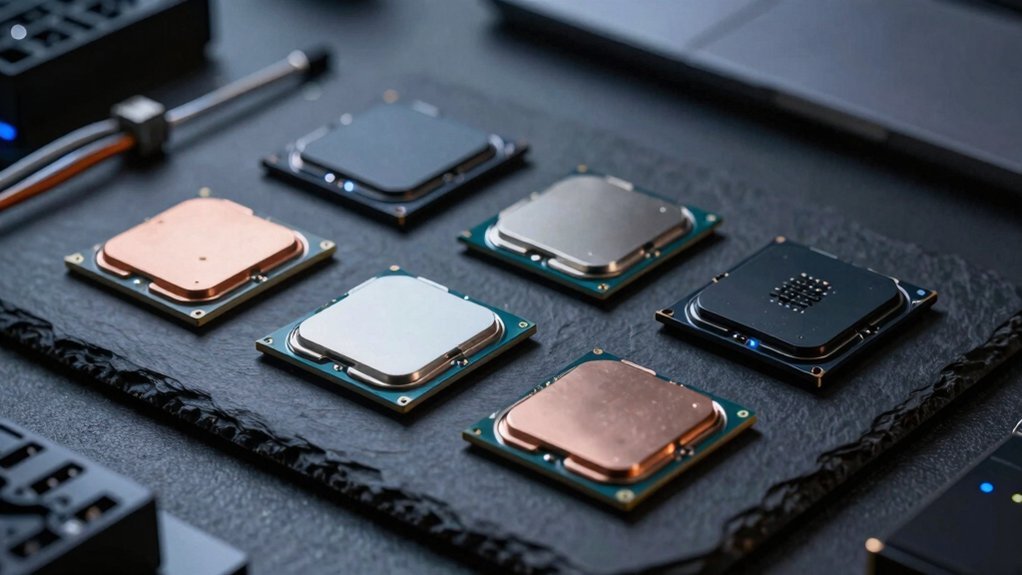
Treat a CPU’s TDP as a load gauge, not a strict power cap, and match it to your typical workload. Pick a low‑power part—like an Intel Celeron or Atom—that hits the PassMark score you need while staying within the envelope, so it can burst when required but stays idle at minimal draw. Check real‑world tests for burst handling and idle power, and verify roadmap support for long‑term availability. Keep reading to see specific model recommendations and how to balance performance per watt.
CPU TDP Matching: How to Align Power Draw With Real‑World Workloads

How do you match a CPU’s TDP to the power you’ll actually draw? Start by treating TDP as a relative load gauge, not a wall‑power meter. Real‑world workloads often push a chip beyond its TDP, so expect wall power to be 20‑50 % higher because of PSU inefficiencies and peripheral draw. Compare maximum‑load power across candidates; high‑end CPUs can spike dramatically, while idle power tends to converge thanks to power management and C‑states. Bursty workloads let a higher‑TDP part finish tasks quickly, but a low-power CPU may linger in low‑power states, reducing average consumption. In VM‑heavy or low‑usage scenarios, low‑power CPUs let you pack more instances with minimal idle power, delivering efficient performance without the penalty of oversized maximum‑load power. Additionally, consider the efficiency of the core microarchitecture and how it scales across active cores to maintain performance without unnecessary power draw power efficiency.
Low‑Power CPU Benchmarks: Spotting Overkill With Passmark and Real‑World Tests
Ever wondered whether a cheap Celeron can handle your daily VM workload without wasting power? Look at PassMark scores to gauge raw horsepower—Celeron J1900 sits near 1839, while an i5‑6200U reaches 4019. But numbers alone don’t tell the whole story. Real‑world tests reveal performance per watt and how a low‑power CPU copes with bursty workloads. Compare Celeron and Atom families against your specific workload fit; if a PassMark gap is huge, you may be over‑specifying. Run CPU benchmarks that simulate encoding, hosting, or gaming to see idle power states and burst handling. When the real‑world results line up with a modest PassMark score, you’ve found a balanced, efficient solution without unnecessary excess. Performance per watt shows how efficiency matters as much as raw speed.
Budget‑Friendly Low‑Power CPUs: Recommendations, Roadmap Support, and Future‑Proofing

Looking for a cheap, low‑power CPU that won’t become obsolete tomorrow? You can meet performance targets by matching workload to a low‑power CPU that stays within your power consumption envelope. Intel Celeron and Atom families are budget‑friendly, delivering enough PassMark scores for office, media, and light‑edge tasks while keeping heat low. Choose models on newer embedded platforms like Arrow Lake Refresh to gain roadmap support and long‑term availability, ensuring production continues for a decade. Roadmap support from vendors such as Teguar helps secure firmware updates and extended supply for reliable long‑term use roadmap support. Prioritize roadmap support from vendors such as Teguar, which promises extended supply and firmware updates. This approach balances capacity, efficiency, and total cost of ownership, giving you future‑proofing without overpaying for unnecessary horsepower.
Frequently Asked Questions
Is 24 Cores Overkill for Gaming?
Yes, 24 cores are usually overkill for gaming; most titles still rely on fewer high‑frequency cores. You’ll see marginal FPS gains, while power draw and cost rise without proportional performance benefits.
Which Processor Is Best, U or H or P or F?
Pick the H‑series if you need raw performance, the U‑series for battery life, the P‑series for balanced desktop use, and the F‑series when you’ll pair a dedicated GPU.
What Are the Most Power Efficient CPUS?
You’ll find the most power‑efficient CPUs in Intel’s Atom and Celeron lines, AMD’s Ryzen 3 U‑series, and ARM‑based Qualcomm Snapdragon chips; they prioritize low TDP while delivering adequate performance for everyday tasks.
Is a 4.7 GHZ CPU Good for Gaming?
Yes, a 4.7 GHz CPU can deliver strong gaming performance, especially if it has many cores, high IPC, and a large cache. Pair it with good cooling and a capable GPU for best results.
In Summary
By matching a CPU’s TDP to your actual workload, you’ll avoid wasted power and unnecessary heat. Use PassMark and real‑world benchmarks to spot when a chip’s performance exceeds your needs. Stick to budget‑friendly, low‑power models that still support your roadmap and future upgrades, and you’ll get the best balance of efficiency, cost, and longevity.


