
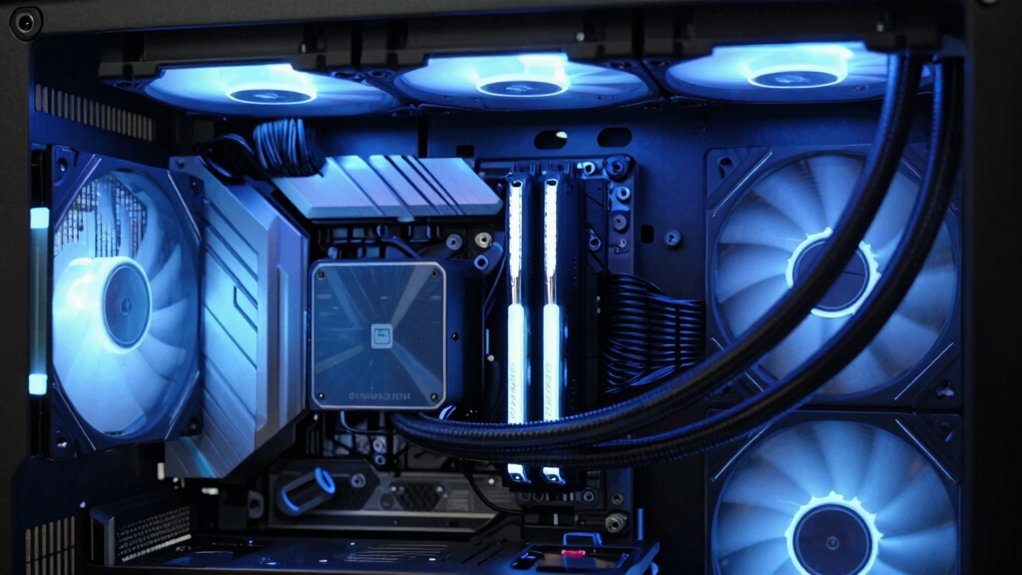
First, grab a soft brush or compressed air and clear the dust from the front mesh and filters; a clean mesh panel lets cool air flow in and keeps temps down. Next, tidy up the interior by routing cables behind the motherboard tray and securing them with ties or Velcro, so the main airflow channel stays open. Finally, flip any front‑mounted radiator fans to exhaust, balance intake and exhaust for neutral pressure, and you’ll see a quick temperature drop—keep going and you’ll discover even more budget‑friendly tricks.
Budget PC Airflow: Remove Dust & Install Mesh Front Panel
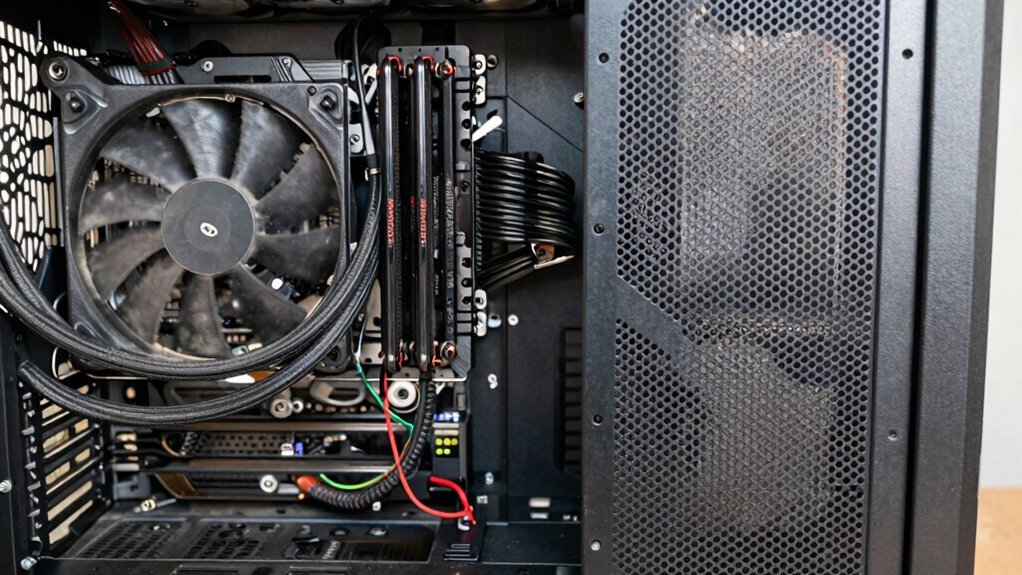
Ever wondered why your PC feels hotter after months of use? Dust removal is the first fix—grab a soft brush or compressed air and clear the front mesh and dust filters. A clean mesh front panel restores intake airflow, letting case fans pull cooler air without extra spin.
Replacing a solid front with a mesh front panel boosts front intake area, cuts resistance, and supports positive pressure, so dust stays out while the CPU and GPU stay cooler.
Keep the dust filters on the mesh front clean; a quick wipe each month prevents dust buildup from choking the airflow.
When budgeting, choose a panel that maximizes open area yet still holds a filter, giving you the best airflow gain without adding more fans USB-C Power Delivery 20W.
Budget PC Airflow: Organize Cables for Unobstructed Air Paths
After cleaning the mesh front panel, the next step is to clear the interior pathways by tidying up cables. Good cable management keeps airflow smooth, prevents hot spots, and aids dust reduction. Route excess wires behind the motherboard tray, then secure them with cable ties or Velcro straps. A clutter‑free interior lets case fans push air through unobstructed air paths, maximizing intake / exhaust efficiency and preserving the front panel mesh performance. Additionally, choose 3M adhesive cable clips for durable, residue-free mounting that helps keep cables out of the airflow path while maintaining clean removal when needed.
- Route cables behind the tray – keeps the main channel open for airflow.
- Secure with cable ties – eliminates loose strands that block case fans.
- Trim or replace long extensions – reduces clutter and improves dust reduction.
Budget PC Airflow: Re‑orient Fans & Balance Intake/Exhaust
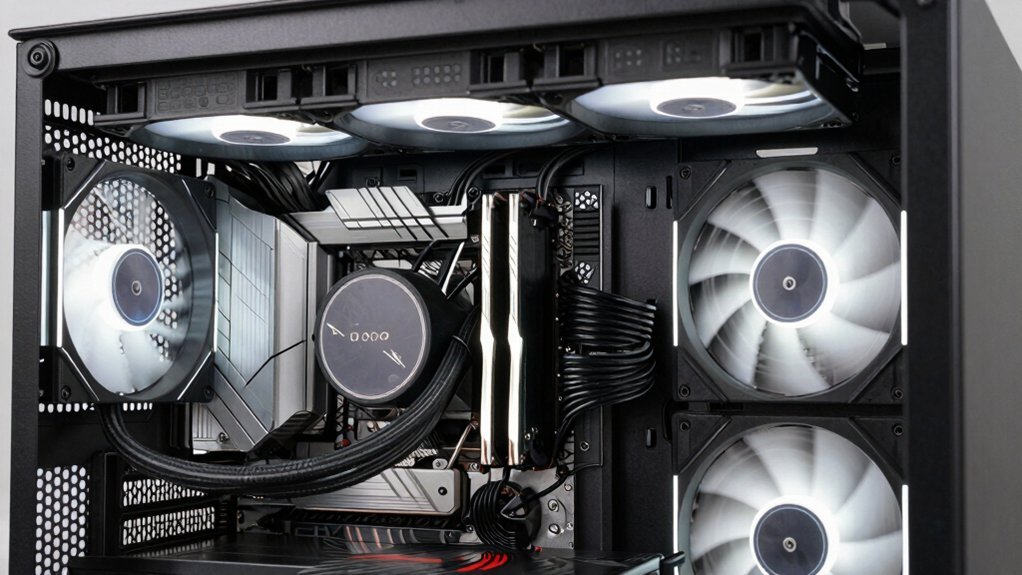
Looking to squeeze more cooling out of a modest setup? Flip your radiator fans to exhaust, keep the front intake clear, and aim for a clean front‑to‑back airflow path. Balance intake and exhaust to avoid negative pressure; a simple front intake plus top/rear exhaust gives steady case ventilation without extra fans. Use a mesh front panel for better airflow and dust reduction, and relocate cables away from the airflow path. Verify temperatures, then fine‑tune fan orientation and speed for quiet, efficient cooling. In addition, consider adopting eco‑friendly, long‑life battery concepts for accessories that might influence cable management and power delivery in a compact setup, such as long‑life recharge cycles to minimize maintenance and maximize reliability.
Frequently Asked Questions
How to Make Good Airflow in a PC Case?
You’ll boost airflow by placing front or bottom intake fans, top or rear exhaust fans, keeping intake and exhaust capacities balanced, clearing cables and grills, and fine‑tuning fan curves for steady air movement.
How Do You Optimize Air Flow in a PC?
You optimize airflow by placing intake fans at the front or bottom, exhaust fans at the top or rear, keeping cables tidy, using mesh panels, balancing pressure, and monitoring temps to fine‑tune fan speeds.
How to Fix Poor Airflow?
You should clear dust, replace solid front panels with mesh, add intake fans at the front and exhaust fans at the top or rear, and tidy cables so air flows straight through the components.
Do Case Fans Really Improve Airflow?
Yes, case fans boost airflow when you position them correctly—intake at the front, exhaust at the rear or top. They create a steady front‑to‑back stream, pulling cool air in and pushing hot air out.
In Summary
By keeping your case clean, using a mesh front panel, tidying cables, and properly orienting fans, you’ll boost airflow without breaking the bank. These simple steps let cool air reach critical components while hot air exits efficiently, extending hardware lifespan and maintaining performance. Stick to these basics, and you’ll notice a cooler, quieter system that runs smoothly on a budget.


