
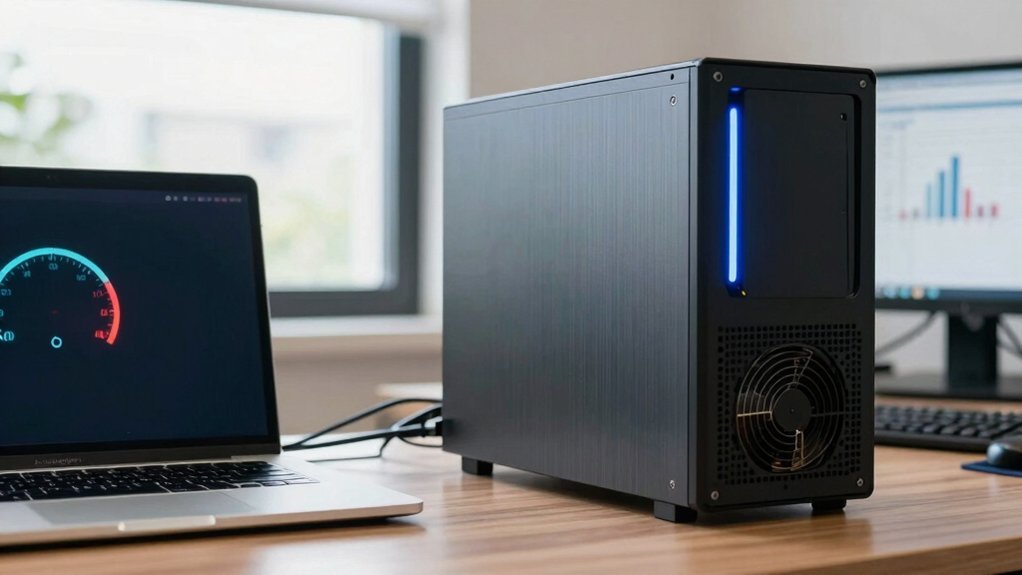
You’ll save roughly 80 % of the power you’d use on a desktop by picking a gaming laptop, because laptops usually draw about 150 W under load while desktops hit 500 W or more. Laptops throttle idle consumption to under 30 W, whereas desktops keep components powered and draw more even when idle. The GPU dominates power use, but laptop GPUs are capped near 200 W, and CPUs run at lower frequencies. If you keep reading, you’ll discover which setup truly wins on energy efficiency.
Gaming Laptop vs Desktop: Power‑Draw Comparison
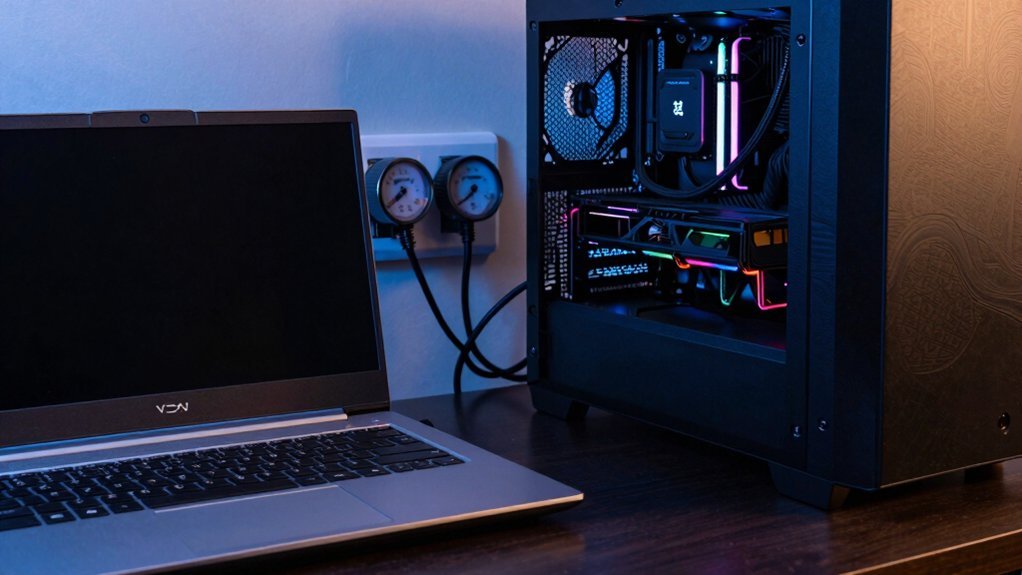
How much power does your rig actually sip? You’ll notice laptop power efficiency beats desktop power draw by a wide margin. A typical gaming laptop runs around 50 wattage, pulling roughly 0.4 kWh per day during 8 hours of play, while a gaming desktop can hit 300 wattage, consuming about 2.4 kWh in the same window. CPU/GPU scaling on the laptop keeps idle/standby power low, slashing energy consumption when you’re not in a full-load session. Power-Consumption This dynamic also means that better power-management features in laptops can further reduce costs over time, especially with modern efficiency-focused hardware.
Gaming Laptop vs Desktop: Which Specs Use the Most Power?
Which components actually drain the most power in a gaming rig? You’ll find that GPU power dominates, followed by CPU draw and then the system’s idle power. Desktop GPUs push sustained performance with high clock scaling, so desktop power spikes well above 700 W, while a gaming laptop caps GPU power near 200 W. CPUs on desktops stay at higher frequencies longer, raising overall consumption, whereas laptops throttle to preserve battery life. Even when idle, desktops sip more juice because their components stay powered, whereas laptops employ tighter power management.
- GPU – highest power, clock scaling dictates spikes.
- CPU – second‑largest draw, sustained performance vs. throttling.
- Idle power – desktop > laptop, affecting energy efficiency. Best Monitor Integration
Gaming Laptop vs Desktop: Real‑World Energy Costs

Ever wondered how much your gaming setup really costs you in electricity? A gaming laptop typically runs at 30–120 W, so over an 8-hour day its power consumption translates to roughly $1.80–$7.20 per month at $0.15/kWh. A gaming desktop, however, can pull 300 W or more, reaching about 72 kWh in the same period and costing around $10.80 monthly, not counting peripherals. Idle power also matters: desktops usually draw more standby wattage than laptops, adding to the total. The choice of components and peripherals, like high-refresh monitors and RGB lighting, can further influence overall energy usage and operating costs power efficiency concepts and should be considered when evaluating total cost of ownership. Choosing low-TDP components, SSDs, and efficient PSUs can close the gap, but real-world usage still favors the laptop’s energy efficiency, especially when you factor in the extra draw from monitors, speakers, and other peripherals.
Gaming Laptop vs Desktop: How to Calculate Your Gaming Power Bill?
Wondering how much your gaming sessions actually add to your electricity bill? First, note the wattage of each system. A gaming laptop typically runs at 150 W under load, while a gaming desktop can hit 500 W or more. Multiply wattage by hours played, divide by 1,000 to get kilowatt‑hours, then multiply by your electricity rate (e.g., $0.15/kWh). The result is your daily cost per day and and1.
Calculate gaming power use: wattage × hours ÷ 1,000 kWh × rate gives your daily electricity cost.
Record average power draw – use a plug‑in meter or BIOS readout.
Calculate daily electricity usage – (wattage × hours) ÷ 1,000 kWh.
Apply power management – lower brightness, enable GPU power‑saving profiles, and shut down idle/standby components to trim the power bill.
Universal fit considerations from the listed console covers can inform how you manage space and heat in a compact gaming laptop setup, potentially affecting cooling efficiency and overall power usage.
Gaming Laptop vs Desktop: Which Setup Wins on Energy Efficiency?

How much energy does your gaming rig actually consume? You’ll find the gaming laptop burns roughly 60‑180 W under a gaming workload, while a desktop can top 700 W. That gap translates into daily power consumption of about 0.4 kWh for a 50 W laptop versus 2.4 kWh for a 300 W desktop, so the laptop wins on energy efficiency.
The inclusion of modern power‑saving features and efficient hardware in gaming laptops often yields better real‑world energy use than older desktop builds built for peak performance. Bluetooth 5.0 connectivity and compact form factors contribute to lower idle draw in some compact speaker setups, reinforcing the broader principle that smaller, well‑engineered components can improve overall energy efficiency.
Frequently Asked Questions
Are Laptops More Power Efficient Than Desktops?
Yes, you’ll find laptops far more power‑efficient than desktops; they draw 30‑70 W versus 200‑500 W, idle lower, scale dynamically, and ENERGY STAR models cut consumption 30‑40 % compared to typical desktop setups.
Who Is the No. 1 Laptop Brand?
You’ll find Dell leading the market, thanks to its broad ENERGY STAR‑certified lineup, strong energy‑efficiency features, and frequent rebates that push it to the top of laptop brand rankings.
How Many Watts Does a Laptop Use Compared to a Desktop?
You’ll typically see laptops pulling 30‑70 watts, while desktops range from 200‑500 watts (gaming rigs even top 700 watts), so desktops consume roughly three to ten times more power than a laptop.
Are Laptops More Eco-Friendly Than Desktops?
Yes, you’re greener with a laptop. They draw far less power, especially in standby, and ENERGY STAR models cut consumption further, so your carbon footprint drops compared to a typical desktop.
In Summary
In the end, a desktop still outpaces a laptop on pure power efficiency—its larger components run cooler and draw less per frame. But if you value portability and can tolerate a modest energy penalty, a gaming laptop lets you game anywhere. Weigh your priorities: if minimizing your electricity bill and maximizing performance per watt matter most, stick with a desktop; if flexibility wins, the laptop’s convenience outweighs its higher draw.


