
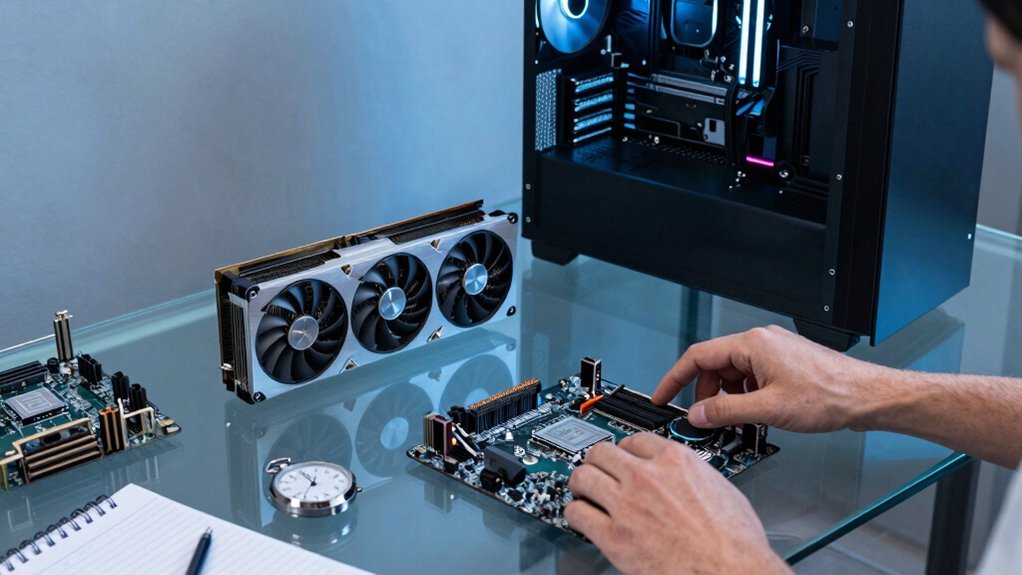
If your GPU hits 100 % while the CPU stays under 50 %, swapping the graphics card will give you the biggest FPS boost and usually lasts 2–5 years. If the CPU is maxed out, the GPU never exceeds 50 % or you’re gaming at 1080p/144 Hz, a full rebuild—new CPU, motherboard, RAM, and PSU—will keep the system balanced and future‑proof. Check power, case clearance, and PCIe compatibility before deciding, and you’ll see which path saves you more per frame.
Identify Your Bottleneck: GPU, CPU, or Both?
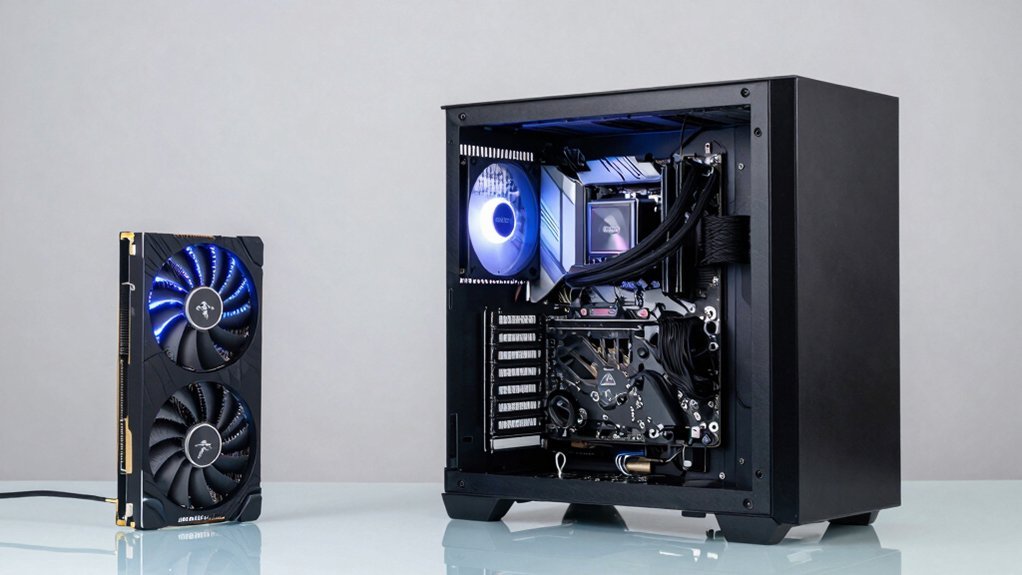
What’s slowing you down? You’ll notice a bottleneck when frame rates dip and your GPU hits 100 % utilization while the CPU hovers at a modest 30‑40 %. That pattern tells you an upgrade of the graphics card will deliver the biggest jump. Integrated charging station? Flip the script: if the CPU stays maxed out and the GPU never exceeds 50 % usage, the processor is the choke point, and a CPU upgrade will smooth performance. When both cores and GPU run flat‑out, you’re staring at a dual bottleneck—time to plan a balanced upgrade or a full rebuild to avoid swapping one limit for another. Tools like MSI Afterburner, HWiNFO64, and GPU‑Z let you track FPS, utilization, and temps, confirming which component consistently maxes out before you benchmark the results.
GPU Upgrade vs Full Build: How Long Will It Last?
Wonder how long a single GPU upgrade will keep your rig competitive?
Typically, you’ll see an upgrade lifespan of two to five years, though high‑end cards like the RTX 4080/4090 can stretch that window a bit longer because performance shifts happen slowly. Additionally, staying mindful of humidity and storage conditions from budget storage guidance helps preserve component longevity during periods of non-use environmental protection. If you’re eyeing a full rebuild, expect full build longevity of five to ten years, with many enthusiasts hitting seven to eight years before the next major overhaul.
Keep in mind that CPU or motherboard bottlenecks may force a component swap even when the GPU stays fresh, nudging your overall timeline.
Regular driver maintenance—clean uninstall with DDU and reinstall—helps preserve performance after each swap, ensuring each upgrade or rebuild delivers its intended lifespan.
GPU Upgrade vs Full Build: Cost‑Per‑Frame Breakdown
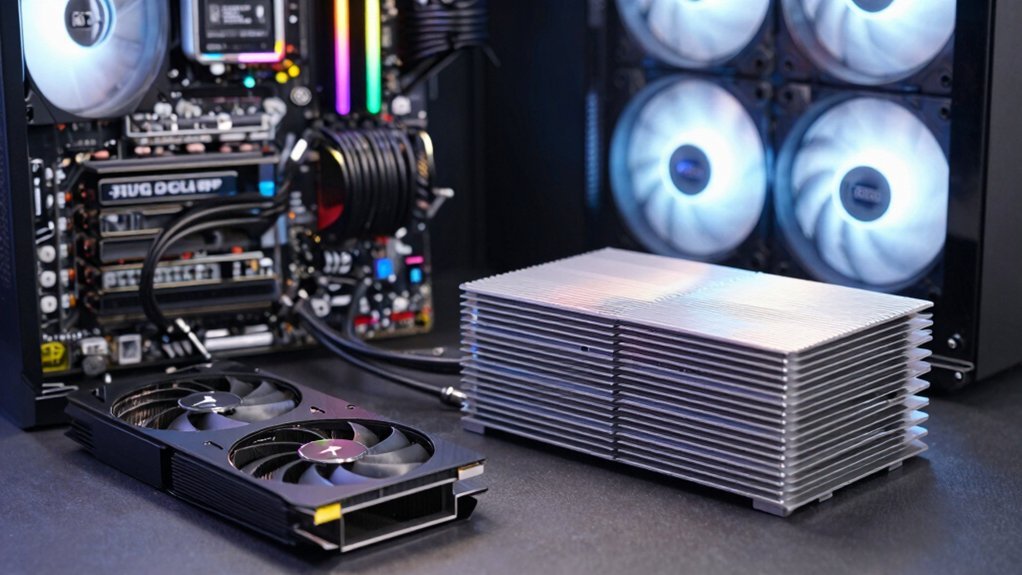
How much will each frame actually cost you when you weigh a single GPU swap against a full system rebuild? If your rig is graphics‑bound, a GPU upgrade slashes cost‑per‑frame dramatically because you spend only on the card that fuels graphics performance. A full rebuild spreads the bill across CPU, motherboard, RAM, and possibly PSU, inflating the per‑frame price even though you gain broader speed. USB-C PD 20W ports and fast charging considerations can influence how much headroom a GPU upgrade preserves for frame rate gains in some setups USB-C Power Delivery.
GPU Upgrade vs Full Build: Power‑Supply & Case Checklist
You should first verify that your PSU can handle the new card’s power draw, then measure the case’s interior to confirm the GPU will fit without obstructing other components. Ensure that your case has adequate airflow and consider installing additional fans if needed to support higher heat output for sustained gaming performance. Power requirements and plan for adequate airflow and cooling to keep temperatures in check. Finally, make sure any cable routing or clearance issues won’t compromise stability or performance.
PSU Compatibility Check
Considering a GPU upgrade or a full rebuild? First, verify PSU compatibility by checking the power requirements of your new card. A high‑end GPU like the RTX 4080 draws around 340 W, so you’ll need a unit that can comfortably supply that plus headroom for the rest of the system. Look for available PCIe connectors—6+2‑pin or 8‑pin—and confirm the total wattage meets or exceeds the combined load. For future‑proofing, aim for a 750 W–1000 W PSU with 80 Plus Gold or Platinum efficiency; this ensures stable delivery and lower electricity waste. If your current PSU falls short, a replacement is cheaper and safer than a full rebuild. Double‑check all connections before installing the GPU. Power-supply capacity remains a critical factor when planning a GPU upgrade or full rebuild, as it determines whether your system can handle peak loads without throttling.
Case Dimensions & Clearance
Is your case actually big enough for the new GPU? When you plan a GPU upgrade, measure the interior length, width, and height clearance. High‑end cards often exceed 300 mm and can hit drive cages or top fans. Check that the case dimensions also leave room for motherboard heatsinks and RAM modules, and verify PCIe slot spacing for dual‑slot coolers. If you’re doing a full rebuild, choose a case that matches the motherboard form factor and provides extra slots for future cards.
| Item | What to Check |
|---|---|
| Length clearance | Minimum interior distance from rear panel |
| Width clearance | Space between PCIe slots and side panels |
| Height clearance | Clearance above motherboard and RAM |
| Power‑connector access | Room for PCIe 5.0 or 8‑pin cables |
These checks ensure a smooth GPU upgrade without compromising airflow or future upgrades.
Thermal Management Planning
Wondering how a new GPU will affect your system’s cooling and power? You’ll need to verify that your PSU can handle the extra draw—high‑end GPUs can pull 340 W, so a higher‑wattage unit or new PCIe connectors may be required.
Next, revisit thermal management: check airflow paths, adjust fan curves, and consider adding case fans or upgrading the CPU cooler to keep temperatures in check.
Measure case clearance; a larger GPU can block vents and restrict airflow, so ensure enough length, width, and motherboard space.
If you choose a full build, you’ll gain a more efficient case design, better PSU efficiency, and optimized motherboard airflow, reducing throttling risk across all components.
Evaluate GPU‑specific coolers or aftermarket solutions for the best thermals.
Integrated Support and how it relates to cooling efficiency may influence your upgrade path, especially when considering under‑desk cable management and unobtrusive stand solutions that keep your workspace tidy.
GPU Upgrade vs Full Build: Motherboard & PCIe Compatibility
What’s the real hurdle when you swap a new GPU into an older rig? PCIe compatibility often dictates whether a simple swap works or you need a motherboard upgrade. If your board only offers PCIe 3.0, a Gen 5‑ready graphics card will be throttled, and power delivery may fall short of the newer card’s requirements. You’ll also hit limits with BIOS support and lane allocation, especially on older chipsets that can’t handle the bandwidth of today’s high‑end GPUs. In those cases, a full build becomes more sensible: a new motherboard, CPU, and DDR5 memory can unlock the GPU’s full potential and avoid bottlenecks. Check the card’s length, PSU connectors, and case clearance, but remember the platform’s age often drives the decision. Budget boards often have limited PCIe lanes and weaker VRMs, which can further constrain high‑end GPU performance VRM cooling.
Resolution & Refresh Rate Impact on Upgrade Choice
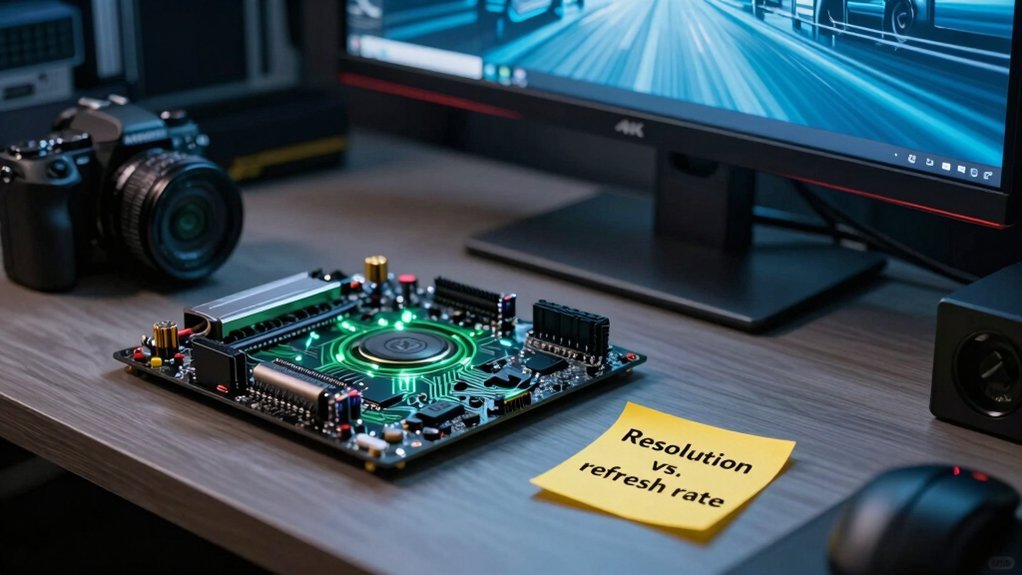
You’ll notice that higher pixel density pushes your GPU harder, so a 1440p or 4K monitor often justifies a graphics upgrade.
Conversely, if you’re chasing ultra‑high refresh rates at 1080p, the CPU may become the bottleneck before the GPU does.
Weighing these factors helps you decide whether the ROI leans toward a new GPU or a more balanced system refresh.
Pixel Density vs. GPU Power
Why does pixel density matter more than raw horsepower at 4K? At that resolution, each frame packs four times as many pixels as 1080p, so the GPU must push far more data per second. Your GPU power becomes the bottleneck; a stronger chip translates directly into smoother textures and higher detail without the CPU stepping in.
Conversely, at lower resolutions, a CPU upgrade can sometimes outpace a modest GPU boost because the GPU isn’t taxed by pixel density. When you add extra monitors or run GPU‑accelerated workloads, the pixel count multiplies, further amplifying the need for raw GPU power.
Refresh Rate Bottlenecks
Ever wonder how your monitor’s refresh rate reshapes the upgrade decision? At 1080p, a high‑refresh panel (144 Hz+) often hits a CPU‑centric bottleneck; boosting CPU Performance can lift frame‑rates more than a new Graphics Card.
When you crank the resolution to 1440p or 4K, the pixel load shifts to the GPU, so a Graphics Card upgrade becomes the clear winner.
If you already run a modest 1080p/144 Hz setup, the extra frames you crave usually come from faster cores, not a fancier GPU.
Conversely, 4K gamers rarely see CPU gains; they need more horsepower in the graphics pipeline to keep up with the massive pixel count.
- 1080p + high refresh → prioritize CPU Performance
- 1440p/4K → Graphics Card upgrade dominates
- High FPS at low resolution stresses the processor
- Pixel‑heavy resolutions shift the bottleneck to the GPU
Resolution‑Driven Upgrade ROI
How does your target resolution and refresh rate dictate where you’ll see the biggest performance payoff? If you aim for 1440p or 4K, the graphics card becomes the limiting factor, so a GPU upgrade will shave off frame‑time lag and boost visual fidelity.
At 1080p with a 144 Hz or higher monitor, you’ll likely hit CPU‑bound performance bottlenecks; a faster processor can deliver more FPS than a new GPU alone.
Weigh your budget against your workload: gaming at ultra settings rewards a powerful GPU, while productivity or high‑refresh gaming at lower resolutions may justify a full rebuild with a stronger CPU. Align your upgrade plan with the resolution‑driven ROI to avoid overspending on hardware that won’t move the needle.
When CPU Upgrades Beat GPU Swaps in Gaming?
Ever wonder if a new CPU could outshine the latest GPU in your gaming rig? When your titles are CPU‑bound—think massive open‑world simulations, high‑frame‑rate competitive shooters, or heavy streaming—you’ll see boot times, launch speeds, and multitasking improve dramatically after CPU upgrades. Even a top‑tier GPU can’t compensate if the processor stalls the pipeline, so swapping the GPU alone leaves you throttled. Planning a CPU upgrade means checking socket compatibility, memory support, and cooling capacity, but it often extends the life of your existing GPU and motherboard for years.
- Identify bottleneck‑heavy games and benchmark CPU usage.
- Verify motherboard socket and BIOS support for the new processor.
- Ensure RAM speed and capacity match the CPU’s requirements.
- Upgrade cooling and power delivery if the new CPU draws more energy.
Upgrade‑Path Calculator: Find Your Best Option
Wondering which upgrade will give you the biggest performance jump? Use our Upgrade‑Path Calculator to compare a GPU upgrade against a complete rebuild. Input your current CPU, motherboard, power supply, and the games or apps you run. The tool checks PCIe version, wattage headroom, and driver health, then tells you if a GPU upgrade will relieve the bottleneck or if a full system refresh is smarter. It factors in typical refresh cycles—GPUs every 2‑5 years, rigs every 5‑10—so you see short‑term gains versus long‑term compatibility. The calculator also flags when a high‑end RTX 4080/4090 would extend the waiting period, helping you balance immediate performance with future software demands.
Case Study: Budget Gamer Saves Money With GPU Swap
You’ll see how swapping just the GPU saved you a lot of cash while still boosting frame rates at high settings.
The upgrade gave a noticeable performance jump for a fraction of a full‑system rebuild cost, and it leaves room for future upgrades without replacing everything.
Keep an eye on power, cooling, and driver clean‑up to ensure the new card runs smoothly and lasts longer.
Savings From GPU Swap
How much can you save by swapping a single GPU instead of rebuilding the whole rig? You’ll notice immediate savings because a GPU upgrade costs a fraction of a full system rebuild. By keeping your existing CPU, RAM, and case, you avoid buying a new motherboard, power supply, and cooling solution. The price gap between an older card and an RTX 40‑series GPU often translates into a 60‑80 % reduction in total spend, while still delivering noticeable frame‑rate boosts. Plus, you sidestep the time and effort of reinstalling Windows and configuring BIOS settings.
- Only purchase the GPU, not a new chassis or PSU.
- Reuse your current CPU and RAM, eliminating extra hardware costs.
- Save on software licensing and OS reinstall fees.
- Avoid labor or professional fees for a full build.
Performance Gains vs Cost
Saving money on a single GPU swap translates directly into noticeable performance gains, especially for budget gamers. When you replace a 10‑series or 20‑series card with a modern GPU, you’ll see higher frame rates and sharper visuals without paying for a full system overhaul.
The cost of a GPU upgrade stays low compared to buying a new motherboard, CPU, or PSU, and you avoid the downtime of a complete rebuild.
Timing your purchase for sales or stock availability can shave even more off the price, while clean driver installation with DDU ensures the performance boost isn’t throttled.
Keep an eye on power and PCIe limits; if they’re already compatible, the upgrade alone delivers the best bang for your buck.
Longevity and Future Upgrades
Extending your rig’s life by swapping GPUs every few years can keep performance fresh without the expense of a full rebuild. A GPU upgrade every 2–5 years gives you noticeable speed bumps while the rest of your system stays viable. High‑end cards like the 4080/4090 stretch that interval, so you enjoy longer longevity without chasing the next motherboard. Keep drivers clean with DDU, and double‑check CPU, socket, PSU, and case fit—these compatibility checks prevent costly surprises. Budget gamers reap big gains because the cost gap between a single GPU swap and a whole rebuild is huge, yet the performance uplift feels almost like a new machine.
- Swap every 2–5 years for steady gains
- Use DDU for clean driver installs
- Verify power, size, and slot compatibility
- Choose high‑end GPUs to maximize longevity
Case Study: High‑End Gamer Needs a Full System Build
Ever wondered why your 4K‑gaming rig feels sluggish despite a brand‑new GPU? You’re a high‑end gamer pushing 1440p‑4K frames, and the graphics performance you expect stalls because system compatibility isn’t balanced. Your RTX 4090 demands a DDR5‑compatible motherboard, PCIe 5.0 lanes, a 1000 W PSU, and robust cooling; without them, bottlenecks appear. You clean old drivers with DDU, reinstall the latest suite, and test stability.
After a year of swapping GPUs, you notice diminishing returns, so you decide on a full rebuild. You select a Z790 board, 32 GB DDR5 RAM, a 120 A power supply, and a liquid cooler to match the GPU’s peak. The new platform delivers smooth 4K gameplay, AI‑enhanced shaders, and future‑proof headroom, confirming that a complete system upgrade can outweigh incremental GPU swaps.
Frequently Asked Questions
Why Is 90% of My GPU Being Used?
You’re hitting 90 % because the tasks you run demand more graphics power than your card can supply, so it’s maxing out while the CPU and RAM stay idle.
Is Upgrading a GPU Worth It?
You’ll find it worth it if your games are GPU‑bound, you have a compatible power supply and case, and you’ve confirmed the CPU and RAM aren’t the bottlenecks. Otherwise, a full rebuild may be smarter.
What Is the #1 GPU in the World?
You’ll find the RTX 4090 leading today’s consumer market, delivering unmatched rasterization, ray‑tracing, and AI performance. It tops benchmarks, dominates gaming and creator workloads, and sets the current performance ceiling.
What Is the Average Lifespan of a GPU?
You’ll typically get five to seven years of solid performance from a GPU before it starts lagging behind modern workloads, though high‑end cards can stay competitive a bit longer with driver updates.
In Summary
In the end, you’ll get the most mileage by fixing the part that actually holds you back. If your frame‑rates are throttled by an old GPU, a targeted upgrade will boost performance without the hassle and cost of a full rebuild. But if the CPU, RAM, or motherboard are already lagging, swapping the GPU alone won’t keep up for long. We the bottleneck, weigh the price‑per‑frame, and choose the path that gives you the best bang for your buck.


