
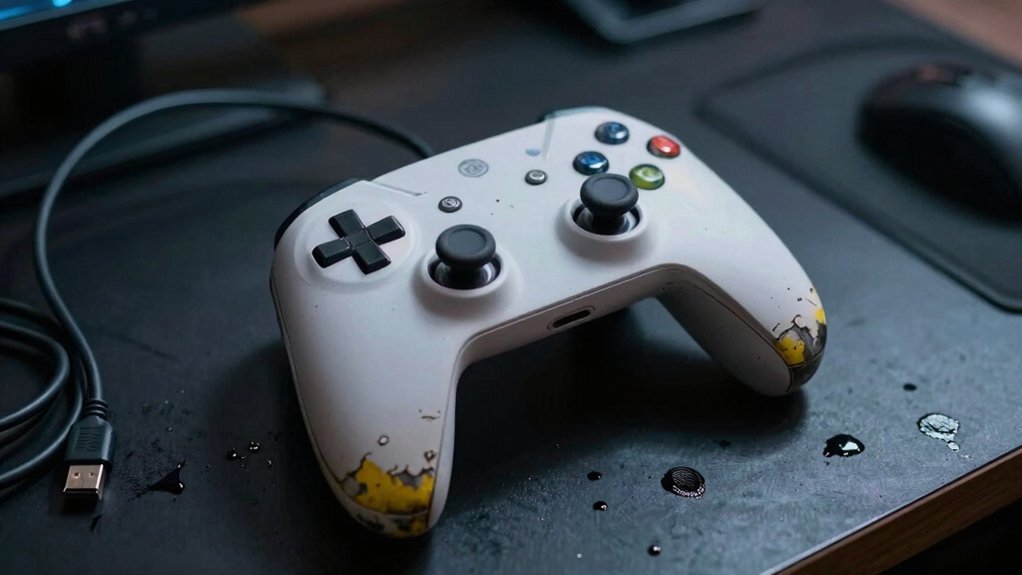
If your sticks drift no matter how you calibrate, your buttons feel sticky, double‑tap, or don’t register, you lose Bluetooth connection at normal play distance, the battery dies in a few hours or won’t charge, or the case shows cracks, loose parts, or unusual heat, those are clear signs the hardware is failing. Ignoring any of these will only worsen wear and affect gameplay. Keep going and you’ll discover exactly what to check next.
Uncalibratable Stick Drift – A Key Controller Problem
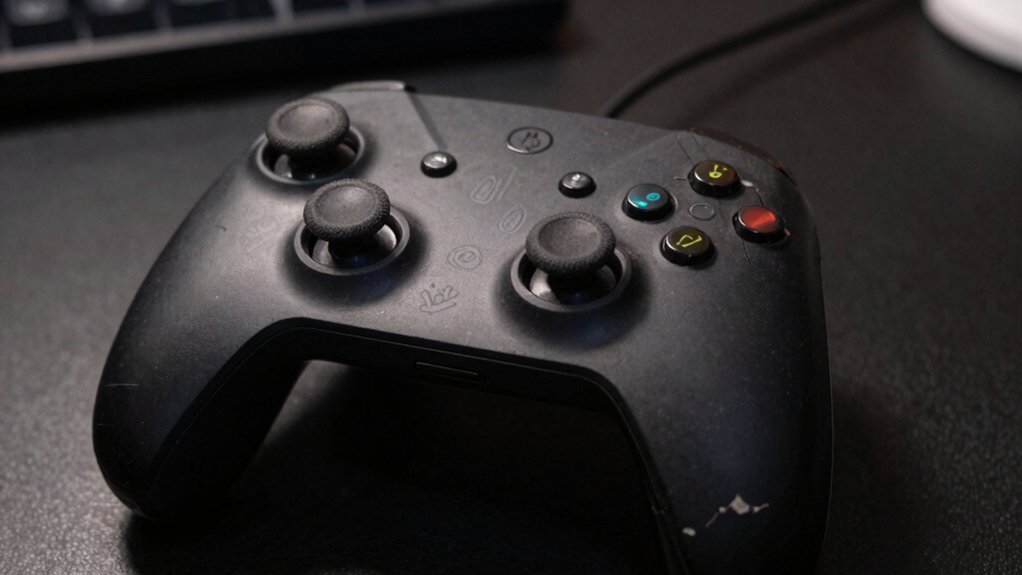
Ever notice your joystick drifting even after you’ve calibrated it? That’s uncalibratable drift, a stubborn off‑center movement that won’t fix with software tweaks. It usually means internal wear or a faulty potentiometer, not just a misaligned stick. You’ll feel a constant pull in one direction or a wobble that stays after every recalibration attempt.
Ignoring it lets analog stick wear spread, stressing other inputs and edging the whole controller toward failure. Acting fast can stop the damage, but the only reliable fix is professional testing or a controller replacement. When the drift persists, swap the unit before the problem escalates into more costly repairs or total loss of precise control. Surface Compatibility & Removal
Sticky, Double‑Tap, or Unresponsive Buttons
Why do some buttons feel sticky, register double taps, or stop responding altogether? You notice a sticky feel, odd clicks, or missed presses when the contacts wear out or internal damage forms. Test each button for consistent response; if you get double inputs or unresponsive buttons after cleaning, the problem is likely deeper than surface grime. Persistent inconsistency usually means the controller needs professional testing or replacement, because gameplay suffers when you can’t trust a single press. A higher-quality controller may offer enhanced reliability and longer-term durability under regular use.
Controller Bluetooth Disconnections and Weak Signal Issues
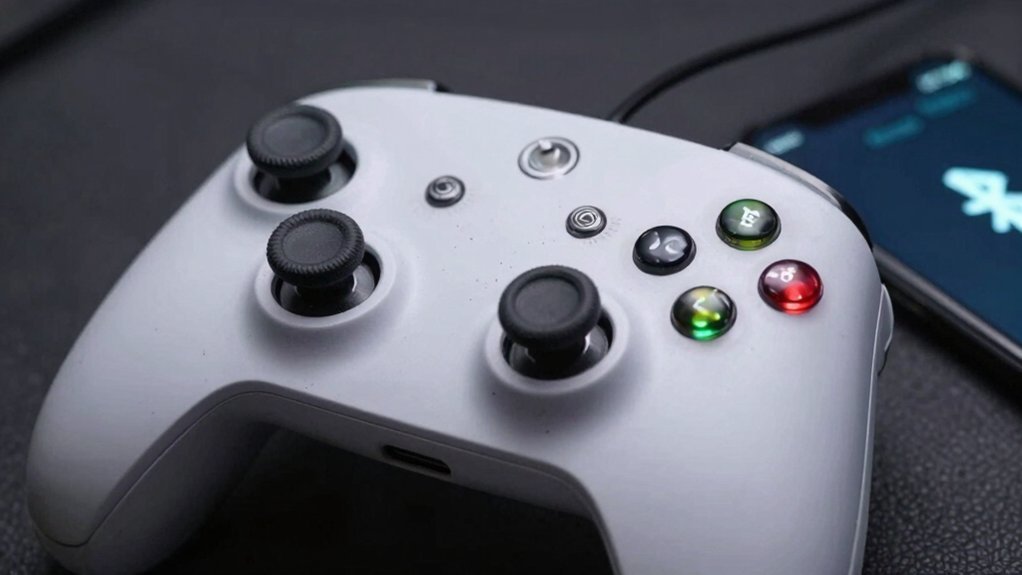
Sticky or double‑tap issues often point to internal wear, but when the controller suddenly loses its Bluetooth link, the problem usually lies in the wireless hardware. If you notice Bluetooth disconnections at normal play distances—about six feet—it’s likely not just interference. A damaged Bluetooth antenna can cause a weak signal, making the connection drop even when you’re near the console or PC. Test the controller on multiple devices; if the issue persists, the antenna or internal circuitry is probably at fault. Regular checks for non-slip stability can help ensure the controller remains steadier during intense gaming sessions non-slip stability. While checking battery health helps, repeated drops across systems point to hardware failure rather than software. When the weak signal remains despite troubleshooting, replacing the controller is the most reliable solution.
Battery Drains Quickly or Won’t Charge at All
Is your controller dying in minutes after a full charge, or refusing to charge at all? That symptom usually means the battery’s health has slipped past the 300‑500‑cycle sweet spot. First, test the battery’s capacity with a diagnostic app; a rapid drop signals degradation. Next, swap cables and clean the charging port—dust or a frayed lead can mimic a dead battery. If the controller still won’t charge, it’s time to consider a professional inspection for a replacement. Run a battery health check to confirm capacity loss. Inspect charging accessories—try a new cable and clean the port. Seek expert evaluation—arrange a replacement if basic fixes fail. Battery health can guide whether a replacement is truly needed, especially when high-cycle packs claim long lifespans but degrade faster in real use.
Physical Damage Signaling Internal Failure – When to Repair or Replace
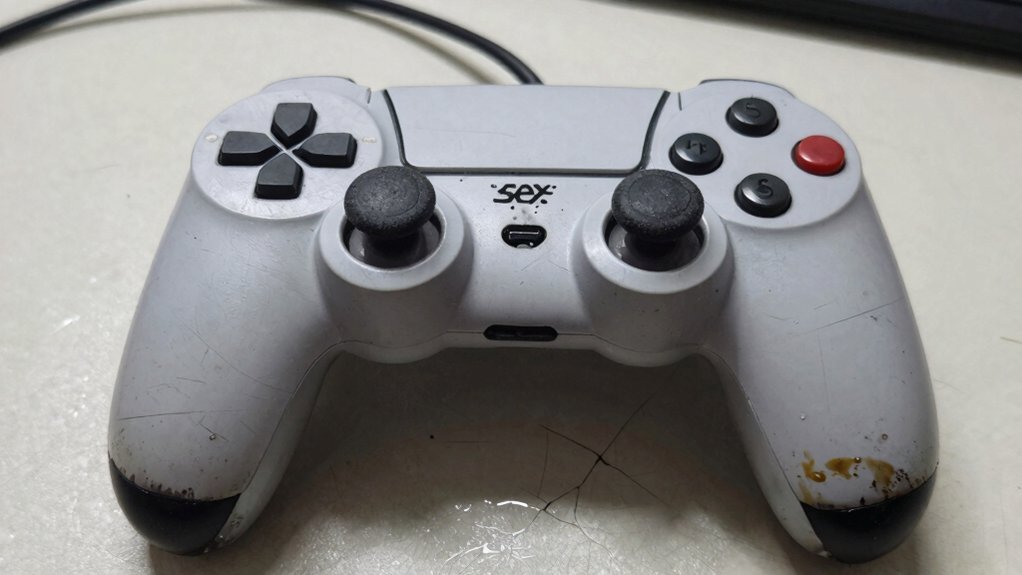
Ever notice a cracked case, loose grip, or missing screw on your controller? Those signs of external wear often mask internal degradation that can cripple joysticks, buttons, or the battery. Feel for uneven weight, strange grinding, or sudden heat when you play—those cues suggest components are failing beneath the shell. A quick visual and tactile inspection lets you gauge whether a simple repair will suffice or if you need a full replacement. If the exterior is battered but the internal health remains uncertain, a professional assessment helps you decide repair vs replacement before the damage spreads. Acting early prevents a minor crack from turning into total failure, saving you time and money. Regular testing of performance metrics like response time can also help spot subtle failures early HDMI 2.1 compatibility considerations.
Frequently Asked Questions
How Do You Tell if You Need a New Controller?
You’ll know you need a new controller when you notice lag, stick drift, double‑presses, rapid battery loss, or frequent disconnections that persist across devices, signalling internal hardware failure.
What Is the Average Lifespan of a Controller?
You’ll typically get 300‑500 charge cycles, roughly two to five years of regular use, before performance drops noticeably, so expect to replace the controller around that timeframe.
How Do You Know if Your Controller Is Bad?
You notice lag, stick drift, double‑presses, odd button feels, charging failures, or random wireless drops; those symptoms mean the controller’s hardware is deteriorating and it’s time to replace it.
Is It Worth Repairing a Controller?
You should repair it if the issue’s minor—like drift or lag—because a same‑day fix and free diagnostics often extend its life, saving you the cost of a brand‑new controller.
In Summary
If you’re seeing uncalibratable drift, sticky or unresponsive buttons, frequent Bluetooth drops, rapid battery loss, or obvious physical damage, it’s time to replace your controller. Ignoring these signs will only worsen performance and could even damage your console. Swap it out now to restore smooth, reliable gameplay and avoid the frustration of constant interruptions. Stop playing with a failing device and get back to the action.


