
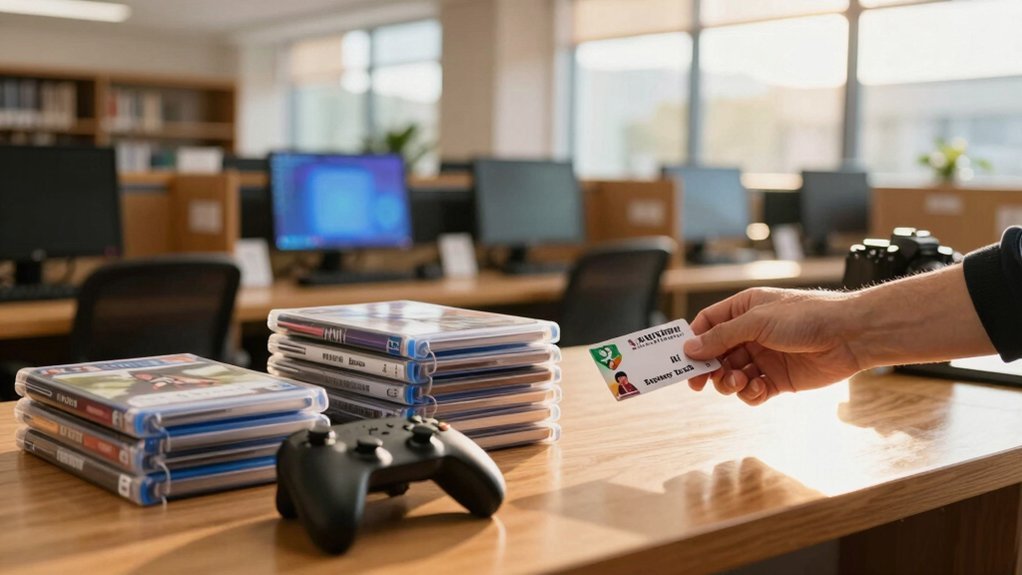
Get a library card online or in person with proof of address, then log into your library’s website and search the game catalog by platform (Switch, PS4, Xbox, etc.). Place a hold on a title you like; if it’s not locally stocked, request it via interlibrary loan. Borrow the game for two‑to‑three weeks, renew online if no holds exist, and return it in the secure case or drop‑off slot. You’ll also unlock free digital games on Hoopla and Kanopy—keep going to discover how to make the most of those services.
Create a Library Card – Free Access to All Resources
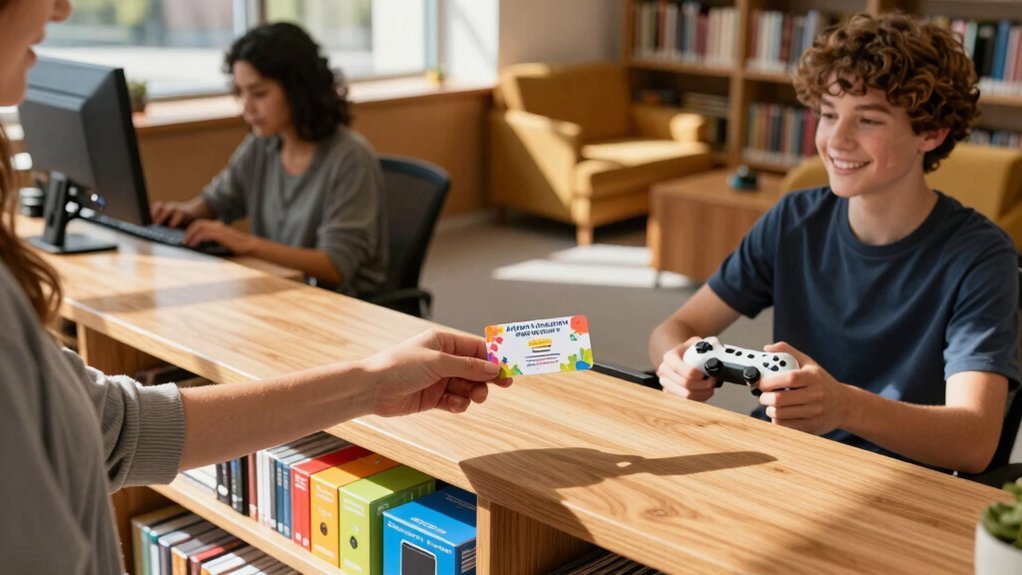
A library card instantly release every resource the library offers—physical games, digital titles, and even interlibrary loans. Interlibrary loan can expand your options beyond what your local branch owns. You apply online or in person, show proof of address, and receive a card that works across all branches. With that library card, you can check out video games for free, from the latest Switch titles to classic Xbox One discs. Borrow periods usually run two to three weeks, and you can renew if no one else has placed a hold. If your local branch doesn’t own a game you want, request an interlibrary loan and the system will fetch it from a partner library. Many libraries also link the same card to digital platforms like Hoopla, letting you stream or download games without ever leaving home.
Find Your Library’s Online Game Catalog
You can hop onto your library’s website and type “games” into the online catalog search bar. Use the filter options to narrow results by platform—whether you’re after Switch, PS4, Xbox One, or older consoles. The system will instantly show which titles are available, on hold, or ready for checkout. In addition, you can explore metadata like release year and genre to help guide your selection color temperature matters.
Search the Catalog
Ever wondered how to locate the perfect game without wandering the shelves? You can start by opening your public library’s catalog on its website or mobile app. Enter the game’s title, or filter by platform—Switch, PS4, Xbox One, Wii, PS3, or Xbox 360—to see what’s available. The catalog shows real‑time status, so you’ll know instantly if a copy is on the shelf, checked out, or on a hold list. If the title isn’t in your branch, look for an interlibrary loan option that lets you request it from another location. Some libraries also list upcoming PS5 and Xbox Series X releases, giving you a heads‑up on future additions. Place a hold directly from the catalog, then monitor the queue for availability. Interlibrary loan can expand your options even when a title isn’t locally stocked.
Filter by Platform
After locating a title in the catalog, narrow the results by selecting the platform you own—Switch, PS4, Xbox One, Wii, PS3, or Xbox 360—to see exactly which copies are on the shelf, checked out, or on hold. Your library’s online system lets you filter by platform, showing disc or cartridge formats and indicating immediate checkout or wait‑list status. If a title isn’t at your branch, you can request it via interlibrary loan, expanding your choices across the network. Use the filter to isolate current‑gen releases or dig up older classics, then place a hold or check it out right away. Platform filtering helps you quickly compare availability across formats and devices.
Request and Hold Library Video Games (Including Interlibrary Loan)
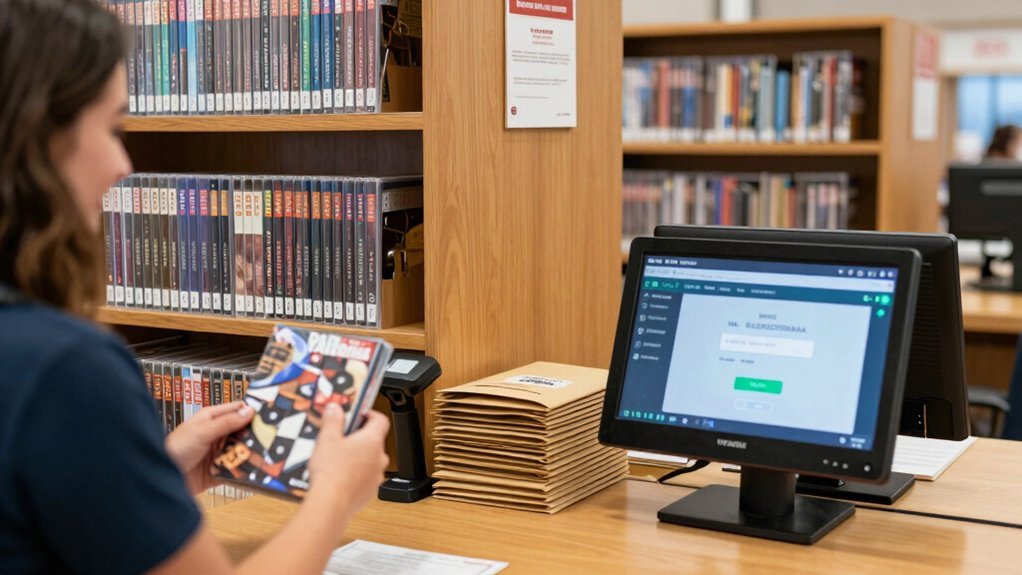
Got a game in mind but can’t find it on your branch’s shelves? You can still get it by placing Holds through your library’s online catalog. Search for the title, click “Place Hold,” and the system will queue you. If the game isn’t in your local collection, request it via Interlibrary loan; the library will borrow it from another branch or partner system. You’ll receive an email when it arrives, and you can pick it up at the designated desk. Keep an eye on the hold status—popular titles may have longer wait lists, but multiple copies can speed things up. Use the catalog’s filters to check platforms, then lock in your hold and enjoy gaming without spending a dime. Interlibrary loans can expand access to titles not in your local catalog, ensuring broader availability Interlibrary loan and the chance to reserve more options.
Loan Length, Renewal Rules, and Hold Policies – What You Need to Know
Now that you’ve secured a hold, you’ll want to know how long you can keep the game and what to do if you need more time. Most libraries set a loan length of two to three weeks, and you can renew once or twice—provided no other patrons have placed holds on that copy. If a hold appears, the library will block further renewals and you’ll need to return the game when it’s due. Keep an eye on the hold list; popular titles often have long queues, so expect waiting periods as copies move through the line. You can also request the same game from another branch via interlibrary loan, which may give you a fresh loan length and avoid existing holds. Check your library’s weekly holds report to gauge demand and plan accordingly. When in doubt, ask a librarian about any recent changes to renewals or holds so you can plan your access interlibrary loan effectively.
Pick Up, Play, and Return – Handling Discs and Switch Cartridges
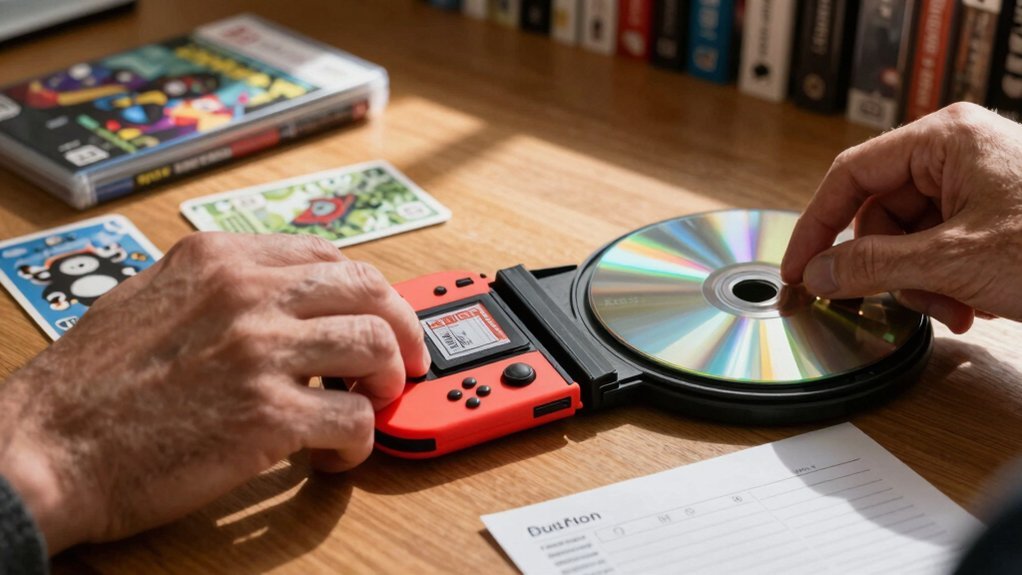
When you pick up a Switch cartridge, store it in the library’s designated case to keep it safe from scratches. If you need more time, renew the item online or at the desk before the due date to avoid late fees. Return the disc or cartridge to the drop‑off slot, making sure it’s properly sealed in its sleeve. Regularly check for updates on circulating items and consider enabling automatic renewals if your library offers them renewal policies, which can help you manage return timelines without interruptions.
Secure Cartridge Storage
Ever wonder how to keep your borrowed Switch cartridges and game discs safe while you’re playing at the library? First, use the secure, magnetic‑lock case the library provides. Slide the cartridge into the slot, close the latch, and the lock will keep it from being knocked out or tampered with. When you’re done, place the cartridge back in the same case before returning it to the checkout desk.
If you’re using a disc, keep it in its original sleeve and store it upright in the designated rack; avoid stacking discs or leaving them exposed to sunlight. Clean any fingerprints with a soft, lint‑free cloth, and report scratches immediately. These simple storage habits protect the games and keep the library’s collection in top shape.
Renewal Process Explained
How does the renewal process work for your borrowed games? You check the library’s online catalog, locate the disc or Switch cartridge, and see if a hold is queued. If no holds exist, you can request a renewal for another two weeks, usually with one click or a quick call. When a hold appears, the item becomes ineligible for renewal, and you must return it by the due date. Return it to the front desk or drop box; the staff will scan it and update the system. If you need more time, ask about interlibrary loan or cross‑branch requests, which can extend access when the original copy is unavailable. Remember, renewals depend entirely on holds and item availability.
Explore Free Library Gaming Platforms (Hoopla, Kanopy)
Wondering where to find video‑game titles without leaving your couch? You can tap into Hoopla and Kanopy, the library‑backed platforms that stream games, movies, and more straight to your device. With a library card, you borrow instantly on Hoopla—no holds, automatic returns—while Kanopy streams videos without extra fees. Check your local library’s page for the current catalog, since titles vary by system. Both services eliminate late fees and disc hassles, expanding the library’s reach into your living room.
| Platform | Feature | Access |
|---|---|---|
| Hoopla | Instant checkout, no holds | Library card |
| Kanopy | Stream videos, documentaries | Library card |
| Both | No late fees, automatic returns | Library card |
| Both | Varying catalog by library | Check local site |
| Both | Supports games, movies, eBooks | Digital device |
Join Library Gaming Events and Programs
Typically, libraries host gaming events like “Gamers Unite” that bring teens and community members together for hands‑on play, demos, and discussions. You can check the library’s social media or event calendar to see when the next session starts, then RSVP or just drop in. At these gatherings you’ll find a wide collection of Games—both physical copies and digital titles—available for trial without buying anything. You’ll get to play new releases, discuss game history, and meet fellow players who share your interests. By participating, you help demonstrate demand, which can prompt the library to expand its gaming systems and resources. This involvement also boosts teen engagement, making the library a vibrant hub for community interaction.
Frequently Asked Questions
How to See Free Games on Steam Library?
Open Steam, click Library, then select “Free to Play” from the sidebar. Browse the list, click a title to view details, and hit Install to add it to your collection instantly.
Are 87% of Games Lost?
No, you’re not missing 87 % of games; that statistic refers to titles no longer supported or archived, not the vast catalog you can still borrow from libraries, both retro and modern.
Is Kanopy Free With a Library Card?
Yes, you get free Kanopy access with a library card—just log in using your card credentials, link the account, and start streaming. Your library may limit monthly plays, but many offer unlimited viewing.
How to See Hidden Library Games?
You’ll find hidden library games by logging into the catalog with your card, selecting “Advanced Search,” checking “All Formats,” and typing keywords like “video game” or the platform name.You’ll find hidden library games by logging into the catalog with your card, selecting “Advanced Search,” checking “All Formats,” typing keywords like “video game” or the platform name, and exploring the “Hidden” collection for more.
In Summary
Now you’ve got the card, the catalog, and the know‑how, so dive into the games you love without spending a dime. Grab, disc, play at home, and return it on time—your library’s shelves are your new gaming hub. Keep an eye on digital platforms like Hoopla and Kanopy for instant streaming, and join community events to level up your experience. Happy gaming!


