

You can slash gaming costs up to 80% by using a Nintendo Family Membership for up to eight members, sharing Switch Online perks, and leveraging My Nintendo points for free wallpapers, icons, and bonuses. Grab the 14‑day GameShare window to loan digital purchases between two consoles, and time purchases around eShop sales to stretch each dollar. Set up parental controls to protect purchases while keeping access seamless, and watch your points pool grow with daily missions. Keep reading to discover the top ten savings tricks.
Choose Family Membership or Virtual Card Sharing
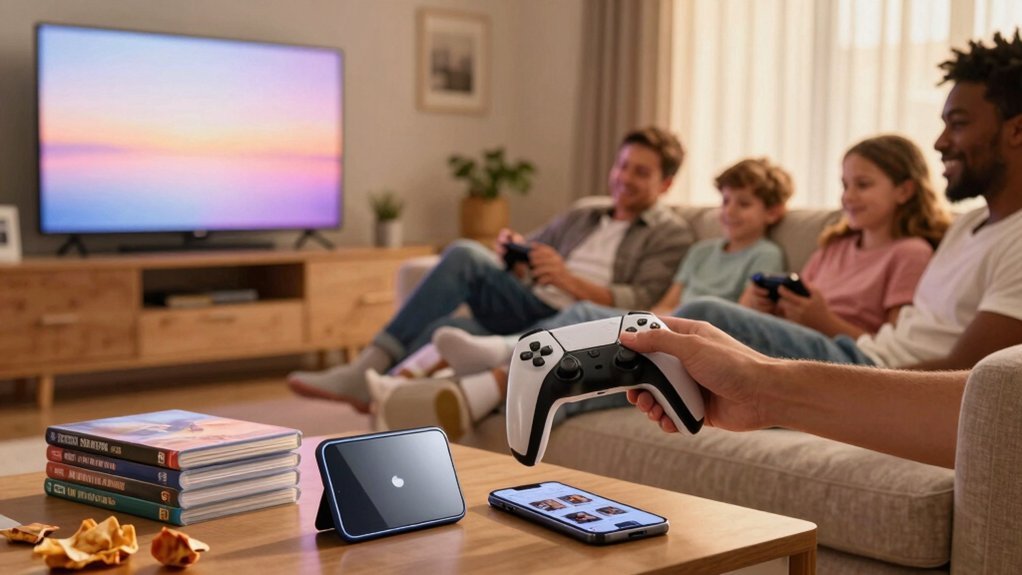
Wondering whether to go with a Family Membership or just share a virtual card? If you already have a Nintendo Account, a Family Membership lets up to eight members split the cost—under $5 each per year for the basic Switch Online plan, or about $10 with the Expansion Pack. You’ll enjoy online play, classic titles, and special offers without juggling separate logins. The shared plan also boosts My Nintendo rewards, unlocking extra points for digital purchases like wallpapers and exclusive icons. Enable memory-efficient benefits by ensuring each member uses a properly configured account setup and consistent access to benefits internet connectivity requirements. The shared plan also boosts My Nintendo rewards, unlocking extra points for digital purchases like wallpapers and exclusive icons.
Family Sharing Savings With Nintendo Switch Online
Why not turn your Nintendo Switch Online subscription into a family‑wide bargain? You can create a Nintendo Family Group and share online play, classic titles, and exclusive offers with up to eight members for roughly $5 per person a year, or $10 with the Expansion Pack.
As the admin, you’ll send email invites through accounts.nintendo.com; invitees must use the same email for their Nintendo Account.
Once the group is set up, every member enjoys the same Switch Online perks without extra cost. You also earn My Nintendo rewards tied to active membership, completing missions to rack up points for digital wallpapers and icon elements.
A 100‑point Platinum bonus awaits when you learn more about Family Memberships, letting you redeem points for exclusive items and visual upgrades, along with cable management features in some supported accessories that help keep gaming setups tidy.
Set Up a Nintendo Family Group for Easy Sharing
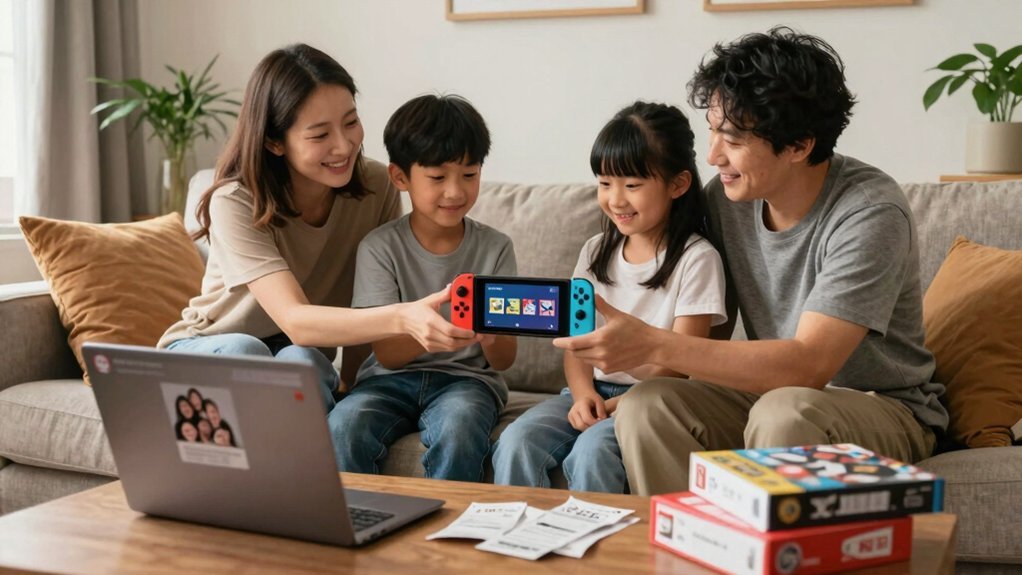
How can you get everyone in your household gaming instantly? Start by creating a Nintendo Family Group, which lets up to eight members share Switch Online perks and classic titles for under $5 a year each. Sign in at accounts.nintendo.com as the admin, click “Family group,” then “Add a member.” The process supports using external power sources and USB-C connections for compatible devices as you set up and manage the group Family Group setup.
Leverage My Nintendo Points for Free Game Perks
You can turn the points you earn on My Nintendo into free game perks without spending a dime. Just keep your Switch Online membership active, complete the missions, and watch the points stack up for exclusive digital rewards. Redeeming those points gives you instant access to wallpapers, icons, and even bonus content for the games you already love. CTIA TRRS standard compatibility guides how headsets work across devices and can influence which perks you can unlock for compatible accessories.
Nintendo Rewards Redemption
When you log into My Nintendo, each completed mission instantly adds points to your balance, and those points can be swapped for free game perks such as exclusive digital wallpapers, icon elements, and even limited‑edition physical items. You’ll notice that Nintendo rewards redemption works across all linked accounts, so your family can share the benefits without extra cost. The system rewards consistent play and an active Switch Online membership, turning everyday gaming into a treasure hunt for digital rewards. By checking the My Nintendo dashboard daily, you’ll stay on top of new missions, bonus offers, and limited‑time items that keep the experience fresh and engaging. The program also includes guidance on managing surface compatibility and safe removal of items to maintain devices in optimal condition.
Free Game Perks Access
Switching your focus from the broader rewards system, you can turn those My Nintendo points into free game perks that instantly enhance your library. Link your Nintendo Account to My Nintendo, then check the perks tab after each mission you complete with an active Nintendo Switch Online membership. Those missions drop Platinum Points, which you can swap for exclusive digital wallpapers, avatar gear, or in‑game bonuses that require no extra purchase.
If you’ve signed up for Family Memberships, you’ll receive a 100‑point bonus right away, giving you a head start on the best free perks. Keep an eye on the redemption window, because points expire if you don’t claim them promptly, and remember that each family member’s activity fuels the pool of points you can spend.
Share Digital Games Across Family Switch Consoles
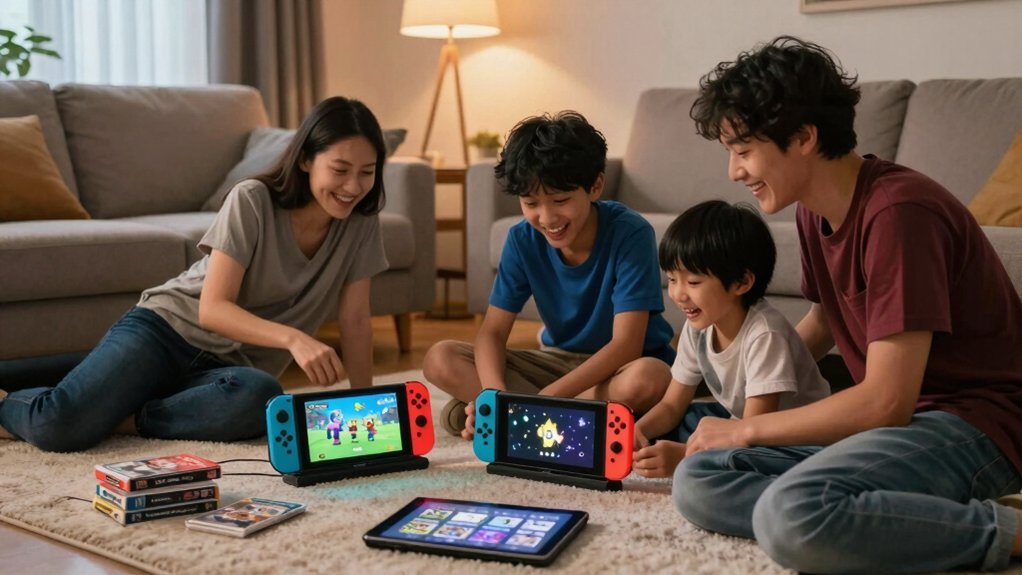
Nintendo’s GameShare lets you turn a digital eShop purchase into a 14‑day loan that two family members can use on separate Switch consoles in the same house. You’ll link both consoles to the same Nintendo Account, set the primary device for offline play, and keep the secondary online for verification. The loan expires after two weeks, then you can renew it, letting each player enjoy titles like Mario Kart 8 Deluxe or The Legend of Zelda: Tears of the Kingdom without buying extra copies. Remember, only one console can run the game at a time, and remote sharing will need a Switch Online subscription after March 2026. Living‑room console humming while the bedroom console streams the same adventure
When to Buy Physical Cartridges vs. Digital Copies
You’ll want to time your purchase around sales to snag the best price, whether you’re grabbing a cartridge or a digital download. In addition, consider how a lightweight, portable monitor setup can make gaming on the go more convenient for family trips and shared spaces portable gaming monitors and how quick plug-and-play compatibility with USB-C and Mini-HDMI inputs can simplify setup across devices.
Timing of Sales & Discounts
When should you grab a deal, and whether to go digital or stick with a cartridge? You’ll save most when you sync purchases with Nintendo Family Group GameShare windows and watch digital sales timing around holidays and quarterly eShop drops. Physical cartridges lose the shared‑license perk, so buying them after a price cut rarely benefits the whole clan. Plan your download during a 14‑day virtual card handoff to maximize access for up to eight members, and keep an eye on March 2026’s Remote GameShare rollout, which will need a Switch Online subscription.
- A Friday night flash sale on Mario Kart 8 Deluxe, perfect for a weekend family race.
- A mid‑month price dip on The Legend of Zelda: Tears of the Kingdom, ideal for shared adventure.
- A pre‑holiday bundle for Super Smash Bros. Ultimate, ready for group tournaments.
- A summer eShop clearance for Animal Crossing: New Horizons, great for long‑term co‑op play.
Storage Space & Convenience
A handful of factors decide whether you should grab a cartridge or stick with a digital copy. Physical cartridges take up shelf space, but they’re plug‑and‑play—no account setup, no internet checks, and no need to designate a primary Switch. If you value a tidy living room and want instant handoffs between consoles, a cartridge wins.
Digital copies, meanwhile, live in your Nintendo library and can be shared across a Family Group, letting up to eight members access the same title after a 14‑day window and re‑authorization. That means you can eliminate the physical clutter and still enjoy the game, but you must manage online verification, subscription status, and the one‑game‑at‑a‑time limit. Choose the format that matches your space constraints and how often you’ll rely on digital sharing.
Resale Value & Longevity
Most gamers find that physical cartridges retain resale value far better than digital copies, because ownership transfers directly between consoles without any licensing hoops. When you buy a cartridge, you can hand it off at a garage sale, trade it at a local shop, or give it to a friend, preserving its resale value and extending its longevity. Digital licenses, by contrast, lock the game to an account, so once you redeem it, the asset can’t be sold, and its value evaporates as platforms change policies.
- A dusty shelf of classic titles you can flip for cash.
- A child’s hand passing a game to a sibling, instantly usable.
- A family’s budget stretching further with multiple physical copies.
- A digital library that fades when online checks fail, erasing resale value.
Plan Purchases Around Seasonal Sales for Family Budgets
Ever wondered how to stretch a family budget while grabbing the best digital deals? You can turn a Family Group into a savings engine by timing purchases around seasonal sales. Align the 14‑day virtual‑card sharing windows with Nintendo eShop discount periods, then allocate the discounted titles to the eight members. This approach slashes the need for separate digital licenses, letting you split the $5‑per‑person Switch Online cost or the $10‑per‑person Expansion Pack fee across the whole group. Compare yearly membership fees to the total price of DLC or popular games you’d otherwise buy multiple copies of. By planning reauthorization cycles ahead of each sale, you keep access seamless and maximize per‑member value without overspending.
Parental Controls That Preserve Family Sharing Access
You’ll set up parental controls that let you keep shared access permissions intact while protecting purchase rights. By linking child profiles to the main account, you can restrict purchases, online play, and communication without breaking the Family Group’s 14‑day sharing window. Regularly checking activity logs ensures unauthorized downloads stay out, keeping everyone’s game library uninterrupted.
Parental Controls via
Curious how you can keep kids safe while still enjoying every benefit of your Nintendo Switch Online Family Group? You can set parental controls directly from the host account, and the rules instantly apply to every linked device. This keeps your Family Group’s digital game sharing intact, so all eight members keep their licenses, classic‑game library, and special offers. The controls let you block chat, restrict purchases, and hide mature content without breaking shared access, and any change you make propagates across the whole group.
- A child profile can only launch age‑appropriate titles while the adult can still join co‑op sessions.
- Online play stays enabled for everyone, but voice chat is muted for younger users.
- Purchase approvals route to the parent’s PIN, preserving the shared wallet.
- Content filters hide mature screenshots and videos from the child’s dashboard.
Shared Access Permissions
How can you keep the whole family enjoying shared game libraries while still enforcing safe limits?
By setting up a Family Group, you give up to eight members access to shared benefits like online play and classic titles, yet you retain granular permissions.
As the admin, log in at accounts.nintendo.com, open Family Group, and invite each child with their Nintendo Account email.
Once they accept, you can toggle parental controls that restrict mature content, limit communication, or require a PIN for purchases, all without breaking the shared benefits.
These permissions apply instantly across the group, ensuring every member enjoys the subscription while you maintain a safe, controlled environment.
This balance lets you protect younger players without sacrificing the collective value of your Nintendo Switch Online plan.
Safeguarding Purchase Rights
Parental controls let you lock down which profiles can tap into the family’s shared digital library, keeping the Switch Online benefits intact while preventing accidental deletions. By linking a Nintendo Account to the primary console, you assure the Family Group can share purchases with up to eight members without losing rights. Set a 14‑day online reauthorization window so each member must reauthenticate before resharing a title, preserving access across devices. Keep an eye on network location to block shared games when kids stray from home, and regularly audit the Family Group to block rogue invitees. With these steps, you safeguard purchase rights while maintaining a seamless, family‑wide gaming experience.
Avoid License Conflicts: Common Pitfalls & Simple Fixes
When you try to share a GameShare title between two Switch consoles, the system will only allow one active player at a time, so remote checks and online verification can instantly block concurrent use. To dodge license conflicts, keep the primary console (Switch 1) online while the secondary (Switch 2) initiates the share; both must be physically present for the first setup. Make sure Switch 2 has a stable internet link—any drop stalls the license check until connectivity returns. Remember that, starting March 2026, remote GameShare demands an active Nintendo Switch Online subscription, adding a recurring cost. Before you buy, verify the eShop icon; only games marked with the official GameShare badge support sharing, preventing wasted effort on unsupported titles.
Quick Checklist for a Budget‑Friendly Family Gaming Setup
If you want a cost‑effective family gaming hub, start by setting up a Nintendo Family Group and sharing a single Switch Online membership across up to eight members—each person ends up paying under $5 a year (or about $10 with the Expansion Pack). Invite each member through accounts.nintendo.com, make sure their email matches their Nintendo Account, and lock in My Nintendo rewards by completing missions tied to the shared Nintendo Switch Online plan. Earn the 100 Platinum Points bonus for learning about Family Memberships, then redeem points for exclusive wallpapers and icons. Keep privacy settings tight and verify your country’s eligibility so every device stays online and every child can join the Digital Game Sharing fun.
- Create a shared email folder for all Family Group invites.
- Set up parental controls on each Switch before linking.
- Sync My Nintendo accounts to collect Platinum Points instantly.
- Test the shared library on a TV docked console and a handheld device.
Frequently Asked Questions
How to Lend a Virtual Game Card to a Family Member?
You link both Switches to the same Nintendo Account, open Settings → Family → Game Card, select the title, choose “Lend,” then follow the on‑screen prompts to authorize the 14‑day loan.
What Are the Best Family Online Games?
You should try Mario Kart 8 Deluxe, Super Smash Bros. Ultimate, Animal Crossing New Horizons, and Splatoon 3—each supports multiplayer, runs smoothly online, and keeps everyone entertained together.
What Is the Best Family Friendly Video Game System?
You should choose the Nintendo Switch; it offers portable and docked play, easy family accounts, robust parental controls, and a library of kid‑friendly titles that keep everyone entertained together.
Can I Share My Digital Switch Games With Family?
Yes, you can share your digital Switch games with family by setting up a Nintendo Family Group, assigning a primary console for each game, and letting secondary consoles access them online when needed.
In Summary
You’ve got the tools to keep your family gaming budget lean and fun. By setting up a Nintendo Family Group, sharing My Nintendo points, and timing purchases with sales, you’ll snag the best deals without hassle. Use parental controls wisely to keep access smooth, and steer clear of license mix‑ups with the quick fixes we covered. Follow the checklist, and you’ll enjoy endless gaming together—without breaking the bank.


Leave a Reply