

You need a strong CPU, hardware encoder, enough RAM, fast storage, proper cooling, and a reliable power supply because each part prevents stalls, keeps game FPS high, and maintains a steady 1080p/60fps stream even on a budget. A six‑core CPU balances gaming and OBS encoding, while NVENC, Quick Sync, or AMF offload the heavy lifting to the GPU. 16‑32 GB RAM and an NVMe SSD smooth out data writes, and decent cooling and a 450 W 80 Plus PSU keep everything stable. If you keep going, you’ll discover how each component fits together for optimal performance.
Select a Strong CPU for Your Budget Streaming PC
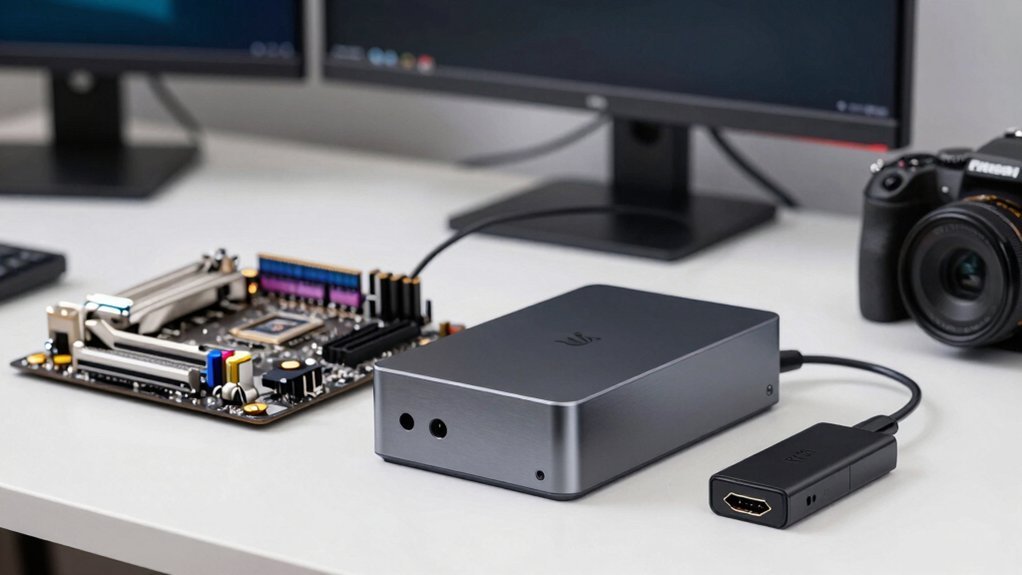
When you’re building a budget streaming PC, a capable six‑core CPU is the cornerstone that lets you game and encode simultaneously without dropping frames. The Ryzen 5 5600X and Core i5‑12400F both hit that sweet spot, delivering strong single‑thread performance for gaming while keeping enough cores free for OBS encoding. A six‑core design provides multitasking headroom that dual‑ or quad‑core chips lack, so you maintain smooth frame rates even when the stream is live. Pick the Ryzen if you favor AMD’s boost clocks, or the Intel chip for slightly better efficiency. Six‑core performance ensures you can sustain high game FPS while encoding in real time, which is essential for budget streaming builds. Either way, the CPU anchors your streaming setup, balancing gaming performance and encoding load without breaking the bank.
How Hardware Encoders (NVENC, QuickSync, AMF) Keep Your GPU Happy
Why bother letting your CPU do all the heavy lifting when you can offload video encoding to dedicated hardware? With NVENC, Quick Sync, or AMF handling the codec, your streaming PC shifts the heavy‑weight task to the GPU, preserving frame rates and gaming performance. In OBS Studio you simply select the hardware encoder, and the GPU handles 1080p60 streams while the CPU stays free for overlays, alerts, and chat. Modern RTX 30‑series NVENC delivers 8‑bit and 10‑bit quality with barely any framerate drop, so even budget cards like the RTX 3060 or AMD 6600 keep gameplay smooth. High‑end GPUs add headroom for 4K or AV1, but the core benefit remains the same: GPU offload means less strain, steadier bitrate, and a happier, more responsive streaming experience. Hardware offload further enhances efficiency by letting the GPU manage encoding tasks alongside its rendering workload.
RAM & SSD Speed Needed for Smooth Budget Streams
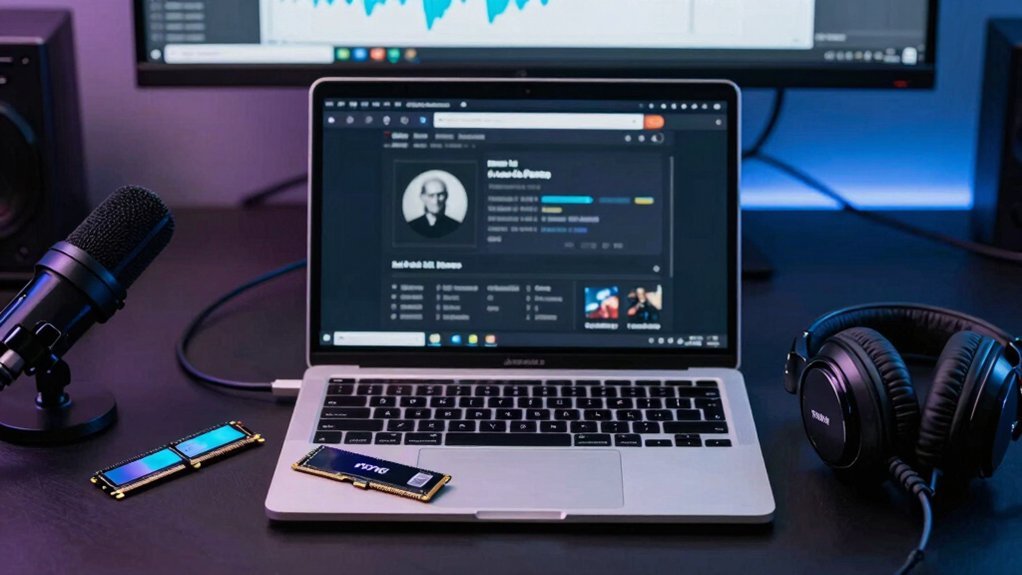
A smooth budget stream hinges on enough RAM and a fast SSD, because both keep your game, OBS, and background apps from stepping on each other’s toes. You should aim for at least 16 GB RAM as a baseline; 32 GB RAM gives you headroom when you run demanding games, streaming software, and extra utilities together. DDR5 kits around 5200 MT/s boost multitasking performance, but the real bottleneck often lies in storage. NVMe SSDs provide the fastest load times and write speeds for recording and archiving 1080p footage, which helps maintain a steady stream without stutter. Even a SATA SSD works, but a high‑capacity NVMe drive lets budget streams stay smooth, letting streaming software write data without lag. This choice also supports future games and apps that demand faster data access. RAM/Storage
Cooling, PSU & UPS Basics for a Stable Low‑Cost Build
How can you keep a low‑cost streaming PC from overheating or losing power during long sessions? Start with solid cooling: a modest 120 mm fan or a budget AIO will keep the CPU in the sweet spot, and a mesh front panel plus one rear exhaust fan creates proper airflow.
Pair that with a reliable PSU that matches your wattage needs—450 W is often enough for a single‑GPU budget build, but choose a unit with an 80 Plus rating for efficiency and stability.
Add a small UPS to guard against spikes and outages; it gives you a few minutes to shut down safely, protecting video files.
Together, these steps deliver a stable, low‑cost platform that maintains streaming reliability without unnecessary expense. Power and Connectivity
Pick the Right Budget‑Friendly GPU for 1080p/60fps Streaming
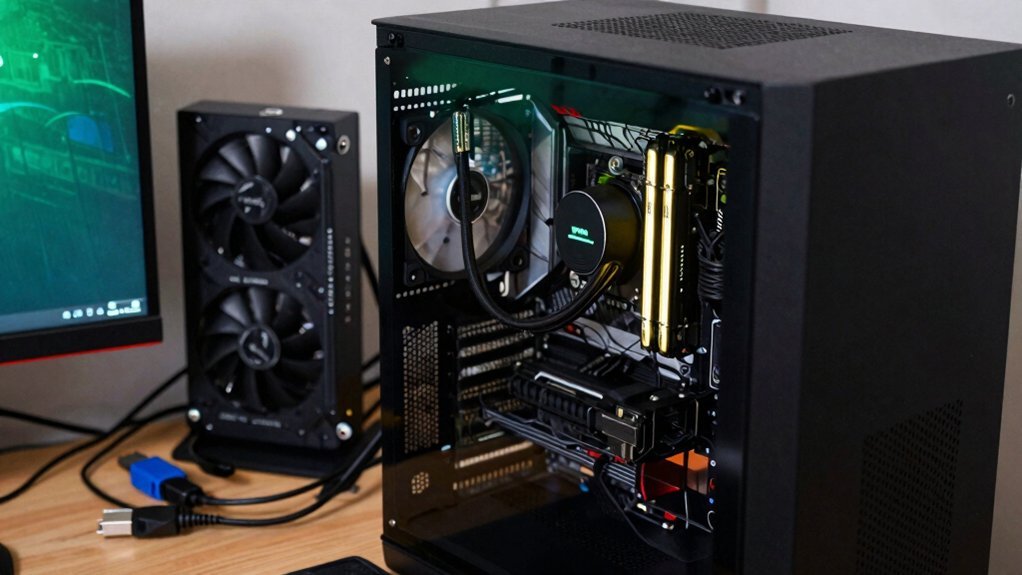
Solid cooling and a stable power supply keep your low‑cost streaming PC running smoothly, but the real bottleneck for 1080p/60fps streams is the GPU’s hardware encoder. Choose a budget GPU that packs a solid NVENC or AMD streaming encoder so OBS performance stays high while your CPU handles the game. RTX 3050 offers a reliable NVENC, good 8‑12 GB GPU memory, and decent gaming FPS, making it a safe pick for 1080p/60fps streams. The RX 6600 provides comparable hardware encoding via AMF and a similar memory footprint, giving you another cost‑effective route. Prioritize models with strong bandwidth and encoder updates to keep your streaming PC balance optimal without overspending USB-C Power Delivery and other design features highlighted in the budget power strips content to ensure your setup can run peripherals reliably.
Frequently Asked Questions
What Kind of Specs Do I Need for a Streaming PC?
You need a mid‑range CPU (Ryzen 5 5600X or i5‑12400F), 16 GB RAM, a GPU with hardware encoding (RTX 3060/ RX 6600), and a 1 TB+ NVMe SSD for smooth 1080p60 streaming.
What Cheap PC Is Good for Streaming?
You’ll love the Ryzen 5 5600X with an RTX 3060, 16 GB DDR4, a 500 GB NVMe SSD, and a 650 W PSU—affordable, powerful, and ready for smooth 1080p60 streams.
Does a Streaming PC Need a Graphics Card?
Yes, you’ll want a graphics card because its hardware encoder—NVENC, AMF, or Quick Sync—handles video compression efficiently, keeping CPU load low and preserving game performance while you stream.
Does a Streaming PC Have to Be Good?
You don’t need a high‑end rig, but you must meet basic performance thresholds; otherwise your stream will lag, drop frames, and frustrate viewers, ruining the experience.
In Summary
You’ve seen that a solid CPU, efficient hardware encoder, fast RAM and SSD, proper cooling, and a reliable PSU keep your budget streaming PC humming. Pair those with a budget‑friendly GPU that handles 1080p/60fps, and you’ll stream smoothly without breaking the bank. Focus on these core components, and you’ll get stable, high‑quality streams without overspending.


