

Snap inexpensive RGB LED strip kits to the front panel, fan edges, or case perimeter and hook the controller to a USB hub for easy color changes; build DIY acrylic or mesh grommet shrouds to hide cables while sliding strips inside for a clean look; and craft budget backplates from acrylic or printed decals, cutting them to fit GPUs or motherboards and wiring simple LEDs through a small drill‑hole. These three mods stay under $30 each, need only basic tools, and give you a cohesive glow that you can expand on.
Install Cheap RGB LED Strip Kits for Easy Color Changes
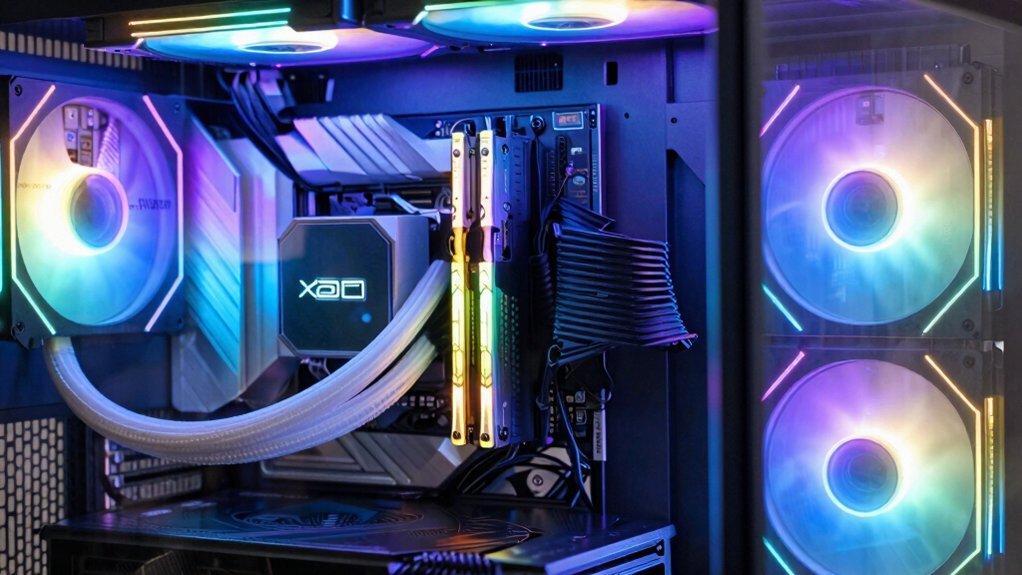
Looking to boost your rig’s vibe without breaking the bank? You can grab an inexpensive RGB LED strip kit and turn ordinary case customization into a visual showcase.
Grab an inexpensive RGB LED strip kit to transform your case into a striking, budget‑friendly visual showcase.
Mount the strips along front panels, fan edges, or the case’s perimeter for striking edge lighting that catches every angle.
Because the kits include adhesive backing and simple connectors, installation takes minutes, even if you’re a beginner.
Hook the controller to your motherboard or a USB hub, then use the supplied software to set colors.
For a cohesive look, apply color synchronization across all strips, matching your theme’s primary hue.
The result is a dynamic, affordable glow that personalizes your build while staying budget‑friendly RGB lighting considerations.
Build DIY Cheap RGB Grommet Shrouds and Conceal Wiring
Ever wondered how to hide messy cables while still adding a splash of color? Grab a few cheap acrylic or mesh grommets, cut them to fit the motherboard and PSU openings, then slide RGB LED strips inside. Secure the strips with a tiny dab of hot glue, and you’ve got DIY grommet shrouds that double as wiring concealment. Snap the shrouds into place, route your cables through them, and the whole area glows uniformly. Use a single‑ecosystem controller—like a budget Cooler Master unit—to sync the LEDs with the rest of your build. Add UV‑reactive cables or decals for extra flair, and preview your color scheme in Photoshop before final assembly. This lightweight PC case mods trick keeps costs low while delivering a polished, colorful look.
Create Budget‑Friendly Cheap RGB Backplates With Integrated LEDS
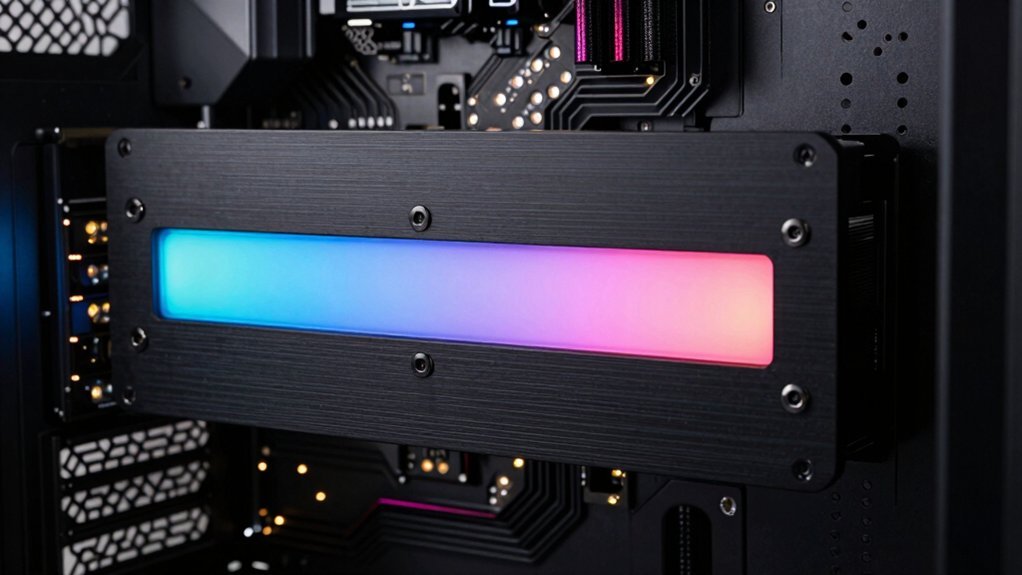
A cheap yet striking way to boost your rig’s vibe is to craft custom RGB backplates from acrylic or printed decals that snap onto the GPU, motherboard, or PSU.
First, measure the mounting points on your GPU backplates and cut a sheet to size; a thin acrylic backplate lets the light shine through while staying rigid.
Measure GPU mounting points, cut acrylic to size, and keep it rigid while letting light shine through.
Next, print a high-contrast decal in your color scheme and apply it to the acrylic surface.
For LED integration, strip a flexible LED strip along the back of the plate, soldering a simple controller to your existing RGB hub.
Route the wires through a tiny drill‑hole to keep the profile tidy.
Finally, secure the plate with the original screws, test the LEDs, and enjoy a cohesive, budget‑friendly glow. LED integration benefits
Frequently Asked Questions
How Do I Power LED Strips Without Overloading My PSU?
You’ll power LED strips by connecting them to a dedicated 12 V rail or a separate 12 V DC adapter, ensuring the total draw stays well below your PSU’s 12 V rail rating, and use appropriate resistors or built‑in controllers to limit current.
Can I Sync Cheap RGB Strips With Existing Motherboard Software?
Yes, you can sync cheap RGB strips with your motherboard software if you use a compatible controller or adapter that supports the same protocol (like 4‑pin 12V, ARGB, or PWM). Just connect it to the motherboard’s header, install the software, and configure the colors.
What’s the Best Method to Hide Cables on Limited Interior Space?
Use zip ties and Velcro straps to bundle cables, then route them behind the motherboard tray or under the PSU with cable channels. Trim excess length, secure with clips, and conceal with a decorative panel.
Do Budget RGB Backplates Affect Airflow or Temperature?
Yes, budget RGB backplates can restrict airflow and raise temperatures, especially if they cover large vent areas. Choose thin, perforated designs or add extra fans to compensate for any loss in cooling.
Are There Safe Alternatives to Soldering for DIY Grommet Installations?
You can use heat‑shrink tubing, snap‑on connectors, or conductive thread with crimped pins; they all avoid solder, stay reliable, and keep your grommet installation safe and tidy.
In Summary
By swapping in cheap LED strips, crafting grommet shrouds, and adding budget backplates, you’ll give your rig a vibrant, personalized glow without breaking the bank. These simple mods keep wiring tidy, let you switch colors on the fly, and make your case look like a high‑end build. With a little DIY effort, you’ll enjoy a striking, affordable RGB setup that’s both functional and eye‑catching.


Leave a Reply