

Map major gaming holidays and niche tournaments onto a 6‑8‑week rollout, syncing in‑game drops, DLC launches, and cross‑channel promos. Prioritize seasons with sales data and Google Trends, then assign each campaign a distinct color in a master calendar for quick visual cues. Build modular assets and reusable templates, schedule hard deadlines, and link inventory and promo codes to each window. Track traffic, sales, and conversion rates to refine future plans, and you’ll discover even more tactics.
Map Major Gaming Holidays for Your Seasonal Gaming Calendar
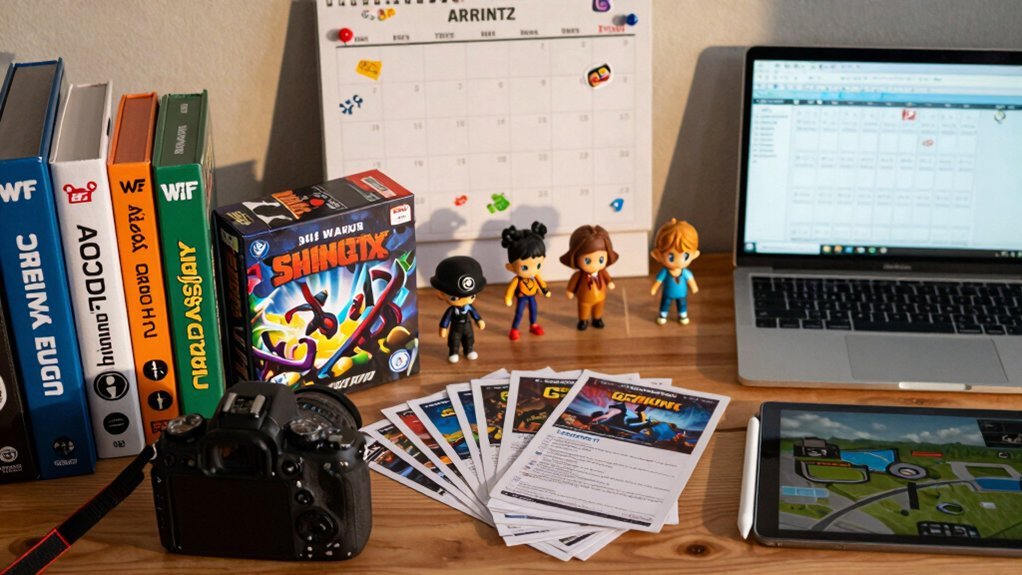
Which gaming holidays should anchor your seasonal calendar? You’ll map major Gaming Holidays—Steam Summer Sale, Nintendo Direct, global esports tournaments, and flagship launch windows—into a Seasonal Marketing timeline. Start by charting each event six to eight weeks ahead, then align in‑game drops, DLC releases, and console refreshes to those peaks. Use data-backed insights to schedule teasers, countdowns, and day‑of promotions across email, social, and streaming partners. Build a reusable framework that includes post‑event follow‑ups, tailoring content for gamers in the US, UK, France, Spain, Brazil, India, Australia, and the Philippines. This structured approach lets you launch timed incentives, synchronize cross‑channel promos, and keep the hype alive throughout every Gaming Holiday. IPS panels
Identify Niche Gaming Events That Resonate With Your Target Players
What niche gaming events truly capture your audience’s passion? Pinpoint esports tournaments, gaming expos, and platform‑specific happenings like the Steam Summer Sale or PlayStation State of Play as anchors for seasonal marketing. Tie each event to a game release, DLC drop, in‑game anniversary, or community milestone such as a raid week. For every niche event, craft 2‑4 content pieces: a limited‑time promotion, a dedicated landing page, punchy social posts, and an email highlight that speaks to speed‑run thrills, co‑op camaraderie, or cosmetic unlock cravings. Deploy assets on Twitch streams, YouTube previews, Discord announcements, and in‑game banners for cross‑platform visibility. Start planning 6‑8 weeks ahead so influencer coordination, asset production, and digital offers align perfectly with the event kickoff and peak interest. A budget‑friendly assortment of SSD options can ensure fast asset rendering and quick local previews during production and testing phases price‑per‑GB considerations to keep campaigns on track while maintaining performance parity.
Prioritize Seasons With Sales Data and Trend Forecasts

Ever wondered how to turn raw sales spikes into a razor‑sharp seasonal roadmap? Start by listing holidays and seasons that show clear sales data spikes or Google Trends lifts, then rank them against your KPI goals. Use those rankings to build a seasonal calendar that highlights the highest‑impact moments first. Align each peak with a 6‑8‑week lead time, especially for major holidays, so you can lock in creative assets, inventory, and channel plans early. Cross‑check weather, cultural, and business‑specific events to layer additional opportunities. Finally, match each launch to the channel that historically delivers the best conversion—email for October promos, social for summer flash sales—so every campaign rides a data‑backed wave. WeGuard W22’s 8,000 mAh battery and its long runtime featured can inform planning for high‑effort, resource‑intensive campaigns across multiple touchpoints.
Create a Color‑Coded Campaign Calendar
You’ll set up a simple coding system that assigns each campaign a distinct color, letting you spot high‑priority revenue drives and awareness pushes at a glance. By ranking priorities with hues—like red for urgent sales and blue for brand building—you keep the calendar intuitive for every stakeholder. In addition, include a dedicated color for under-desk organizer launches to ensure accessory campaigns stay visually organized edge fence design.
Coding System
A color‑coded campaign calendar turns a seasonal sales plan into a visual roadmap, letting you spot high‑priority promotions, channel focus, and timing at a glance. You’ll start by assigning distinct hues to each campaign segment—red for flagship sales, blue for email‑centric pushes, green for social bursts, and yellow for offline events. Apply the same palette across every asset so the seasonal calendar reads like a single, unified map. Use lighter shades for pre‑launch prep, bold tones for launch week, deep colors for peak promotion, and muted tints for post‑launch follow‑up. Keep the coding consistent across emails, landing pages, PPC, and print collateral, then review weekly. Adjust colors as performance data shifts, ensuring every stakeholder stays aligned without re‑reading dense spreadsheets. For ongoing visibility, maintain a standardized color‑coding system across dashboards and reports.
Priority Ranking
How do you instantly spot the most critical sales windows without scrolling through endless rows? Use a color‑coded campaign calendar that instantly flags your top Seasonal campaigns. First, list holidays and seasonal peaks, then assign a color that mirrors its priority level and KPI alignment. Base your prioritization on sales spikes, traffic trends, and Google Trends data, ensuring each hue represents a high‑impact opportunity. Create a clear legend—red for flagship events, orange for strong performers, yellow for moderate lifts, and green for low‑priority pushes. Update the legend weekly so the team reads the calendar at a glance. Let this visual prioritization drive overall strategy, not just individual messages, and keep the cadence consistent for seamless execution Memory Foam Lumbar Support Pillow with Adjustable Straps.
Design Multi‑Channel Campaigns for Your Seasonal Gaming Calendar
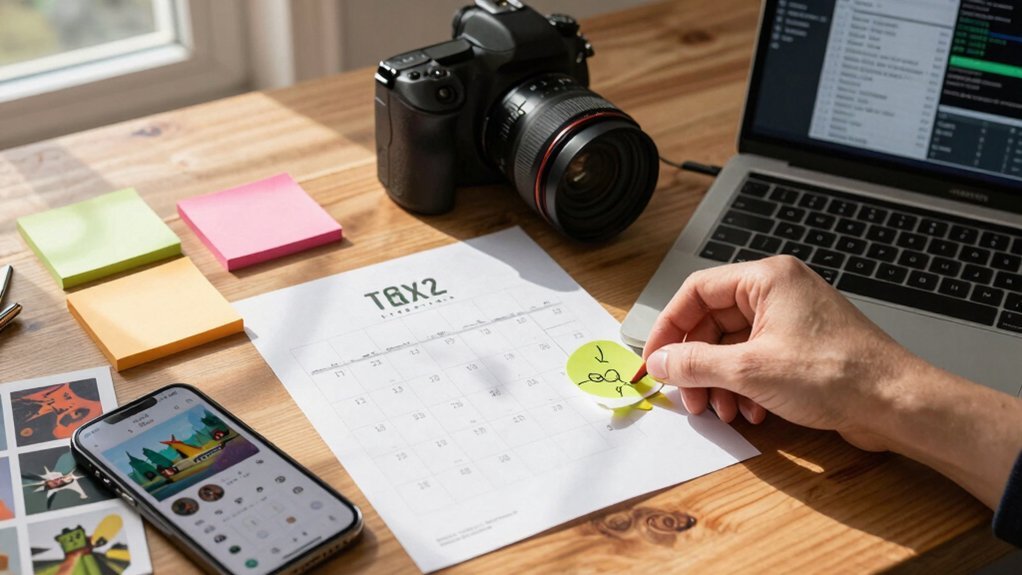
Launching a seasonal gaming campaign means orchestrating every touchpoint—social feeds, email newsletters, in‑app notifications, and community forums—so the hype builds, the scarcity feels real, and the offers hit the market at the right moment. Plan 6–8 weeks ahead to build behind‑the‑scenes content and engage fans with polls, quizzes, and countdowns for momentum multi‑channel alignment. Start planning 6–8 weeks ahead; this gives you time to craft behind‑the-scenes videos, polls, quizzes, and countdowns that fuel seasonal marketing momentum. Align each channel with a clear scarcity cue—like “Only 20 boxes left” or “Orders close Friday at 5 PM”—to drive urgency across your multi‑channel campaigns. Automate scheduling, batch content creation, and set reminders to keep the workflow lean. Archive top‑performing promotions so you can repurpose them later with fresh captions and dates, ensuring you never lose a winning idea.
Build Reusable Content Assets for Email, Social, and Landing Pages
You’ll start by creating modular email templates that can be swapped into any campaign with just a few clicks.
Then, you’ll build a cross‑channel asset library so the same visuals and copy power your social posts and landing pages.
This approach lets you launch consistent, on‑brand experiences while cutting production time in half.
Modular Email Templates
Ever wondered how to keep your seasonal campaigns agile across email, social, and landing pages? You’ll start by building modular email templates that split subject lines, preheaders, body blocks, CTAs, and image placeholders. This lets you reassemble content for any market, swap headlines or hero images, and drop in data‑driven personalization without rebuilding from scratch. Link the calendar to seasonal dates, produce assets 6–8 weeks early, then reuse them across channels. A shared component library ensures brand voice stays consistent while you tailor language, location, and product recommendations for each region.
| Component | Use Case |
|---|---|
| Headline | Dynamic seasonal titles |
| Hero Image | Region‑specific visuals |
| Promo Block | Time‑limited offers |
| Countdown Timer | Urgency for flash sales |
| Social Proof | Customer reviews per market |
Cross‑Channel Asset Library
How can you keep every seasonal touchpoint—email, social, landing page—aligned without reinventing the wheel each time? Build a cross‑channel asset library that houses 2‑3 reusable pieces per concept: a hero image, a blog snippet, and a video teaser. Organize the library by seasonal campaigns using a color‑coded calendar and dedicated folders for each channel. Map teaser content, countdowns, launch‑day promos, and post‑event follow‑ups early to meet 6‑8‑week lead times. Create channel‑specific variations—short social copy, email subject lines, landing‑page hero sections—while preserving core messaging and brand voice. Keep a promotion archive of repurposed assets, updating captions and dates for quick relaunches.
- Color‑code calendar by season
- Separate folders for email, social, landing pages
- Pre‑plan teaser, countdown, launch, post‑event assets
- Tailor copy per channel, keep core message consistent
- Archive and refresh past assets for future use
Schedule Assets and Set Hard Deadlines
When planning a launch, map the entire campaign backward from the target date, pinpointing every milestone, timeline, and due date.
Build a content calendar that slots teaser posts, countdowns, day‑of promotions, and post‑event follow‑ups, then assign each piece to a specific owner.
Set hard deadlines for designs, copy, emails, and landing pages, and lock those dates in your project tool.
Gather designers, writers, and editors early, scaling the team to match budget and workload.
Align every deadline with resource availability to avoid bottlenecks during peak periods.
Communicate the schedule across channels, so each stakeholder knows when their asset must be ready.
This disciplined approach keeps the launch on track and ensures a seamless, on‑time rollout.
Integrate Inventory and Promo Codes Into Your Seasonal Gaming Calendar
Why sync your inventory levels with seasonal promo codes? You’ll avoid stockouts, cut waste, and keep the shopper experience seamless. By aligning stock with the seasonal calendar, you guarantee the right items are ready when discounts roll out. Map each promo code to a specific season and campaign, then lock expiration dates, email blasts, PPC bids, and social posts in a centralized timeline. Build a 6‑8‑week pre‑launch runway to prep content, update products, and test messaging before peak dates. Track every deadline and assign owners for design, copy, and promotion so cross‑channel execution stays fast and accurate.
Sync inventory with seasonal promos to prevent stockouts, cut waste, and deliver a seamless shopper experience.
- Link inventory levels to each seasonal calendar event
- Assign promo codes to exact campaign windows
- Use a shared calendar for all teams and channels
- Schedule a 6‑8‑week prep period before launch
- Log traffic, sales, AOV, and redemption rates for future alignment
Measure Success and Learn From Every Event
You’ll track traffic, impressions, clicks, sales and other KPIs to see how each seasonal campaign performed. Then you’ll compare those numbers to your targets for each channel, pinpointing the tactics that delivered the most value. Finally, you’ll capture post‑event insights and add them to a promotion archive, so every review refines future calendars.
Track KP KP Tracking
How do you know whether a seasonal campaign truly delivered? You start with systematic tracking and focus on performance metrics that tie directly to your goals. Log traffic, impressions, clicks, and sales, then compare those numbers to the KPIs you set for each channel. Use post‑campaign reviews to quantify learnings, adjust timing, channel mix, and budget for the next season.
- Capture revenue, units sold, and average order value for each promotion.
- Measure conversion rate, bounce rate, and overall web traffic.
- Record new followers and view counts to gauge brand lift.
- Document what worked and what didn’t for future reference.
- Align data collection with campaign objectives to drive iterative improvements.
KPIs
Ever wondered how to tell if a seasonal push truly moved the needle? You’ll need solid KPI tracking that captures traffic, impressions, clicks, sales, and other key metrics across every channel. Set clear targets for email, PPC, social, and landing pages, then compare actual results to those goals to spot gaps and wins instantly. Align each KPI with your campaign objectives—whether you aim for awareness, engagement, or direct sales—so the data reflects the intended outcome. Use the insights to adjust budgets, creative, or timing before the next wave launches. Document what worked and what didn’t, then feed those lessons into future seasonal campaigns for continuous improvement and stronger ROI.
Post‑Event Insights
After setting those KPIs, the next step is turning the raw numbers into actionable insights. You log traffic, impressions, clicks, sales, then compare each channel against its target. A structured post‑event report captures objectives, metrics, learnings, and recommended optimizations, while a promotion/archive of past campaigns speeds up planning ahead. Highlighting high‑converting channels and missed opportunities lets you refine tactics for the next season.
- Identify which offers drove the most sales
- Flag oversaturated markets that underperformed
- Record messaging that resonated versus misaligned copy
- Store the full report in a searchable archive
- Translate findings into concrete actions for future campaigns
Use these insights to sharpen strategy, avoid repeat mistakes, and continuously improve your seasonal sales calendar.
Turn KPI Insights Into Future Calendar Improvements
Leverage your KPI data to reshape next season’s calendar. You’ll spot which seasonal campaigns drove traffic, clicks, and sales, then flag the under‑performers. Use those KPI insights to adjust promo codes, email designs, PPC copy, and landing‑page layouts before you lock dates. Document quantitative results and audience feedback, then feed the summary into your monthly holiday‑opportunity review. The result is a data‑driven, cohesive calendar that maximizes ROI.
| Metric | Action |
|---|---|
| Traffic spikes | Schedule similar content themes |
| Low conversion | Re‑test offers or redesign landing pages |
| High email click‑through | Expand email cadence for that period |
Frequently Asked Questions
What Is the 3 3 3 Rule in Sales?
You follow a lead three times, across three different channels, within three days. This rapid, multi‑channel outreach—email, call, and text or social—keeps prospects warm and boosts engagement.
What Are the 5 P’s of Sales?
You’ve got the 5 P’s: Product—what you sell; Price—how you charge; Place—where you sell; Promotion—how you market; People—who serves and buys. These shape every sale.
What Is the 40-40-20 Rule in Marketing?
You allocate 40% of effort to product quality, 40% to promotional activities, and 20% to distribution channels, balancing messaging, ads, and accessibility to drive overall marketing performance.
What Is the 70/20/10 Rule for Marketing Budget?
You allocate 70% to core programs, 20% to growth experiments, and 10% to high‑risk breakthroughs, ensuring stability while testing new ideas and reserving funds for bold, future‑driven initiatives.
In Summary
By mapping major holidays, spotting niche events, and grounding each season in solid data, you’ll build a color‑coded, multi‑channel calendar that keeps your team on track and your inventory synced. Hard deadlines and integrated promo codes ensure smooth execution, while post‑event KPI analysis turns every launch into a learning opportunity. Keep refining the schedule, and your seasonal gaming sales will stay ahead of the curve.


Leave a Reply