
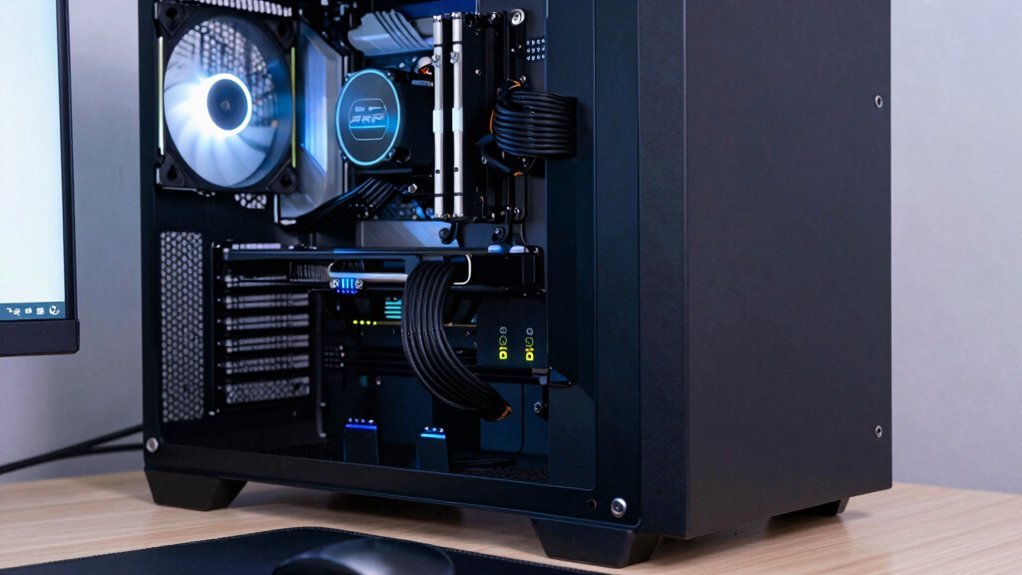
Create positive pressure by swapping a rear exhaust fan for a higher‑flow 120 mm intake or adding a bottom intake, then match the front intake CFM to the rear exhaust. Put dust filters on every intake, keep cables and radiators out of the front‑to‑back airflow path, and mount the radiator low or on the side so it doesn’t block the intake. Elevate the case 6–8 inches behind the desk and align the front mesh with the room’s AC vent for cleaner air; this setup boosts airflow and cuts dust while staying cheap. Keep reading for more tips.
Create Positive Pressure With Existing Fans To Improve PC Airflow
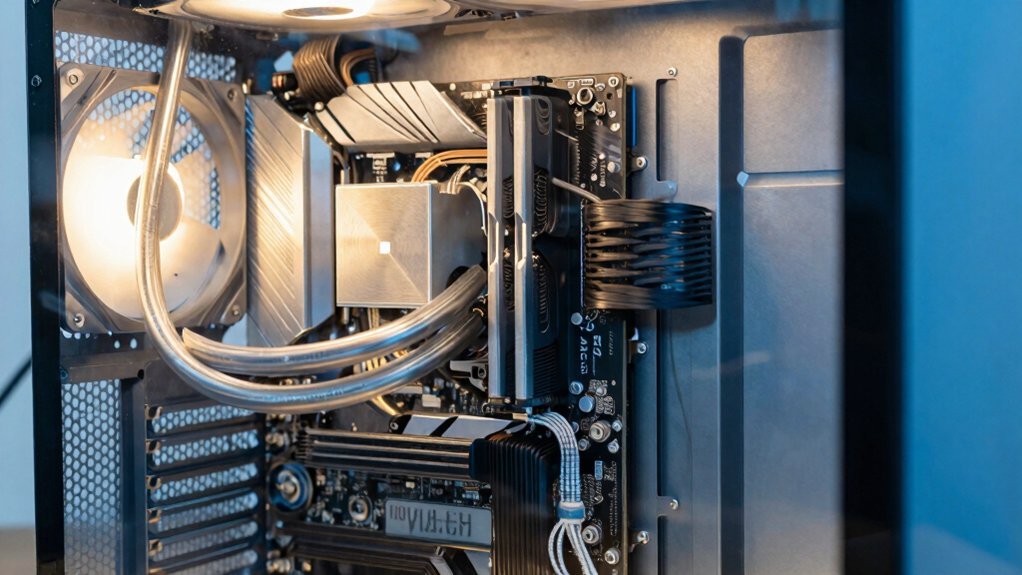
A handful of fans can already give you positive pressure if you balance intake and exhaust so that the front and bottom fans move more air than the rear and top exhausts. Start by checking each front intake fan’s CFM and compare it to the rear exhaust. Raise the intake CFM—swap a 120 mm fan for a higher-flow model or add a bottom intake—until your case fans produce a net inward airflow. Install dust filters on every intake to trap particles while preserving airflow. Keep the front-to-back airflow path clear; avoid placing cables or radiators where they block the stream. Remember, a modest intake‑vs‑exhaust advantage yields steady positive pressure, better air circulation, and less dust without extra fans. USB-C PD 20W
Place The PC On A Desk For Cleaner Intake Air
Balancing intake and exhaust gave you positive pressure, now make sure that pressure draws clean air. Placing the PC on a desk lifts the front intake away from carpet and floor dust, so your intake filters and front mesh stay clear. Desk placement also gives case fans room to push air through and improves exhaust clearance, boosting overall airflow efficiency.
- Elevate the chassis – keep at least 6‑8 inches of space behind the unit for unrestricted rear and top exhaust.
- Center the front intake – align the front mesh with the room’s AC vent to draw cool, filtered air.
- Organize cables – route cables out of the airflow path; neat cable management prevents turbulence and maintains positive pressure.
These steps cut dust, increase airflow efficiency, and keep your system cool without extra fans Best Built-in Display.
Reroute Cables And Move The Radiator For Unobstructed Flow

Where do those tangled cables go? You pull them away from the front‑to‑back airflow path, tucking them under the motherboard tray with solid cable management. This clears the intake and exhaust routes, letting case fans push air straight through.
Next, relocate the radiator so it no longer blocks the front intake. Mount it lower or on the side, where the fan can draw cool air without creating turbulence.
The result is an unobstructed channel from intake to exhaust, boosting positive pressure and aiding dust reduction. With the radiator out of the way and cables neatly routed, your airflow stays smooth, your components stay cooler, and the whole system runs more efficiently. cable management
Frequently Asked Questions
How to Increase Airflow for PC?
You boost airflow by mounting high‑static fans at front intake and rear/top exhaust, creating positive pressure, routing cables neatly, and cleaning filters regularly to keep dust from blocking the airflow path.
Is 11 Fans in a PC Overkill?
You’re overkilling it—eleven fans rarely improve cooling beyond three to five well‑placed units, and they add noise, power draw, and turbulence without meaningful temperature gains.
Is a 3000 Rpm Fan Too High?
Yes, a 3000 RPM fan can be too high for most builds; it pushes more air but raises noise and can create turbulence. Use PWM to throttle it, or replace with moderate‑speed fans for quieter, efficient airflow.
How to Get More Air Into a PC?
Add larger intake fans, clear dust filters, and open the front panel. Use high‑CFM, low‑noise 120 mm or 140 mm units, route cables away from airflow, and keep positive pressure by installing more intake than exhaust.
In Summary
By keeping positive pressure, positioning your rig on a desk, and clearing any obstructions, you’ll squeeze the most out of your existing fans without spending a dime. Those simple tweaks let cooler air flood in while hot air escapes efficiently, keeping components temperatures and extending the life of your setup. Stick to these steps, and you’ll enjoy smoother performance and quieter operation every day.


Leave a Reply