
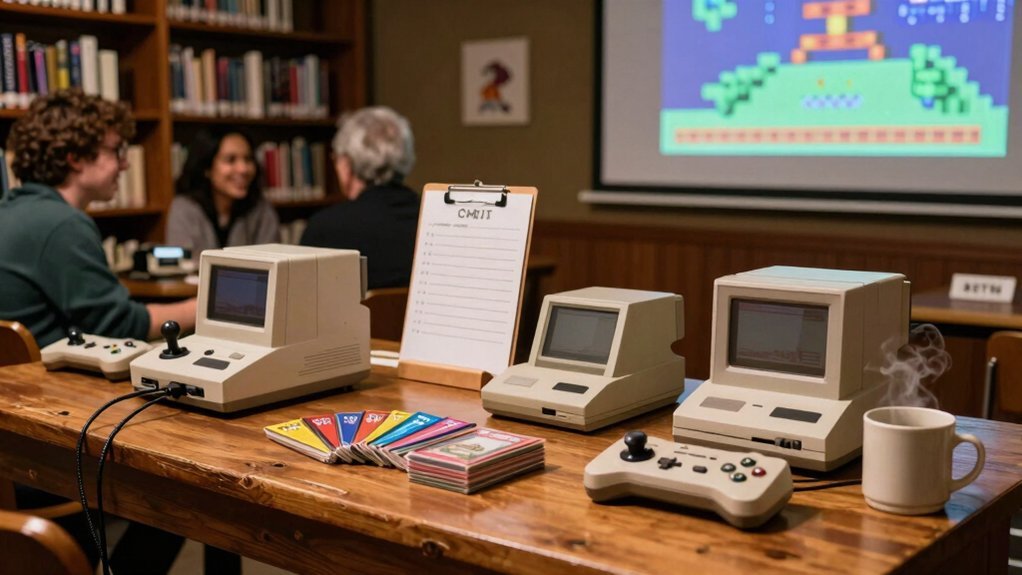
Pick a budget‑friendly multi‑game console like the NES Classic or Super Retrocade, set it up with an HDMI switch so you can toggle between several systems on one projector, and add a Makey Makey craft station where teens build paper controllers while you demo a game. Keep wiring tidy with labeled cables and cable covers, and test audio and aspect ratios before the event. If you follow these steps, you’ll discover even more ways to boost engagement.
Select an Affordable, Multi‑Game Platform for Retro Gaming Events
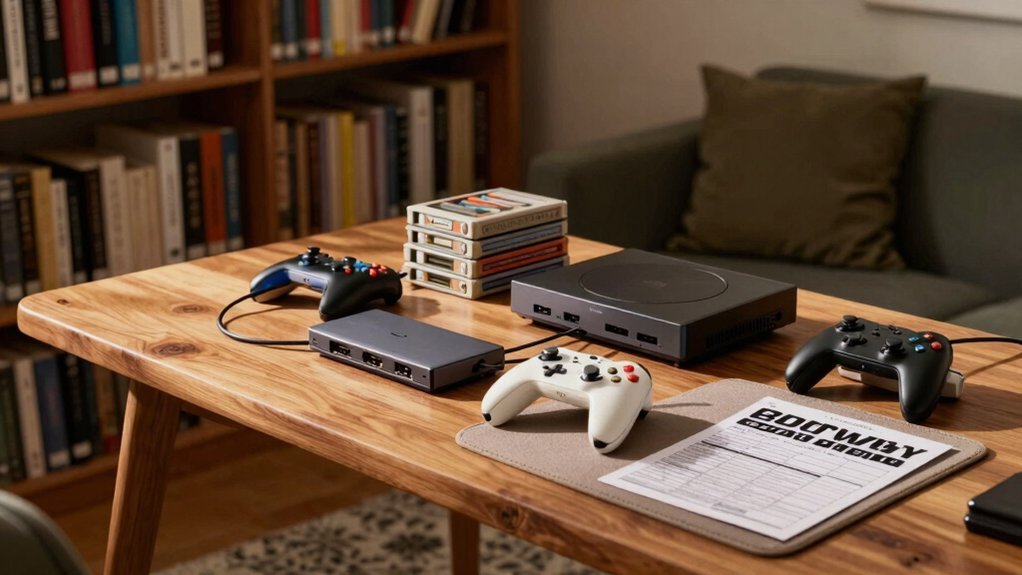
Looking for a budget‑friendly way to bring dozens of classic titles to your library’s gaming night? You’ll want an affordable platform that packs retro gaming into a multi‑game package, so you can serve many patrons without breaking the bank. The NES Classic Edition ($59.99) and SNES Classic Edition ($79.99) give you solid Nintendo libraries, but scarcity can drive up resale prices. Consider emulation‑based arcade cabinets like the 1‑UP, which house dozens of titles in a compact unit, or the Super Retrocade, offering 90+ arcade games for around $60. Alternative boxes such as the Ataribox or Commodore 64 Mini ($69.99) expand your catalog beyond Nintendo. When event planning, prioritize price, game variety, and easy setup to keep your library’s retro gaming nights thriving. Retro hardware offers a tangible, plug‑and‑play experience that can simplify setup and maintenance for event coordinators.
Connect Multiple Consoles to a Projector for Seamless Play
How can you keep the action flowing while swapping between consoles at a library gaming night? In a Public Library setting, you’ll want a single Projector that pulls from an HDMI source, then use an Input Switcher to jump between consoles instantly. Keep your Console Setup tidy: label every HDMI, USB, and power line, and run them through cable covers for safe Cable Management. Test audio and aspect ratios before the event so each Video Game displays correctly from 480p to 1080p. A visible input map helps players know which button switches to their favorite system, reducing downtime and keeping the crowd engaged. Visual 7.1 surround for multi-console events can help attendees better gauge audio placement and immersion across setups.
Add Retro‑Themed Craft Stations That Teach Simple Electronics
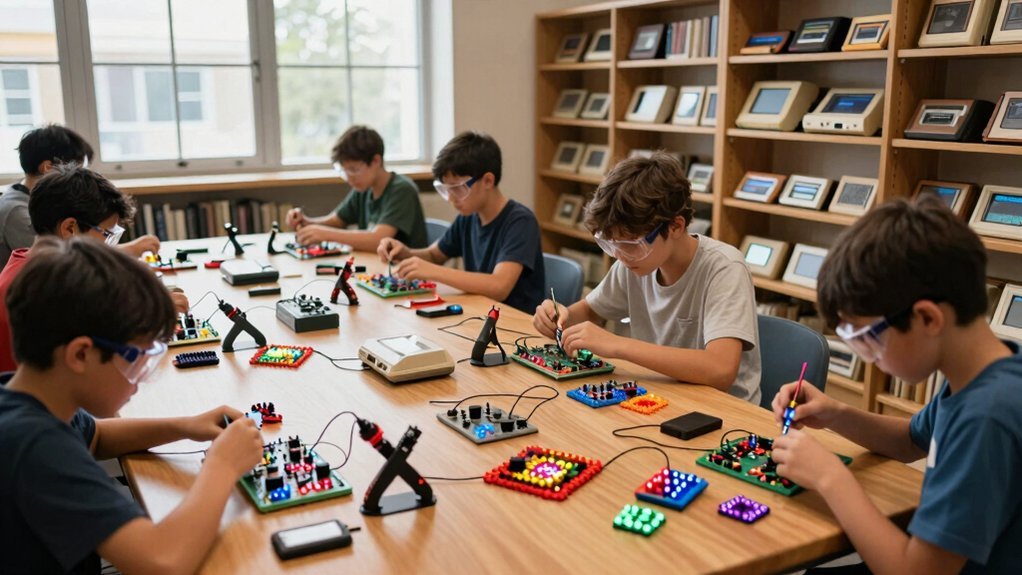
Ever wondered how a simple craft table can turn teens into retro‑tech tinkers? Set up a retro‑themed station where they build Makey Makey NES‑style controllers on paper. Hand out letter‑sized instruction sheets that show how dark graphite paths become buttons and how a tiny circuit completes a game action. Pair the station with a projected Super Mario Bros demo so participants see their electronics crafts come alive during library events. Use Canva flyers to advertise the activity and highlight past success—60‑70 teens tried Makey Makey Mario at a previous public libraries session and asked for more. Track feedback, tweak the teen programs, and keep the retro gaming vibe pulsing through every hands‑on workshop. Cross‑platform compatibility
Frequently Asked Questions
Are 87% of Games Lost?
You won’t find any evidence that 87% of games are lost; the material doesn’t cite that statistic, so you can’t claim that figure based on the provided information.
How to Make Money From Retro Gaming?
You can charge entry fees for tournaments, rent out cabinets by the hour, secure sponsor ads, sell merch, and host paid workshops—each stream adds revenue while keeping the retro vibe accessible.
What to Do When You’re Bored in a Library?
Grab a book, explore the catalog, try a free computer tutorial, join a game night, or start a DIY craft project—anything that sparks curiosity and keeps you engaged while you wait.
What Are the Most Fun Retro Games?
You’ll love Super Mario World, The Legend of Zelda: A Link to the Past, Metroid, Street Fighter II, Mega Man 2, Castlevania, Donkey Kong Country, Final Fantasy VI, Chrono Trigger, and Pac‑Man.
In Summary
By picking a budget‑friendly, multi‑game platform, you’ll keep costs low while offering endless variety. Hooking up several consoles to a projector creates a seamless, shared screen that draws crowds together. Adding craft stations where participants build simple electronic projects deepens the retro vibe and gives hands‑on learning. Combine these three steps, and your library events will become a lively hub of nostalgia, community, and creative tech exploration.


Leave a Reply