
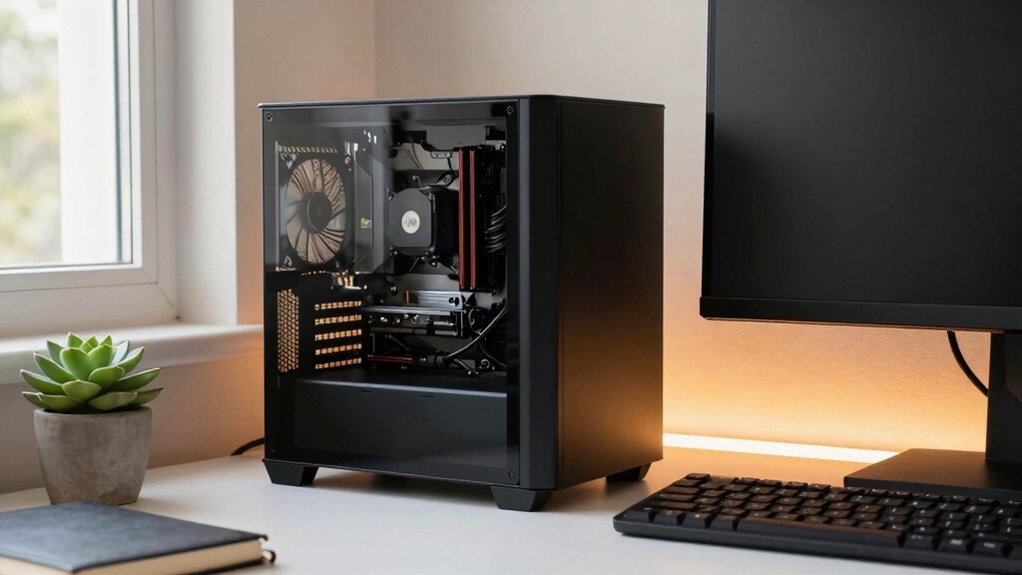
Pick a Mini‑ITX case that fits under your desk, use a vertical GPU mount to save floor space, and choose an SFX‑L PSU (600‑750 W) for power without bulk. Opt for a compact RTX 4060 Ti or 4070 for gaming, and route custom‑length cables through built‑in channels to keep airflow clear. Add a VESA‑compatible monitor arm and modular desk storage for a tidy workspace. Continue the guide to discover more tricks for optimizing cooling and future‑proofing.
Choose a Mini‑ITX Case That Fits Tight Desks and Provides Adequate Cooling
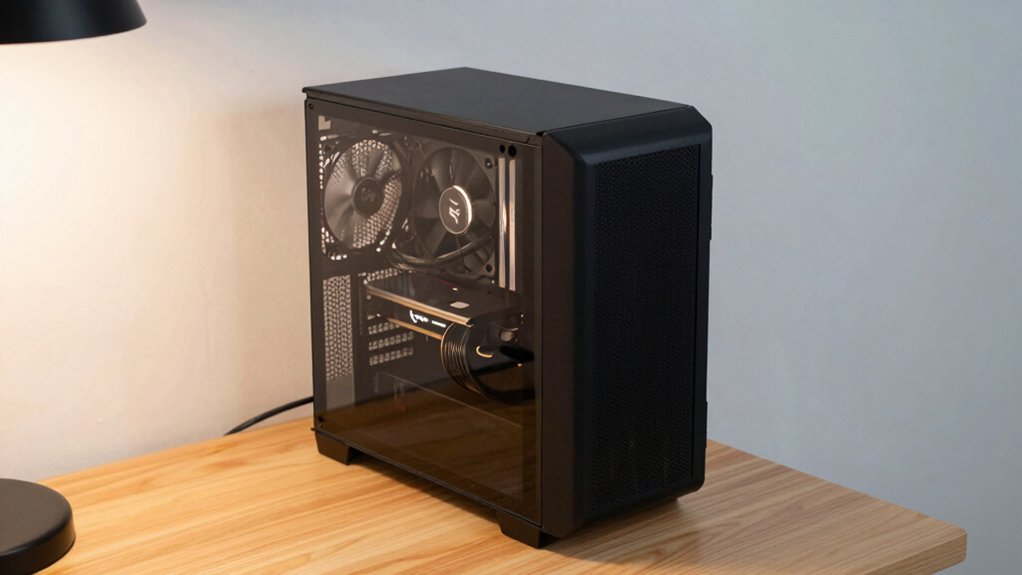
Looking for a Mini‑ITX case that slides onto a cramped desk yet keeps temperatures low? You’ll want a Mini-ITX case that maximizes every inch while delivering adequate cooling. Choose a model with a built‑in vertical GPU mount so the graphics card stands tall without hogging floor space, and look for movable PSU brackets that free up airflow pathways. Ensure the chassis can house at least a 240 mm AIO cooler or a robust air‑cooler to keep components from overheating in a tight interior. Prioritize efficient cable routing and modular drive bays to cut clutter, and verify compatibility with Mini‑ITX motherboards, SFX or SFX‑L power supplies, and mid‑to‑high‑range GPUs. This combination gives you a sleek, desk‑friendly build that stays cool under load. USB-C Power Delivery can help power compact peripherals efficiently within the tight space.
Pick a Compact GPU That Still Packs a Punch for Gaming and Study
Need a powerful GPU that still fits a mini‑ITX build? You’ll want a compact GPU that balances raw performance with efficiency, whether you game at 1080p or push 1440p. The RTX 4060 Ti and RX 7600 deliver solid frame rates without crowding a small chassis, while the RTX 4070 or RX 7700 XT give you extra headroom for higher‑resolution work and ray‑tracing. Vertical mounting and tight case designs preserve airflow, and pairing a small GPU with an SFX‑type PSU keeps thermals cool and noise low—perfect for study sessions and content creation.
| Model | Max Resolution | Power Draw |
|---|---|---|
| RTX 4060 Ti | 1080p | 160 W |
| RTX 4070 | 1440p | 200 W |
| RX 7700 XT | 1440p | 190 W |
Select an SFX Power Supply Without Compromising Wattage
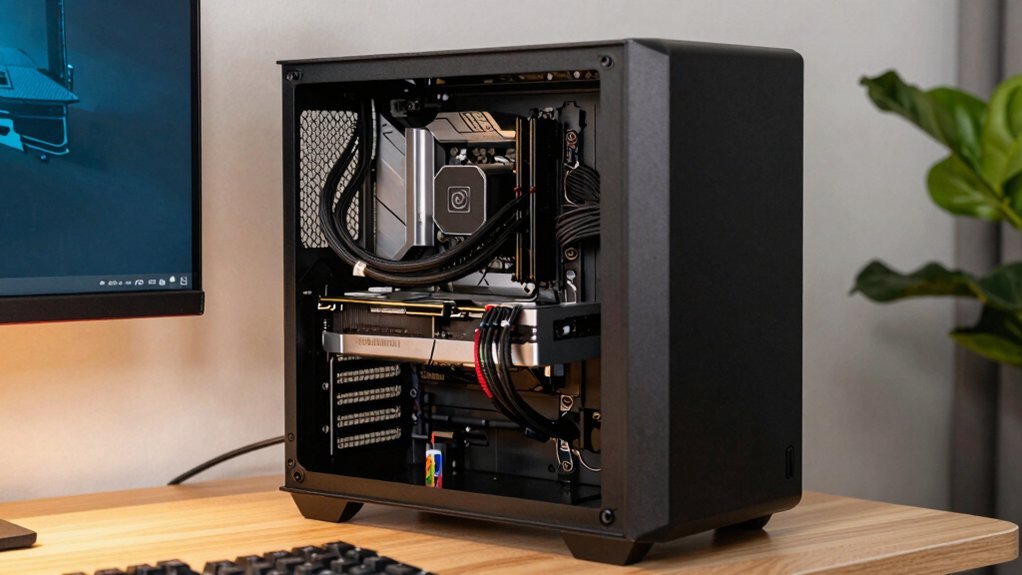
Do you want a compact power solution that still delivers 600‑750 W for high‑end GPUs and CPUs? Choose an SFX power supply that fits your mini‑ITX case and meets the required wattage. First, verify the PSU’s dimensions against the case’s compartment and clearance for cables. Opt for a fully modular unit; it eliminates excess slack, improves airflow, and lets you route only the cables you need. Look for 80 PLUS Gold or better efficiency to keep heat low and power waste minimal. Finally, double‑check connector count and cable lengths so they reach your GPU, motherboard, and drives without overhang. A well‑matched SFX power supply gives you high performance in a tiny footprint modular design.
Optimize Cable Management for Airflow and Aesthetics
You’ll start by planning routing strategies that keep cables clear of fans and vents, then bundle them neatly with zip ties or Velcro to preserve airflow.
Next, use custom‑length wires and dedicated channels to reduce slack and maintain a tidy interior.
Finally, add aesthetic finishing touches like colored sleeves or hidden routing to make the build look as good as it performs.
Additionally, consider using built‑in power hubs or edge‑mounted outlets from several corner desk designs to minimize cable clutter beneath the desk surface and keep power access conveniently within reach power hubs.
Routing Strategies
Ever wonder how a tidy cable layout can boost both airflow and visual appeal in a compact PC? Good cable management starts with smart cable routing. Use custom‑length cables and the case’s built‑in routing channels to cut slack, then guide power and data lines behind the motherboard tray or through dedicated grommets. This keeps the interior clear and supports airflow optimization by letting intake fans push air straight across hot components to the exhaust. Favor a vertical GPU mount or slim modular drive bays to free horizontal space, and plan a straight path from intake to exhaust without blocked channels. Group cables by function, zip‑tie them neatly, and label each bundle for easy maintenance and reduced heat buildup. The effectiveness of bias lighting can also enhance perceived contrast around your monitor setup, helping you gauge and maintain a comfortable ambient glow while you work. bias lighting
Cable Bundling Techniques
How can you keep cables tidy while preserving airflow and visual appeal? Start by using Velcro straps and zip ties along the case edges, separating power, data, and fan bundles for clean cable management. Route the main power cable behind the motherboard tray, threading it through built‑in channels or grommets to hide excess length and maintain airflow optimization. This approach aligns with using organized cable clips and adapters to secure and manage different cable sizes as described in the guidance for adhesive, magnetic, and self-adhesive clips. cable clips
Aesthetic Finishing Touches
After securing bundles with Velcro straps and zip ties, give the interior a clean look and ideal airflow by routing every cable through dedicated channels and routing holes along the case edges. In compact cases, vertical GPU mounting or a small‑form‑factor bracket frees horizontal space, letting air travel front‑to‑back without obstruction. Cut power and data leads to custom lengths, then hide any slack in low‑profile sleeves that match your color scheme. Color‑code ties for quick visual checks, and use modular drives that snap into place without excess wiring. Consistent cable management not only looks sleek but also reduces heat buildup, making future upgrades easier. The result is a tidy, high‑performance build where aesthetics and airflow work hand‑in‑hand. Thermal management
Boost Cooling in Tight Cases With Vertical GPU Placement
Do you want to squeeze every ounce of airflow out of a cramped case? Vertical GPU placement in compact cases frees the motherboard tray, lets cables run on one side, and clears the fan‑radiator zone for better cooling optimization. Choose a case that ships with a PCIe riser and a sturdy vertical bracket, then mount your full‑length card upright.
Verify that the PCIe slots are spaced enough and that the cooler doesn’t brush the side panel—tight clearance triggers throttling.
Pair the setup with tidy cable routing, push‑pull fans, and a straight intake‑to‑exhaust path. The result is a cleaner interior, unobstructed airflow, and a cooler system that stays quiet even when the workload spikes.
Mount the PC Vertically or on a Wall Shelf to Free Desk Space
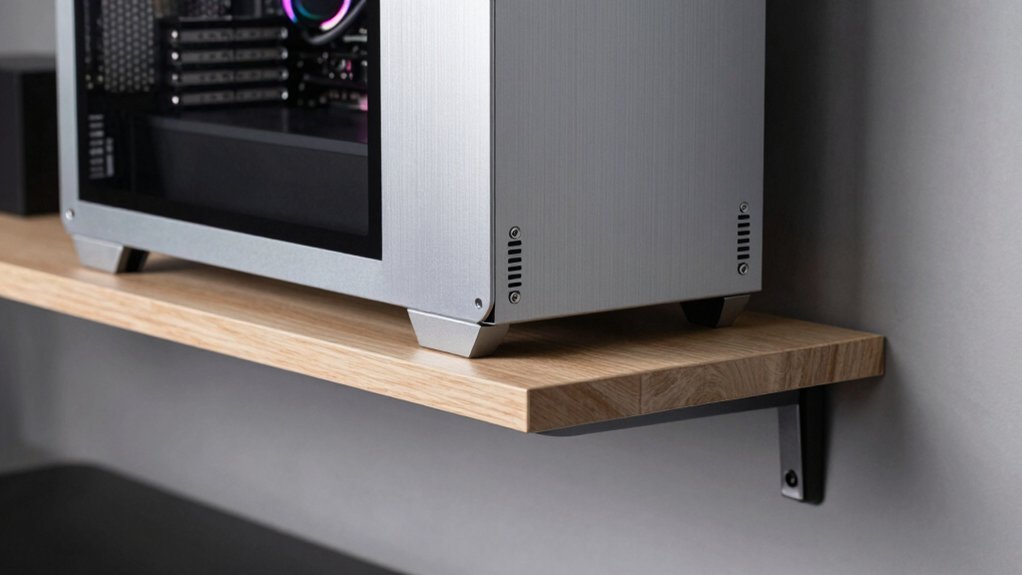
Ever need more desk real? You can free space by vertical mounting your PC or using a wall‑mounted shelf. A narrow profile cuts the width up to 90 %, letting you tuck the rig behind a monitor or in a corner. Choose a small form‑factor case—mini‑ITX or SFX—with a VESA‑compatible bracket and a slim PCIe riser for clean cable routing. Ensure rear I/O stays accessible, keep intake/exhaust clear, and fasten anti‑tip brackets to avoid wobble. Benefits include easier maintenance, less dust on flat surfaces, and a cleaner, more organized workspace. A compact setup can also benefit from using a lightweight, low‑profile power solution to maintain performance without adding bulk compact design and allows you to keep essential peripherals within reach.
Integrate the Compact PC With a Multi‑Purpose Desk and Modular Storage
You’ll find that a modular desk lets you slot the compact PC, monitor, and accessories into a single work zone while keeping space for crafts or study.
Stackable bins and under‑desk drawers keep cables, games, and supplies out of sight, so the area stays tidy.
Pair a mini‑ITX build with a vertical GPU mount and a corner desk to maximize depth, airflow, and zoning for both gaming and school work.
Modular Desk Integration
How can a compact PC coexist with a multi‑purpose desk without hogging space? You place the Mini‑ITX case in a dedicated holster or slide‑out tray built into the modular desk, keeping the main surface clear for schoolwork and crafts. Vertical GPU mounts and a slim case preserve footprint while airflow stays unobstructed under the desk or in a side pod. Integrated cable‑management fasteners and removable panels hide power, USB, and data lines, delivering a tidy, flexible setup. Pair the PC with stackable drawers and pegboard panels to store ROMs, peripherals, and supplies without crowding the workspace. Choose a desk that includes monitor arms and a raised passive‑cooling shelf, ensuring heat dissipates behind the unit and space remains airy.
Compact Storage Solutions
Where can you stash your games, school projects, and accessories without crowding the desk? You’ll find that a mini‑ITX case tucked under a multi‑purpose desk opens up a world of compact storage while keeping cable management tidy. Vertical GPU mounting and modular drive bays free horizontal space, letting you slide in stackable bins for school supplies and an external dock for media. The desk’s built‑in grommets and lifts keep power and data cables out of sight, preserving airflow and a clean look.
- NVMe SSD + external dock – fast internal storage plus removable media without extra shelves.
- Stackable, labeled bins – keep textbooks, controllers, and cables organized under the desk.
- Custom‑length cables & combs – route everything through the case’s routing features for flawless cable management.
How to Future‑Proof Your Small‑Form‑Factor Build
Even in a cramped desk, you can build a system that stays relevant for years by choosing a mini‑ITX board with extra DIMM slots, ample PCIe lanes, and support for upcoming CPUs, then pairing it with an SFX‑L power supply that leaves headroom for future upgrades. Prioritize a high‑efficiency SFX‑L PSU and M.2 NVMe storage to keep the case compact and cable‑free. Pick a motherboard that offers vertical GPU mounting and strong thermals, and use tool‑less cable routing with predictive fan curves for sustained performance. Plan your upgrade path now—more RAM slots, extra PCIe lanes, and a power supply that can handle a next‑gen GPU will keep the build future‑proofing ready.
| Component | Feature | Benefit |
|---|---|---|
| Mini‑ITX board | Extra DIMM slots, PCIe lanes | Expands RAM & GPU options |
| SFX‑L PSU | 80+ Gold efficiency, headroom | Supports higher‑power upgrades |
| M.2 NVMe SSD | No cables, fast I/O | Saves space, boosts speed |
Choose a Small Monitor Stand That Complements the Compact Setup
Looking to keep your desk tidy while still getting the perfect viewing angle? A compact monitor stand lifts your screen to eye level, freeing precious workspace and improving ergonomics. Pick a VESA‑compatible model with a slim footprint so the stand fits snugly on a small desk. Integrated magnetic or clip‑on cable management keeps cords out of sight, preventing clutter in tight areas. Some designs add USB hubs or adjustable tilt, giving you flexibility without expanding the footprint. For dual‑monitor setups, a shared pole or multi‑arm mount maintains alignment while saving space.
- Slim VESA‑compatible base
- Built‑in magnetic cable management
- Adjustable tilt with USB hub integration
Quick Checklist: Space‑Saving Tips for Gaming and School Use
A well‑chosen monitor stand already frees desk space, so the next step is to trim down the PC itself. Pick a mini‑ITX case paired with an SFX power supply; the smaller footprint lets you fit a full GPU without crowding the desk. Mount the GPU vertically or use a low‑profile motherboard to open horizontal room and boost airflow. Swap SATA drives for M.2 NVMe SSDs to shave off bulk and speed up load times. Run custom‑length cables and practice meticulous cable management, routing everything behind the tray tray keeping airflow paths clear. Finally, position your desk in a corner or mount it on the wall, and choose a compact monitor setup. This checklist keeps your gaming rig and school workspace tidy, efficient, and ready for action.
Frequently Asked Questions
Will a Mini‑Itx Motherboard Support Wi‑Fi 6E Out of the Box?
Yes, a Mini‑ITX board can support Wi‑Fi 6E if it includes a compatible module or header; otherwise you’ll need a PCIe or USB adapter. Check the specs before buying.
Can I Use a Standard ATX Cooler in a Compact Case With an AIO?
You can’t fit a standard ATX cooler in a compact case with an AIO; the cooler’s size and mounting points clash with the case’s limited clearance and the AIO’s radiator placement.
Do Vertical GPU Mounts Affect GPU Thermals Compared to Horizontal Mounting?
You’ll notice vertical mounts usually run hotter because they limit airflow and block the rear exhaust; horizontal mounting lets the fan pull cooler air straight across the heatsink, keeping temps lower.
Is It Safe to Run a 750W SFX PSU at Full Load Continuously?
Yes, you can run a 750 W SFX PSU at full load continuously, but keep it well‑ventilated, monitor temperatures, and ensure it’s a quality, certified unit to avoid overheating or premature failure.
How Many Usb‑C Ports Can I Realistically Expect on a Mini‑Itx Build?
You’ll typically get three to five USB‑C ports on a mini‑ITX build—two on the motherboard, one on the front panel, and maybe one or two from a PCIe expansion card if you need extra.
In Summary
By picking a Mini‑ITX case, a compact yet powerful GPU, and an SFX PSU, you’ll squeeze performance into any tight spot. Keep cables tidy, use vertical GPU mounting for airflow, and pair the rig with a versatile desk and modular storage. Future‑proof with upgrade‑ready components, and choose a slim monitor stand to complete the setup. Follow these space‑saving tips, and you’ll enjoy seamless gaming and studying without sacrificing power or style.


Leave a Reply