
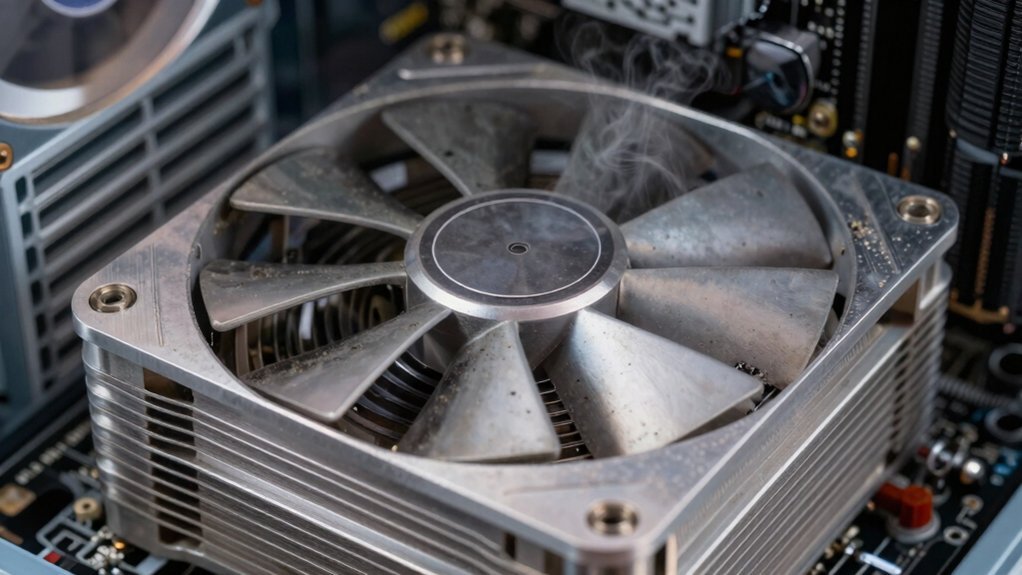
You’ll notice cheap PC coolers need upkeep because they use lower‑quality seals, thin fins, and fast‑wearing pumps that leak sooner, attract dust quickly, and lose cooling efficiency. The cheap gaskets and anti‑corrosion coatings wear out, letting moisture and debris into the system, while thin radiator fins trap dust that clogs airflow. As the pump degrades, you’ll hear high‑pitched whines and see temperature spikes. Keep an eye on fan rattling and leaks, and you’ll discover how to extend its life.
Why Cheap AIO Coolers Leak and Dust Faster Than Premium Models
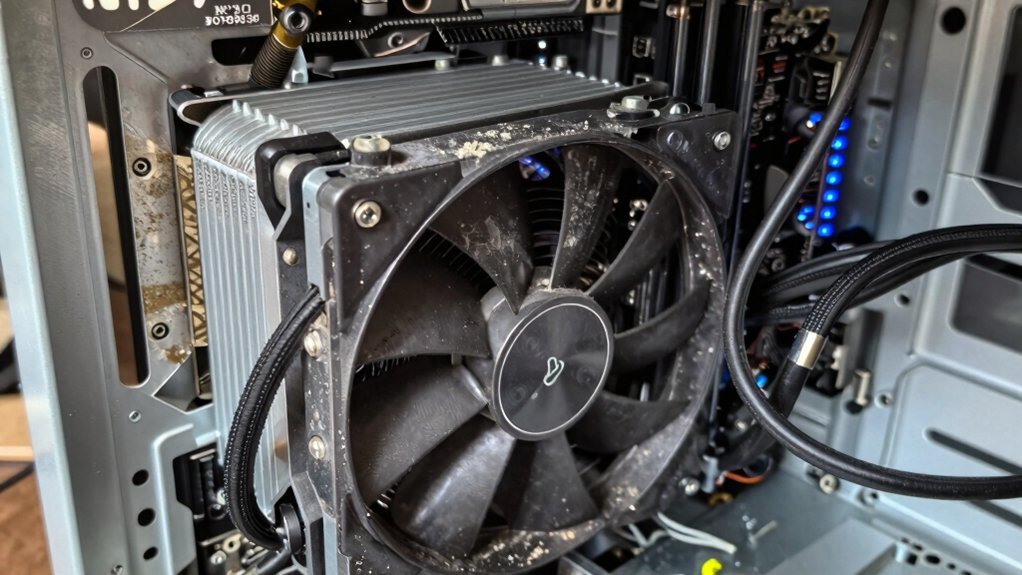
Why do cheap AIO coolers tend to leak and gather dust faster than premium models? You’ll notice that cheap AIO coolers use lower‑quality seals and fittings, so leaks appear sooner. Their radiator fins and fans are thinner, allowing dust to cling and build up quickly, which makes maintenance a chore. The pump components in cheap units wear faster, creating air pockets that trap moisture and debris. In contrast, premium vs cheap models feature robust gaskets, anti‑corrosion coatings, and easier access for cleaning, slowing dust buildup and reducing leak risk. When you compare the two, the cheaper design’s shortcuts directly translate into more frequent leaks, heavier dust accumulation, and a higher maintenance burden. Properly designed premium models also reduce failure points and extend overall lifespan quality materials.
What Symptoms Indicate Your Cheap AIO Is Failing?
Ever notice your PC’s fan rattling louder than usual or the CPU temperature spiking under load? If the pump noise grows louder or turns into a high‑pitched whine, the AIO’s pump is struggling. You’ll also see reduced cooling performance as the radiator can’t shed heat, causing temperature spikes that far exceed your baseline. Look for leaks: moisture on the radiator, tubes, or fittings means the sealed loop is compromised. Inconsistent cooling—rapid temperature cycling or sudden spikes—often points to blocked flow or a failing inverter. Finally, system instability, random shutdowns, or crashes during stress tests signals the AIO can failing and can’t keep the CPU within safe limits. Catch these signs early to avoid permanent damage. Maintenance can help prevent discoloration and wear over time, preserving performance and reliability.
Easy Ways to Clean and Maintain a Budget AIO
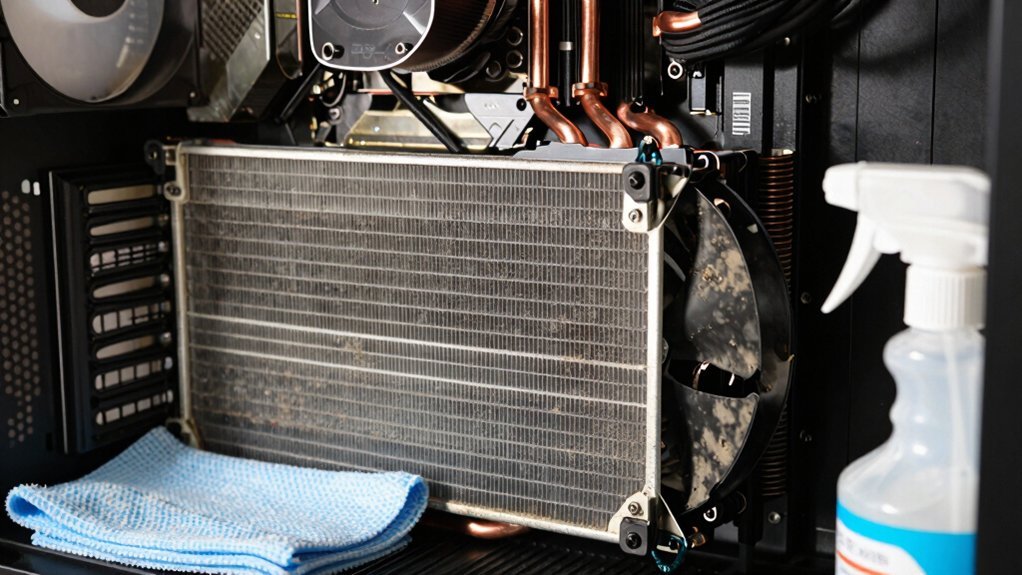
How often should you dust your budget AIO? Aim for every 2–3 months if you have pets or a dusty room, and at least twice a year in cleaner environments. First, power down and unplug the PC. Use a soft brush or canned air to loosen dust from the radiator fins, then gently blow it out. For hidden spots, temporarily remove the radiator fans—most budget AIOs let you do this without breaking the seal. After the fans are off, give the fins a thorough wipe with a lint‑free cloth. Reinstall the fans, check that airflow isn’t obstructed, and close the case. Consistent dust removal and careful radiator cleaning keep your budget AIO’s maintenance simple and its cooling performance reliable. 4–7 inch phone compatibility
When to Replace or Upgrade Your Cheap AIO Cooling System
After you’ve kept the radiator clean, the next question is when the AIO itself has reached the end of its useful life. You should start counting the warranty lifespan—most cheap AIOs last five to seven years, and manufacturers often back them for two to six. If you notice pump noise, a sudden drop in cooling performance, or any coolant leakage, those are clear signs that the sealed loop is failing and a coolant replacement isn’t an option. Even without obvious faults, dust‑filled fins can erode efficiency enough to justify an upgrade. When the unit nears the end of its warranty or you’ve hit the five‑year mark, consider swapping to a higher‑quality AIO or a different cooling solution to keep your system stable. Regular maintenance and awareness of total USB power delivery can help you plan upgrades for your gaming setup and avoid bottlenecks in performance USB-C Power Delivery and charging speed.
Frequently Asked Questions
Does the Cooling System Need Maintenance?
Yes, you should clean dust from the radiator and fans every few months, check pump noise, and verify coolant levels if you have a custom loop, ensuring optimal cooling performance.
Should I Replace AIO After 5 Years?
You should replace the AIO after five years if you notice higher temperatures, noise, or leaks; otherwise, keep cleaning the radiator and fans regularly to maintain performance and avoid premature failure.
Do AIO Coolers Need to Be Refilled?
You don’t need to refill an AIO cooler; it’s sealed and self‑contained. Just keep the radiator and fans dust‑free, and replace the unit only if you spot leaks or serious performance loss.
Does a Water Cooling PC Need Maintenance?
Yes, you need to keep the radiator and fans clean, check for dust buildup, and ensure the loop stays sealed; otherwise performance drops and components can overheat.
In Summary
Keeping your cheap AIO in shape saves you headaches and money. Regular checks for leaks, dust buildup, and pump noise let you catch problems early. Simple cleaning—flushing the loop, clearing the radiator fins, and tightening fittings—keeps performance solid. If the pump sputters or the coolant turns cloudy despite maintenance, it’s time to upgrade. A well‑maintained budget cooler can last years, but knowing when to replace it protects your PC and your peace of mind.


