
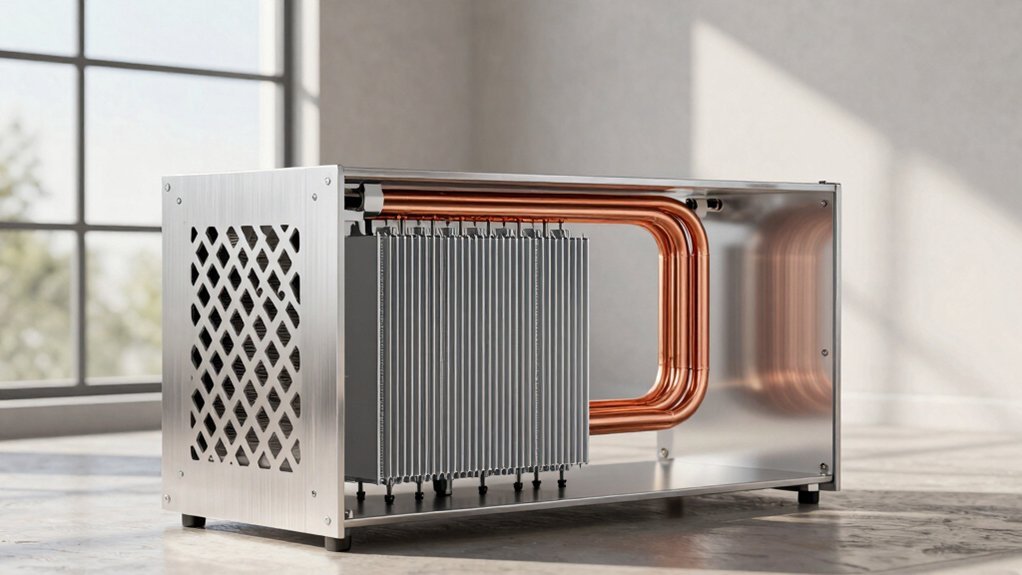
You can keep a cramped gaming room cool by first setting up cross‑ventilation—place a larger opening on the leeward side and a smaller one on the windward side, adding high‑level vents or a roof vent to let warm air rise and exit. Next, use thermal‑mass walls or floors that absorb daytime heat and release it at night, pairing them with night‑sky cooling through open high vents. Finally, install low‑cost shading like deep overhangs or pergolas and fit windows with low‑SHG double‑pane glazing to cut solar gain. These steps work together, and the next section shows how to fine‑tune them for maximum comfort.
Ventilation Strategies for Passive Cooling in Small Gaming Rooms
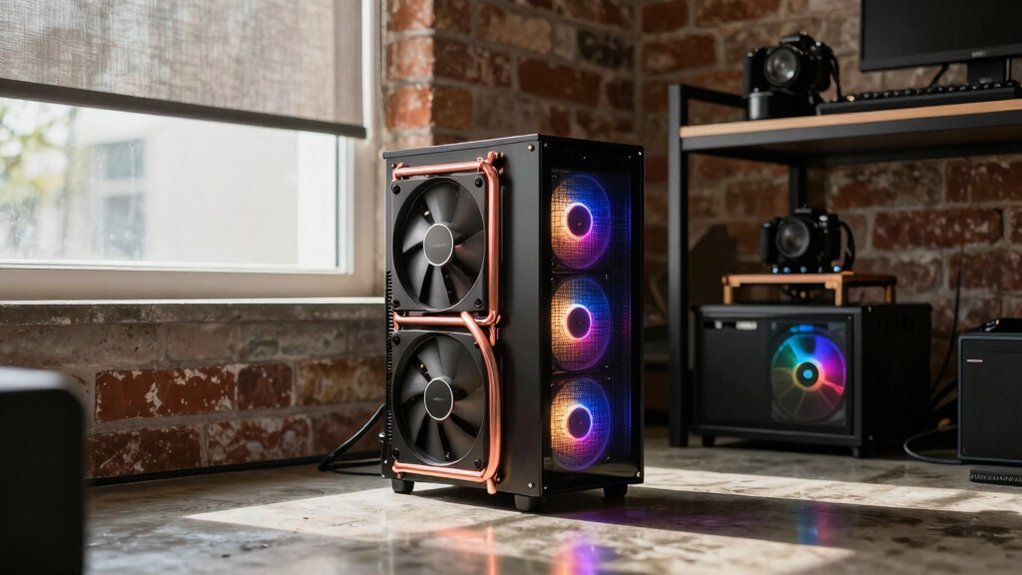
How can you keep a cramped gaming room cool without cranking the AC? Start with cross‑ventilation: place a larger opening on the leeward side and a smaller one on the windward side to draw breezes through the room. Align windows and doors so airflow paths cut across the space, positioning them near the high‑pressure zone of the windward side. Add high‑level vents or roof vents to boost convective ventilation, letting warm air rise and exit. Use ceiling or portable fans at 0.5 m/s to move air across your skin, increasing speed as temperatures climb. Pair ventilation with shading and low‑SHGC glazing to cut solar gain. Finally, schedule night cooling by opening windows after sunset, letting cooler air replace the daytime heat. USB-C Power: 20W PD
Thermal‑Mass and Night‑Sky Cooling Techniques for Compact Set‑Ups
A solid wall or floor can act like a nighttime‑time when you let it soak up daytime heat and then release it after sunset.
In compact builds you’ll want concrete or brick surfaces placed where they stay shaded during the day, so they act as thermal mass rather than a heat‑gain source.
At night open high‑level vents for night‑sky cooling; the clear sky radiates heat away while cooler air rushes in, creating a night‑flush cooling effect.
Align these high‑mass zones with cross‑ventilation paths so the cooled air circulates through the room. thermal mass
Low‑Cost Shading & Glazing Hacks for Passive Cooling in Tight Gaming Builds
Ever wondered how a few simple shading tricks can keep your compact gaming den cool without breaking the bank? You can slash heat gain, boost energy efficiency, and keep thermal comfort high with cheap, smart fixes.
- Exterior shading – Install deep overhangs or a modest pergola on east and west walls; deciduous trees add seasonal shade and cut solar load.
- Low SHGC glazing – Fit east‑west windows with double‑pane glass rated ≤0.20; pair with light‑colored, thermally broken frames to limit heat transfer.
- Adjustable louvres – Add interior louvres or fins above doors for cross‑ventilation, letting night cooling flush out stored heat while preserving privacy.
- Exterior vegetation – Plant shrubs or vines near the façade and use permeable paving; evapotranspiration cools surrounding air, enhancing overall cooling performance.
Frequently Asked Questions
How Does Roof Color Affect Passive Cooling Efficiency?
You’ll find that lighter roof colors reflect more sunlight, reducing heat absorption and keeping interiors cooler, while darker shades absorb heat, raising indoor temperatures and lowering passive cooling efficiency.
Can Interior Furniture Placement Improve Airflow in Tight Spaces?
You can boost airflow by arranging furniture away from vents, keeping pathways clear, and placing tall pieces opposite each other to channel breezes. Avoid blocking windows and use low‑profile items to maintain circulation.
What Role Do Floor Insulation Materials Play in Night‑Sky Cooling?
You’ll find that floor insulation traps heat from the ground, reducing upward heat flow and letting the night sky radiate cooling more effectively; it also limits conductive warming from warm indoor air.
Are There Optimal Window-To-Wall Ratios for Small Gaming Rooms?
You should aim for a 30‑35% window‑to‑wall ratio in small gaming rooms; that balances natural light and heat gain, keeping the space comfortable without sacrificing performance or causing excess glare.
How Often Should Passive Ventilation Ducts Be Cleaned?
You should clean passive ventilation ducts at least once a year, but if you notice dust buildup or reduced airflow, clean them sooner; regular maintenance keeps efficiency high and prevents mold or allergens.
In Summary
You’ve seen how smart ventilation, thermal‑mass tricks, and clever shading can keep a cramped gaming room cool without cranking the AC. By combining these passive tactics, you’ll cut energy bills, lower noise, and still keep your rig running at peak performance. Implement the right mix for your space, and you’ll enjoy a comfortable, efficient setup that lets you game longer and louder—without overheating.


