

You’ll save the most money with a Gold‑rated PSU sized 460‑500 W. It hits peak efficiency around the 50 % load sweet spot, cutting waste heat, fan noise, and wall‑power draw compared to Bronze or lower‑tier units. Gold’s 87‑90 % efficiency means a 350 W real‑world load pulls roughly 380‑400 W from the wall, shaving a few percent off your electricity bill each month. If you keep going, you’ll see how Platinum and Titanium compare and what to check before buying.
What PSU Efficiency Really Means for a Gaming PC
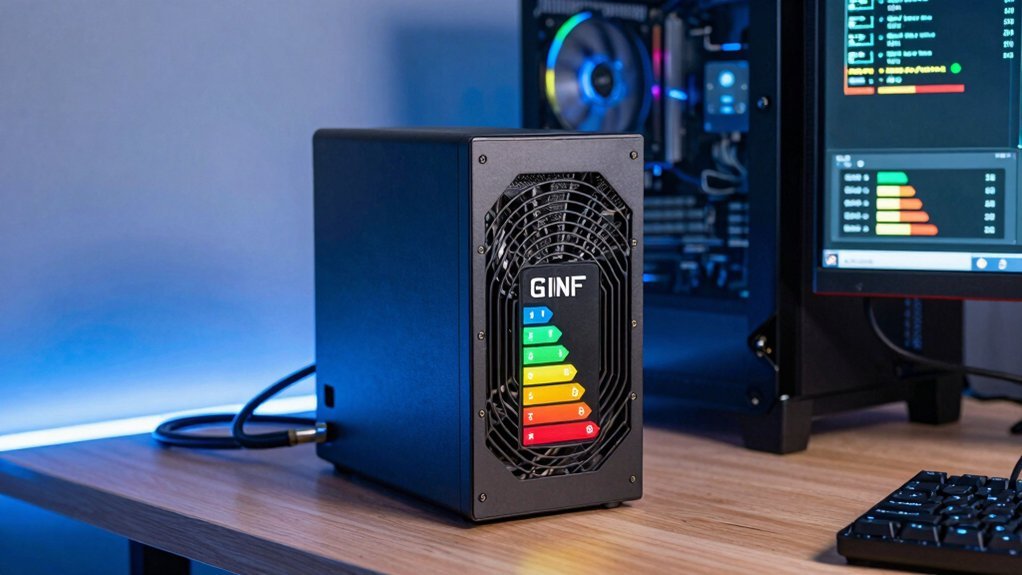
How much power your PSU actually wastes matters more than you think. When you pick a unit, look at its PSU efficiency rating, because it tells you how much of the wall‑drawn AC becomes usable DC. A 90 % efficient model turns 900 W of AC into 810 W for your GPU, CPU, and drives, while the remaining 90 W becomes waste heat. That waste heat forces your case fans to spin harder, raising noise and cooling demand. Efficiency isn’t static; it peaks around 50‑70 % load, which is where most gaming rigs sit. A Gold‑rated PSU will stay above 87 % efficiency in that band, cutting both electricity use and heat dissipation compared to a lower‑rated unit. Choosing a higher‑efficiency PSU thus keeps your system cooler and your bill lower. Protection suites from reputable brands are important because they back up efficiency claims with safeguards that protect against voltage and current spikes, ensuring consistent performance across load conditions.
How 80 PLUS Ratings Affect Your Wall‑Power Bill
Ever wonder how a PSU’s 80 PLUS rating translates into your electricity bill? You’ll see that a higher 80 Plus certification means less wall power for the same gaming output, which directly trims your monthly cost. A 500 W unit at 80 PLUS can pull up to 625 W from the wall at full load, while a Gold or Platinum model might stay under 560 W for the same workload. The savings grow as you game longer, because the efficiency gap compounds over hours of use. Bronze‑Silver tiers shave a few percent off input power. Gold‑Platinum‑Titanium tiers cut waste further, especially near mid‑range loads. Choosing an 80 Plus‑rated PSU guarantees a baseline efficiency that keeps your bill lower. Efficiency measurements help gamers choose a setup that balances cost and performance.
Why the 50 %‑Load Sweet Spot Matters for PSU Efficiency
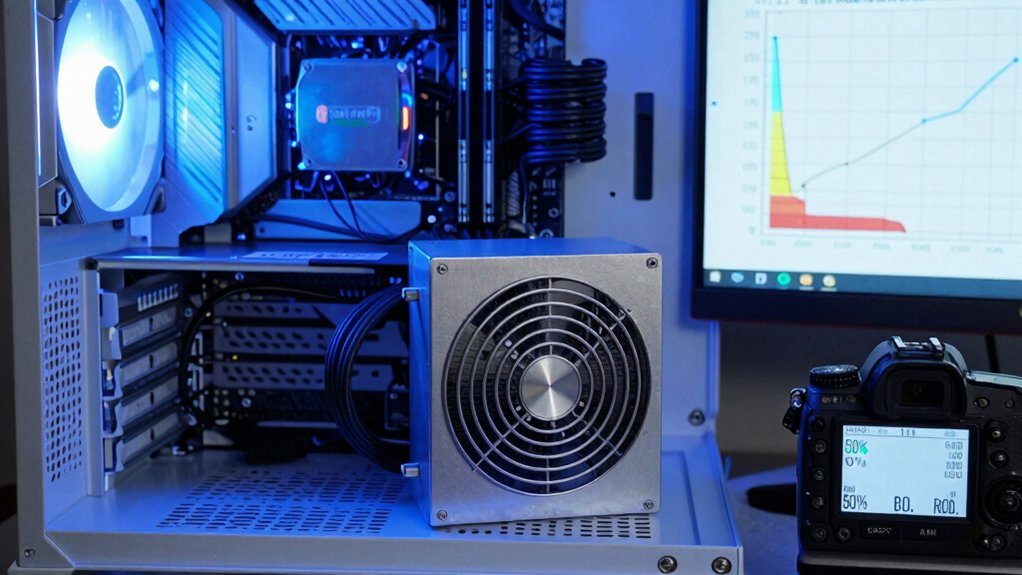
When your rig pulls about half the PSU’s rated wattage, you hit the peak efficiency zone where every watt from the wall translates to more usable power for your components.
This sweet spot slashes waste heat, cuts cooling demand, and lowers your electricity bill compared to running a PSU at very low or near‑full load.
Matching your system’s typical draw to that 50 % sweet spot maximizes power‑draw‑vs‑cost benefits and keeps your rig running cooler and quieter. USB-C Power Delivery
Peak Load Efficiency Peak
Why does the 50 %‑load sweet spot matter? Because your PSU hits its Efficiency peak right there, delivering the most DC power per watt of wall electricity. When you push a 500 W unit to 250 W, the loss curve flattens and the unit runs cooler, quieter, and cheaper. If you drift to 100 % or 20 % load, the curve steepens, and you waste more energy. In practice, matching loads with this sweet spot can help protect components and extend overall system longevity cooling efficiency.
- At 50 % load you see the highest Efficiency, often 90 %+ on 80 Plus Gold or Platinum.
- Moving away from the sweet spot raises heat and fan speed, shortening component life.
- Premium Titanium models keep Efficiency high across a broader range, but the 50 % sweet spot still offers the best bang‑for‑buck.
Power Draw vs. Cost
How much does your wall bill rise when your PSU runs far from its sweet spot? When you pull 350 W from a 500 W gold or platinum unit, you sit near the 50 %‑load sweet spot where efficiency peaks. At that point the PSU converts most of the incoming AC into DC, wasting only a few percent as heat.
If you drop to 20 % load, efficiency can slip below 80 %, meaning 20 % of the power you draw ends up as wasted heat and higher electricity Cost. Conversely, an oversized 800 W unit at 350 W operates in a lower‑efficiency band, inflating your monthly Cost. Choosing a PSU that stays within 40‑70 % load keeps Efficiency high, heat low, and your wallet happier. A well‑matched PSU also reduces overall energy waste through coordinated component efficiency and stable voltage delivery load optimization.
Bronze vs. Gold vs. Platinum: Which Tier Fits a $100‑$150 PSU Budget?
You’re weighing cost‑efficiency balance, so ask yourself whether the modest savings of a Bronze unit justify its lower performance.
A Gold PSU typically hits a sweet spot, delivering noticeably higher efficiency without breaking the $150 ceiling.
Platinum offers top‑tier performance, but its premium price usually outweighs the marginal energy gains for a typical gaming rig.
Cost‑Efficiency Balance
Bronze units hit 85‑89% efficiency at half load, giving decent efficiency savings without breaking the bank self-adhesive panels.
Performance vs. Price
Ever wondered which PSU tier squeezes the most performance out of a $100‑$150 budget? You’ll find Bronze units hit the lowest price, but their efficiency drops under heavy loads, so you may see higher electricity bills and more heat. Gold‑rated PSUs cost a bit more, yet they deliver noticeably better efficiency, keeping temperatures down and saving power when your GPU and CPU run at 50‑100 % load. That modest price bump often pays for in lower long‑term operating costs. Platinum and Titanium models exceed the budget, offering top‑tier efficiency but demanding a premium price that defeats the $100‑$150 limit. Focus on reputable brands, solid warranties, and modular designs, and choose Gold for the sweet spot between performance and price. Expansion capabilities help ensure you can upgrade components without replacing the PSU.
Real‑World Electricity Cost Differences Across 80 PLUS Tiers
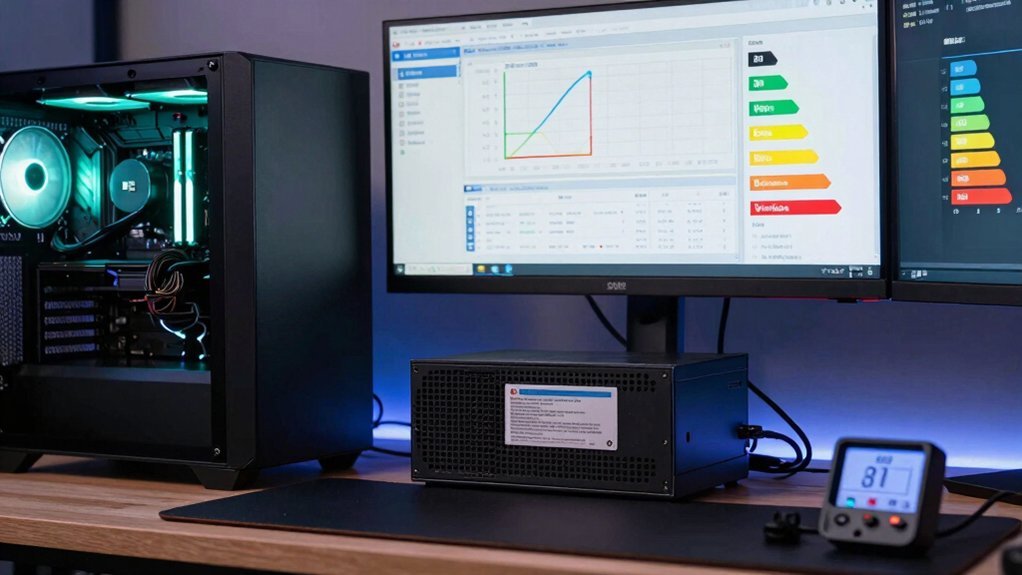
How much could you actually save by choosing a higher‑rated PSU? In real‑world gaming rigs, PSU efficiency makes a measurable dent in your electricity bill. A Bronze‑rated unit might pull roughly 988 kWh per year, while a Gold‑rated model drops to about 934 kWh under the same load range. The gap widens as you climb the 80 PLUS tiers—Silver, Gold, Platinum, and Titanium each shave off more waste, especially at 20 % and 50 % loads where efficiency dips are most pronounced.
- Bronze vs. Gold: ~54 kWh/year saved
- Platinum vs. Gold: additional ~10 kWh/year saved
- Titanium vs. Platinum: modest ~5 kWh/year saved
These differences translate directly into lower annual costs, depending on your local kWh price.
What a RTX 4090’s Power Draw Means for PSU Efficiency Savings?
A 450 W RTX 4090 draws a huge amount of power, so the efficiency of your PSU directly affects how much electricity you actually pay for. When you pair that card with an 80 Plus Gold, Platinum or Titanium unit, the PSU’s efficiency rating determines the extra wattage it must pull from the wall to deliver the 450 W RTX 4090 power draw. A 750 W Titanium PSU can keep losses under 10 % across 40‑100 % load, shaving roughly 237 kWh per year compared with a lower‑tier model. Those savings grow if you game at or near the card’s peak load, because the higher the load, the more the inefficiency compounds. Choosing a Gold‑to‑Titanium PSU gives you the best balance of upfront cost and long‑term electricity savings.
Hidden Benefit of Higher PSU Efficiency: Lower Heat & Quieter Cases
Why settle for a noisy, hot rig when a high‑efficiency PSU can keep both temperature and sound in check? You’ll notice that PSU efficiency directly cuts wasted power, so less AC input means less heat inside the case. That heat reduction keeps your GPU and CPU cooler during marathon sessions, which translates into longer component life and fewer thermal throttling events. Furthermore, the cooler environment lets the case fans spin slower, delivering a quieter gaming experience without sacrificing performance.
- Lower heat generation reduces fan speed and noise.
- Cooler components stay stable, extending their lifespan.
- Quieter operation lets you focus on gameplay, not fan whir.
Best PSU Efficiency Tier for a 350 W Load (Why 500 W Isn’t Always Optimal)
Quiet, cool rigs are great, but the real savings come from matching your PSU’s efficiency to the actual power you draw. For a 350 W load, a 460‑500 W high‑quality unit usually outperforms a 380 W model because its efficiency curve stays flatter across the load profile. An 80 Plus Gold or Platinum PSU keeps efficiency high at 20 %, 50 % and 100 % loads, so you waste less electricity and generate less heat.
Premium components reduce the dip you’d see at 30‑40 % and 70‑80 % usage, meaning the wall draw stays lower even when your system isn’t at full throttle. In short, pick a Gold‑or‑higher PSU in the 460‑500 W range; it delivers better real‑world efficiency for a 350 W load than a smaller, lower‑tier unit.
Gold vs. Bronze PSU: Monthly Bill Impact in a Typical Gaming Session
Ever wondered how much a Gold‑rated PSU can shave off your monthly electricity bill compared to a Bronze unit? When you game at 300‑450 W, the Gold’s higher Power efficiency means less wall draw, especially at 400 W peaks. That few percentage‑point edge can trim a few dollars each month, depending on your kWh rate, and the savings compound over a year.
Gold‑rated PSUs cut a few percent off monthly electricity costs versus Bronze, especially at 300‑450 W loads.
- Gold PSU: ~1‑5 % lower annual energy use versus Bronze.
- Bronze PSU: higher standby and peak losses, raising monthly cost.
- Typical session: Gold’s efficiency cuts heat, easing cooling and further reducing bills.
When to Prioritize Efficiency Over Price in a Budget‑Focused Build
When your rig often runs at mid‑load, a more efficient PSU cuts your electricity bill and reduces heat without a massive price jump. You’ll see the biggest savings when the power cost per kilowatt‑hour outweighs the extra wattage you could have saved with a cheaper unit.
Prioritizing efficiency also means cooler components and longer lifespan, which matters for a budget‑focused build.
Loadload Load Efficiency
Why does it matter which wattage you pick for a budget gaming build? Your PSU’s efficiency isn’t a static number; it shifts with load. When you run at roughly 50 % of the unit’s rating, you hit the sweet spot where you waste the least power as heat. That means a 460‑500 W high‑efficiency model can actually save you more than a cheaper 380 W unit if your system draws about 300‑450 W at peak.
- Choose a rating that matches your expected load, not the maximum possible.
- Aim for Bronze‑Gold certification to keep waste low at typical gaming loads.
- Remember that higher efficiency reduces cooling demand and keeps the rig quieter.
Power Cost vs. Wattage
How much you’ll actually pay for electricity hinges on your PSU’s efficiency, not just its wattage. A 600 W unit rated at 80 % Bronze will draw more from the wall than a 500 W Gold model delivering the same DC power, because the Bronze PSU wastes more energy as heat. In a budget‑focused build, upgrading from Bronze to Gold typically cuts annual power consumption by about 54 kWh, saving roughly $150‑$160 depending on rates. The ROI is strongest at this step; moving to Platinum or Titanium adds cost with diminishing efficiency gains. When your system spends most of its time at 30‑70 % load, Gold‑rated PSU efficiency keeps the bill low while still meeting performance needs, making it the sweet spot for cost‑conscious gamers.
Heat Management Benefits
Even if you’ve already saved on your electric bill by picking a Gold‑rated PSU, the next win comes from the heat it avoids generating. Higher PSU efficiency directly cuts waste heat, keeping your case air cooler during marathon gaming sessions. That translates into quieter fans, lower component temperatures, and longer lifespans for capacitors and VRMs. When you’re building on a budget, the modest price bump for a Gold or Platinum unit pays off in reduced cooling demands and less thermal wear over five years.
- Less waste heat = cooler ambient temps, quieter fans
- Cooler components → extended lifespan, fewer failures
- Lower cooling load → lower total cost of ownership
Prioritizing heat management now saves you money and stress later.
Future‑Proofing: Upcoming Ti‑Rated PSUs and Long‑Term Savings
Can you picture a rig that stays efficient even when you push it to the limit? With upcoming Titanium‑rated PSUs, you lock in the highest efficiency across the load spectrum—up to 94% at peak thanks to SiC technology. That Titaniumefficiency means less waste, lower electricity bills, and cooler components that stay quiet during marathon gaming sessions.
Because Titanium units keep their performance at 100 % load, they’re ideal for top‑tier GPUs and workstation‑style workloads that run continuously. Although the upfront price is higher, the annual savings from reduced power consumption quickly offset the cost, especially where kWh rates are steep.
Plus, as stricter ERP/DOE standards roll out, your Ti‑rated PSU will already meet future regulations, safeguarding your investment for years to come.
Quick Checklist for Selecting a Cost‑Effective, Efficient PSU for Gamers
Titanium‑rated units show how peak efficiency translates into real‑world savings, but the next step is picking a PSU that fits your budget and typical load. Focus on a unit that stays efficient across 20‑100 % load, especially the 50 % sweet spot where most gaming rigs sit. Aim for a 460‑500 W model if your system draws 350‑450 W; this size gives headroom without overspending. Remember that higher efficiency ratings (Gold, Platinum, Titanium) usually offset their premium through lower electricity bills and fewer failures, boosting long‑term cost savings.
Choose a 460‑500 W PSU with Titanium efficiency for optimal cost and performance.
- Verify the PSU’s efficiency rating at your expected load range.
- Check for quality components—solid capacitors, robust cables, and quiet cooling.
- Compare total cost of ownership, factoring electricity rates and warranty length.
Bottom‑Line: Which PSU Efficiency Tier Gives the Best ROI for a Gaming Budget?
So, which efficiency tier actually pays off for a typical gaming budget? You’ll find Gold‑rated PSUs hit the sweet spot. Their 90%+ Efficiency at mid‑load delivers solid yearly savings without the premium price of Titanium. Upgrading from Bronze to Gold usually yields the best ROI, with a payback around 3.2 years thanks to noticeable yet affordable efficiency gains. Platinum or Titanium shave a few extra watts at extreme loads, but their higher upfront cost rarely justifies the extra savings for most gamers. For a ~350 W real‑world gaming load, a high‑quality Gold (or reasonable Platinum) unit that stays efficient across 20 %, 50 %, and 100 % loads maximizes ROI while keeping heat, noise, and cooling needs low. Choose Gold for the best balance of cost, Efficiency, and long‑term value.
Frequently Asked Questions
Is 80+ Gold Better Than 80+ Platinum?
No, Platinum isn’t necessarily better for you; it’s about efficiency versus cost. You’ll see slightly lower electricity bills with Platinum, but for typical gaming loads, Gold gives comparable savings at a cheaper price.
What Is a Good PSU Efficiency?
You should aim for at least 80 PLUS Gold efficiency; it delivers solid performance across typical gaming loads, keeps heat low, and saves money without the premium cost of Platinum or Titanium.
Is 750W Enough for Gaming?
Yes, 750 W usually covers a typical gaming rig; it handles most GPUs and CPUs comfortably. Just ensure your components stay under 70% load, and pick an 80 Plus Gold or higher for best efficiency.
Which PSU Is Best for Gaming?
You should pick a 550‑650 W Gold‑rated PSU; it balances cost, efficiency, and headroom for high‑end GPUs, delivering strong performance without overpaying for marginal gains.
In Summary
In the end, a Gold‑rated PSU hits the sweet spot for most gamers: it slashes your electricity bill without breaking the bank, and it runs cooler and quieter than Bronze. If you can stretch a bit more, Platinum offers marginal savings that only pay off over many years. For a tight $100‑$150 budget, stick with Gold—you’ll get the best ROI, reliable power, and peace of mind while you game.


Leave a Reply