
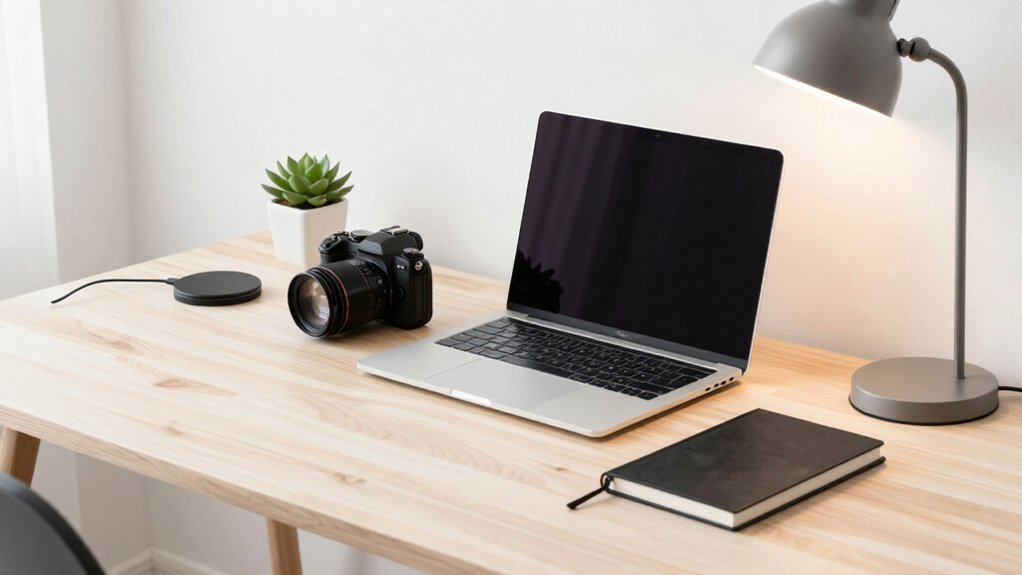
You’ll find that building your own minimalist desk setup instantly sharpens focus, cuts visual clutter, and boosts productivity by keeping only essentials within arm’s reach. It also improves ergonomics—your monitor, keyboard, and lighting can be positioned for comfort, reducing strain and fatigue. A clean, personalized workspace feels more inviting and reflects modern aesthetics, while smart cable management and wireless peripherals keep the surface tidy. Keep reading to discover the step‑by‑step process for creating this efficient, sleek environment.
Step‑by‑Step Guide to Building a Minimalist Desk Setup

Ever wondered how to transform a chaotic surface into a sleek, functional workspace? Start by clearing your desk completely, then decide which items you use daily—laptop, monitor, keyboard, mouse, lamp, one notebook, and a pen. Re‑assemble only those essentials, placing everything else in a drawer. Apply cable management with under‑desk trays, clips, and Velcro so wires stay hidden, keeping the surface clutter‑free. Choose a minimalist palette: neutral tones and no more than five colors, reserving accents for small details. Prioritize ergonomics by adding an adjustable monitor arm, an ergonomic chair, and wireless peripherals to reduce visual noise. Finish with a maintenance routine—2‑3 minute daily reset, weekly deep reset, and regular wipe‑downs—to preserve a tidy, focused desk. Building on budget storage principles, ensure your chosen setup allows for easy expansion and clear labeling to keep future additions organized growth planning.
Choose the Right Desk Size and Shape for Your Minimalist Desk Setup
Aim for a minimal desk depth of about 60 cm (2 ft) so your monitor and keyboard sit comfortably without crowding the surface.
Choose a compact desk with slim legs in neutral tones—white, black, or natural wood—to blend into any room and keep visual noise low.
If you need storage, opt for built‑in drawers that hide essentials while preserving a clutter‑free surface.
A rectangular shape works for most setups, but an L‑shaped desk can fit corners without expanding the footprint.
Measure your room, consider the flow of traffic, and ensure the desk leaves enough breathing space for chairs and movement.
This balance of size, shape, and style maintains the minimalist aesthetic while supporting daily tasks.
Budget-friendly motherboard guidance highlights practical considerations for upgradability and performance when building a compact, efficient workspace computer. upgradability
How to Pick a Standing Desk That Fits Your Budget and Needs
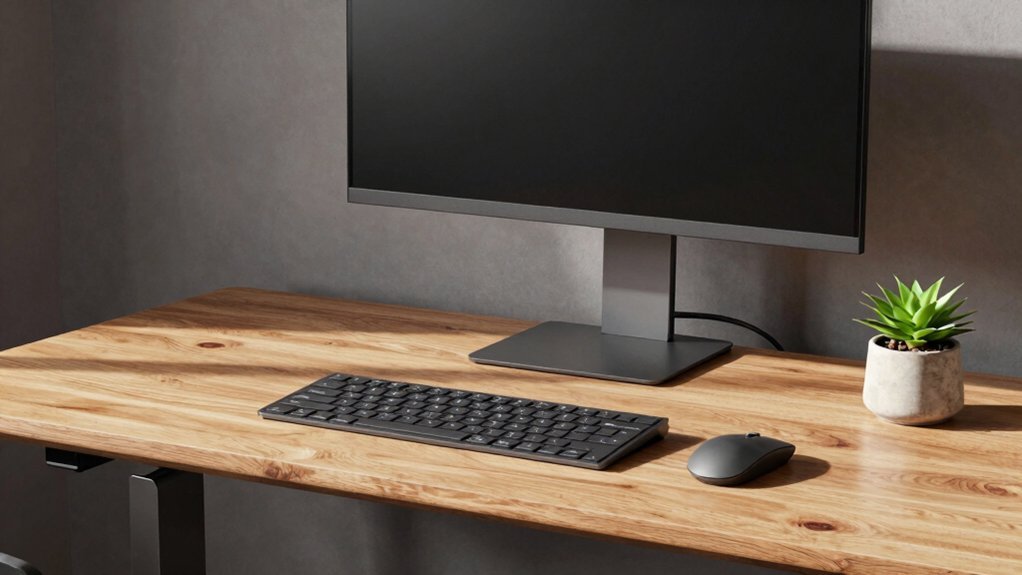
You’ll want to compare height‑adjustment mechanisms and make sure the desk’s range covers your preferred standing and sitting positions. Look for budget‑friendly frames—like basic electric or manual models—that still meet your size and weight‑capacity needs. Choosing a desk with enough depth (at least 60 cm) and solid build quality will keep your setup functional and motivating. Consider desks that support cable management and easy panel access to mirror how premium cases offer tidy interior layouts and removable panels for maintenance panel accessibility.
Size Height Options
How can you choose a standing desk that balances size, height, and cost? Start by measuring your workspace depth—aim for at least 60 cm (2 ft) to fit monitors and accessories without crowding. Then match the desk’s height options to your ergonomic alignment needs; adjustable mechanisms with several preset positions let you switch between sitting and standing comfortably. Keep the minimal desk setup in mind: a slimmer profile reduces visual clutter while still supporting your load capacity and stability.
| Dimension | Recommended Minimum | Why It Matters |
|---|---|---|
| Depth | 60 cm (2 ft) | Fits monitors & accessories |
| Height Range | 70–120 cm (27–47 in) | Supports ergonomic alignment |
| Weight Capacity | 70 kg (154 lb) | Ensures stability at all heights |
Budget-Friendly Frame Choices
Looking for a standing desk that won’t break the bank yet still feels solid and sleek? Start by checking weight capacity and stability at full height; a wobble‑free frame is essential for long‑duty use. Budget‑friendly frames often feature simple legs and minimal design, which blend perfectly into a minimalist desk setup. Look for models with built‑in cable management to keep cords hidden and your workspace tidy. Prefabricated kits let you pair a basic frame with a compatible tabletop, controlling costs while delivering a cohesive look. If you need extra surface area, an 80‑inch length can justify the standing option without overwhelming the room. Prioritize these factors, and you’ll land a functional, sleek standing desk that respects your budget Affiliate considerations.
Must‑Have Ergonomic Accessories for All‑Day Comfort on a Minimalist Desk
You’ll notice how an adjustable monitor arm instantly lifts your screen to eye level, cutting neck and shoulder strain. Pair that with a sleek ergonomic keyboard tray, and your wrists stay neutral while the desk stays uncluttered. Together they give you all‑day comfort without sacrificing the minimalist aesthetic. The right budget risers, like the Klearlook foldable stand with a storage drawer storage drawer, also help keep surfaces tidy and cable-free.
Adjustable Monitor Arm
Ever wondered why a minimalist desk feels cramped without a monitor arm? You’ll notice that an adjustable monitor arm lifts the screen to eye‑level, easing neck strain and sharpening posture. By pulling the monitor off the surface, you create a clutter‑free workspace where a slim laptop, notebook, or plant can sit without crowding. The arm’s swivel and tilt let you fine‑tune angles for long‑hour comfort, while its sleek profile blends with a minimalist desk aesthetic. Pair it with ergonomic chairs and wireless peripherals, and you’ve built a streamlined, health‑focused workstation. COOLING
Ergonomic Keyboard Tray
Why settle for a cramped typing posture when a wooden keyboard tray like SAMDI can lift your hands to a neutral angle? An ergonomic keyboard tray on a minimalist desk lets you keep a neutral wrist angle, cutting strain during marathon sessions. Its adjustable height and tilt sync with your monitor’s eye level and chair’s position, so you never hunch. Pair it with a wireless keyboard and you slash desk clutter, preserving the clean, open aesthetic you crave. The low‑profile design slides under the desk without blocking under‑desk cable management, keeping cords tucked away and legroom generous. By fine‑tuning the tray’s position, you create a fluid workflow that feels natural, efficient, and comfortably sustainable. Cable management compatibility is enhanced on desks that support under‑desk organization options, helping you maintain the minimalist look even as you optimize comfort.
Apply Streamlined Cable‑Management Techniques for a Clean Minimalist Desk
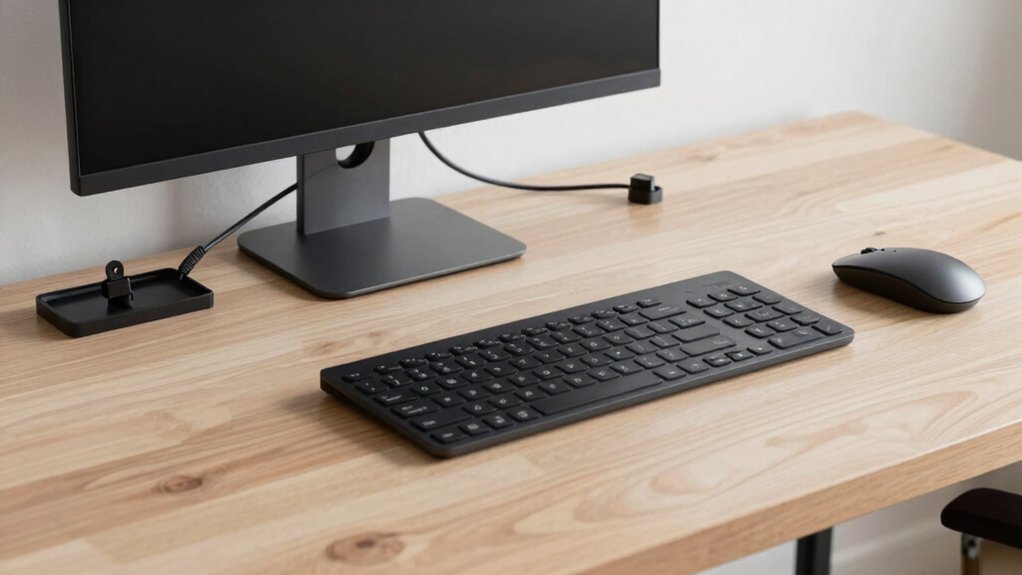
How can a desk look truly uncluttered when cords constantly spill onto its surface? You’ll discover that a Minimalist desk setup thrives on disciplined cable management. By routing power strips and chargers into under‑desk trays, you hide the mess from view. Bundle everything with Velcro ties, and replace wired accessories with wireless peripherals to achieve clutter reduction. A daily 2‑minute reset keeps the system tidy, while a single hub consolidates power for a sleek appearance.
Disciplined cable management transforms a cluttered desk into a sleek, minimalist workspace.
- Use under‑desk trays (e.g., Stand Up Desk Store) and SOULWIT clips to conceal cords.
- Bundle cables with Velcro strips, route power strips inside trays, and switch to wireless keyboards and mice.
- Consolidate power with a hub like EcoFlow RAPID Power Bank and perform a quick desk reset each day.
Pick Lighting, Monitors, and Screens for Visual Comfort on Your Minimalist Desk
When you set up your minimalist desk, positioning the monitor at eye level—perhaps propped on a slim stack of books—eliminates neck strain and frees the workspace from a bulky stand. Choose a single high‑quality monitor that offers matte finishes to cut glare, and pair it with a sleek desk lamp or a ScreenBar Pro that directs light without spilling onto the screen. Maximize natural light, but use blinds or curtains to keep harsh glare at bay. Add subtle ambient lighting—warm tones or a soft RGB strip—to give the area character without clutter. This balanced lighting and monitor combo keeps your eye desk setup comfortable, focused, and visually appealing.
| Aspect | Recommendation | Benefit |
|---|---|---|
| Monitor | Matte, eye‑level placement | Reduces glare, strain |
| Lighting | Desk lamp or ScreenBar Pro | Focused illumination |
| Ambient lighting | Warm or low‑intensity RGB | Mood, minimal clutter |
Select Minimalist Peripherals and Organizers for Maximum Functionality
Looking for a clean, efficient workspace? Choose wireless peripherals like a 60‑65% mechanical keyboard and a sleek mouse to eliminate visible cords and keep your minimalist desk tidy. Pair them with smart cable management—under‑desk trays and adhesive clips hide power lines while preserving a clear front view. Add a monitor stand to lift your screen, freeing surface area for a slim desk mat that protects the finish and defines zones.
Wireless peripherals, smart cable management, and a monitor stand create a sleek, clutter‑free workspace.
- Wireless peripherals reduce clutter and improve mobility.
- Cable management tools keep cords out of sight and organized.
- Compact storage such as a drawer and a monitor stand maximizes usable space.
Prioritize purpose‑driven tools, avoid excess gadgets, and let the desk mat and monitor stand create a functional, streamlined environment.
Implement Daily Routines to Keep Your Minimalist Desk Clutter‑Free
Ever notice how a few minutes each day can keep your workspace feeling fresh and focused? Start each morning with a quick 2‑minute desk clutter sweep: wipe the surface, return mouse and keyboard to their spots, and tuck away any stray notes. Keep only the essentials—laptop, monitor, lamp—within arm’s reach, and store everything else in a drawer or off‑site. Use pegboards and under‑desk trays for cable management, so cords disappear and the minimalist desk stays sleek. End every work session by resetting the layout, reinforcing your daily routine. Finally, schedule a weekly reset on Friday afternoon to deep‑clean, reorganize supplies, and verify your color palette stays under five hues. This habit loop guarantees a clutter‑free, focused environment.
Frequently Asked Questions
What Are the 3 P’s of a Clean Desk?
You keep a clean desk by focusing on Purpose, Place, and Preparation: each item serves a role, everything has a designated spot, and you reset daily and deep‑clean weekly.
What Are the Benefits of Minimalist Design?
You’ll feel calmer, focus faster, and work longer without fatigue; distractions shrink, creativity rises, and maintenance drops, letting you enjoy a tidy space that boosts productivity and reduces stress.
Does a Minimalist Desk Reduce Clutter?
Yes, a minimalist desk cuts clutter by forcing you to keep only daily essentials, so you’ll constantly surface, organized, and focused, while unnecessary items stay hidden or removed entirely.
What’s Considered a Minimal Desk Setup?
You define a minimal desk setup as a surface holding only a laptop, a monitor, a keyboard, a mouse, and a lamp—everything else tucked away or hidden, with cables managed and a neutral color palette.
In Summary
By now you’ve got a sleek, functional workspace that boosts focus and comfort without the clutter. Stick to the size, ergonomics, and cable‑management tips you’ve learned, and you’ll keep your desk tidy and efficient every day. A minimalist setup isn’t just about looks—it’s a habit that fuels productivity and wellbeing, turning your work environment into a calm, inspiring hub for whatever you tackle.


Leave a Reply