
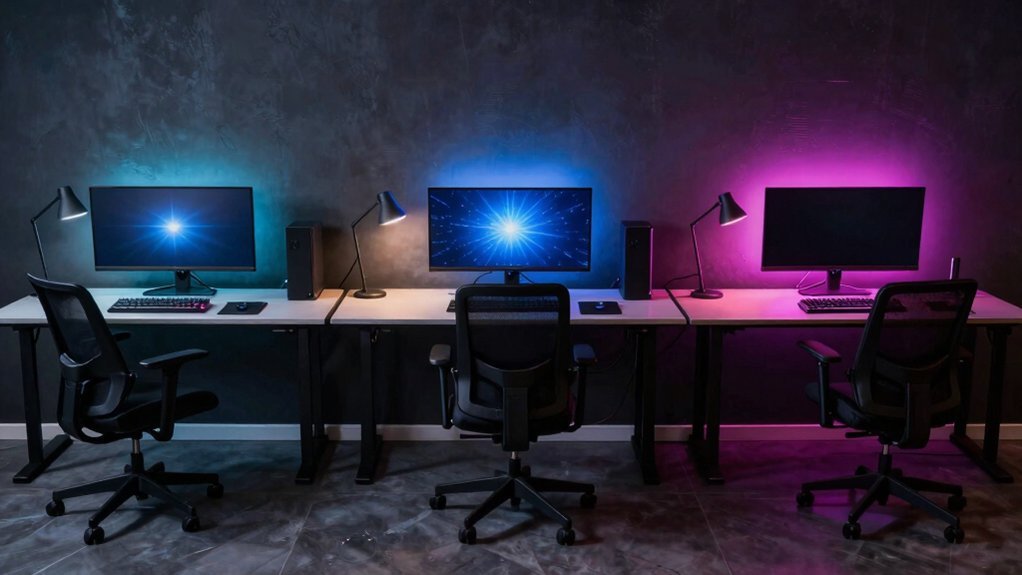
You’ll love a 45‑inch wide, 24‑inch deep wall‑mounted desk that puts the top of your main monitor 2‑3 inches below eye level and leaves room for a short secondary surface, plus floating shelves above for peripherals. Pair it with a solid flat door hinged to a rigid wall mount, using a gas‑spring or counterweight lift for smooth fold‑down action, and drill cable‑pass‑throughs into the door edge. Add a compact keyboard tray, dimmable RGB strips under the lip, and magnetic organizers to keep cords hidden. If you keep going, you’ll discover more details on ergonomics and expansion.
Pick the Ideal Wall‑Mounted Desk for Gaming
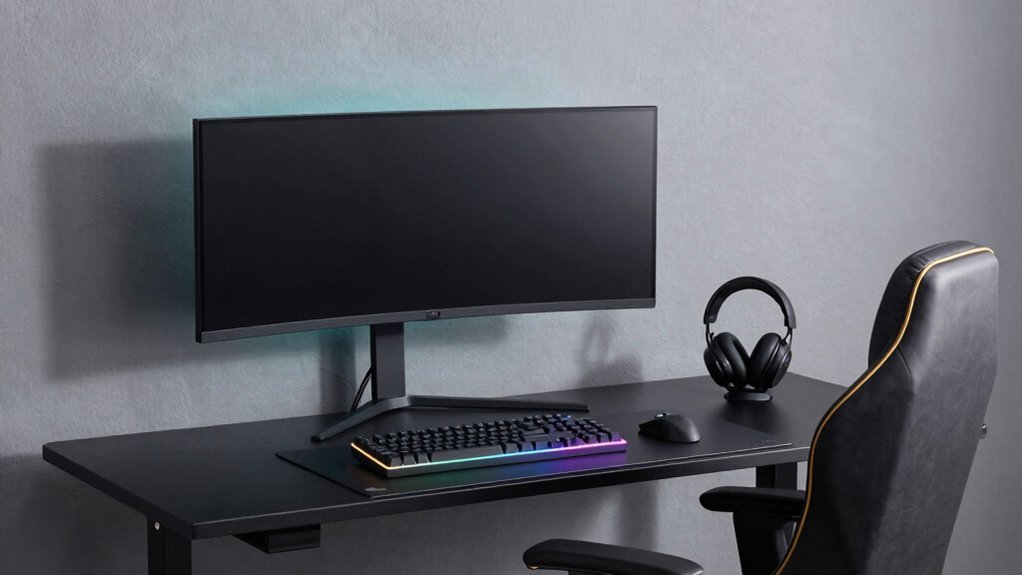
Looking for a wall‑mounted desk that maximizes space without sacrificing comfort? Choose a compact desk with a footprint of 43–60 inches and a desk depth of 23–27 inches to fit narrow walls or door‑adjacent areas. Position the monitor height so the top sits 2–3 inches below eye level, keeping an arm‑length distance for an ergonomic setup.
Opt for a wall-mounted desk that accommodates dual monitors on a 55–60 inch main surface while a shorter secondary area holds a laptop or accessories. Integrate cable management behind the desk and add wall‑mounted shelves for vertical storage, keeping cords tidy and freeing floor space. This configuration delivers a sleek, functional gaming station without compromising comfort or performance. For budget‑friendly organization, consider modular storage options that maximize space and visibility Budget storage principles and plan for future expansion to adapt as gear grows.
Build a Fold‑Down Door Desk Step‑by‑Step
If you’ve already chosen a wall‑mounted desk that fits your space, the next step is to turn a door into a fold‑down workstation that tucks away when you’re not gaming. First, pick a solid, flat door and attach a rigid mounting hinge to the wall using a wall‑mounting kit. Next, install a gas‑spring assist or counterweight so the fold‑down desk lifts smoothly. Drill cable‑management pass‑throughs into the door edge, then mount a monitor mount and a compact keyboard tray. Add wall‑mounted storage above the door desk for quick access to controllers and headphones. This space‑saving setup transforms any dorm room desk into a functional gaming hub while keeping the floor clear, while selecting a charging station with efficient two‑controller capacity can help keep your gear powered during long sessions charging efficiency and make sure you don’t interrupt gameplay.
Hide Cables, Add Lighting, and Optimize Ergonomics on Your Door Desk
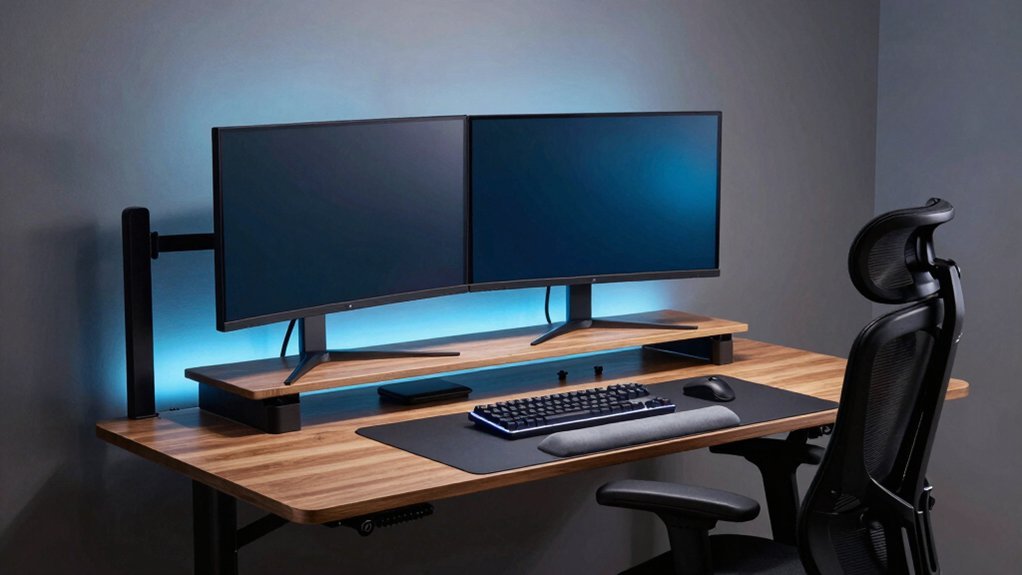
Ever wondered how to keep your door‑mounted workstation sleek while staying comfortable? Start with cable management: magnetic organizers and fastening straps tuck cords into the door desk’s frame, leaving a clean gaming desk surface.
Magnetic organizers and fastening straps tuck cords into the door desk’s frame, leaving a clean gaming surface.
Add dimmable lighting and RGB lighting strips under the lip for mood and glare reduction, then mount wall‑mounted shelves above for peripherals and documents.
Choose a compact sit‑stand desk with motorized corners that fits the door width, preserving an ergonomic setup.
Attach monitor arms so screens sit 6–12 inches from the wall, securing airflow behind monitor and easy power‑strip access.
This combo hides wires, boosts ambience, and keeps your door desk ergonomic for marathon gaming sessions. Blue light reduction
Frequently Asked Questions
How Does Door Desk Weight Affect Floor Stability?
You’ll feel the floor wobble if the door desk’s weight isn’t evenly distributed; heavier desks demand a solid, level surface, while lighter ones can shift easily, compromising stability during intense gaming sessions.
Can a Door Desk Support Multiple Monitors Simultaneously?
Yes, a sturdy door desk can hold multiple monitors if you reinforce the frame, use a robust mounting bracket, and keep the total weight within the desk’s load rating, ensuring stability.
What Material Is Best for Noise‑Dampening on a Door Desk?
You should use dense, acoustic‑foam panels or mass‑loaded vinyl on the desk door; they absorb sound effectively, reduce vibrations, and fit easily without adding bulk to your gaming setup.
How to Prevent Door Warping From Humidity Over Time?
Seal the wood with a moisture‑resistant finish, install a weather‑stripping seal, keep the room’s humidity below 60 %, use a dehumidifier if needed, and avoid direct water exposure on the door.
Are There Specific Chair Height Recommendations for Door Desks?
You should set your chair so your elbows form a 90‑degree angle when your hands rest on the desk, typically 42‑48 inches high, and keep your feet flat on the floor for proper posture.
In Summary
Now you’ve got a wall‑mounted, fold‑down, or cable‑cleaned door desk that looks sleek, feels comfortable, and maximizes space. By picking the right design, following the build steps, and fine‑tuning lighting and ergonomics, you’ll enjoy a gaming setup that’s both functional and stylish. Delve in, tweak the details, and let your door become the ultimate gaming hub.


