

First, check the seller’s return policy—look for a clear 14‑30‑day window, written terms, and no hefty restocking fees, especially for opened discs or digital codes. Next, inspect the disc or cartridge for scratches, pinholes, or warping, and wipe away fingerprints with a microfiber cloth. Then, verify the game matches your console’s generation and region code to avoid incompatibility. Test the game on the spot, confirming it boots, runs smoothly, and saves progress. Finally, secure any warranty or refund options; if you keep going, you’ll discover more details.
Check the Seller’s Return Policy for Used Console Games
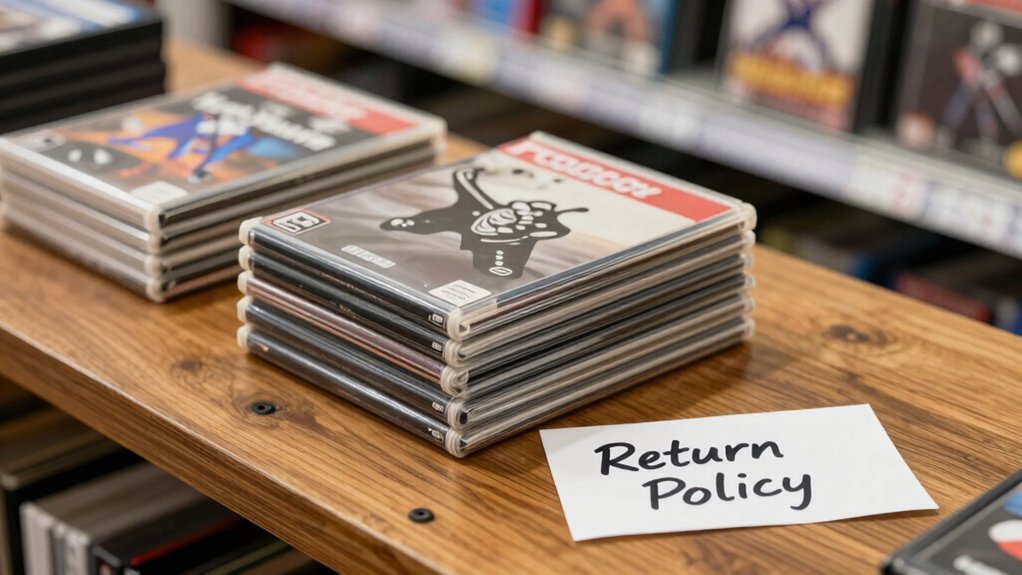
Ever wondered how to protect yourself when buying a used console game? Start by hunting retailers that advertise a clear return policy, ideally 14–30 days for refunds or exchanges. Read the policy in writing—note if opened discs, scratches, or non‑functional downloads qualify, and watch for restocking fees. Prefer established shops like GameStop or local game stores, which often back purchases with a warranty or store‑protected plan. Verify whether the policy covers both physical discs and digital codes, and ask about any issue‑based exceptions. Knowing these details lets you act quickly if the game fails, saving you time and money while keeping your collection safe. Surface Compatibility & Removal
Inspect Used Console Game Discs for Physical Damage
How can you tell if a used game disc will work before you buy it? Hold it up to light and scan for pinholes, deep scratches, or warping that threaten disc integrity. Wipe fingerprints and smudges with a microfiber cloth; if oil remains, apply lens cleaner. Examine both sides of Blu‑ray or PS discs for cracks or separated layers. A quick test in a console confirms smooth spin and stutter‑free playback. Minor scratches? Clean gently, then re‑test; deep or concentric marks may mean you need a replacement. Light test pinholes, warping can indicate damage.
Verify Compatibility of Used Console Games With Your Console
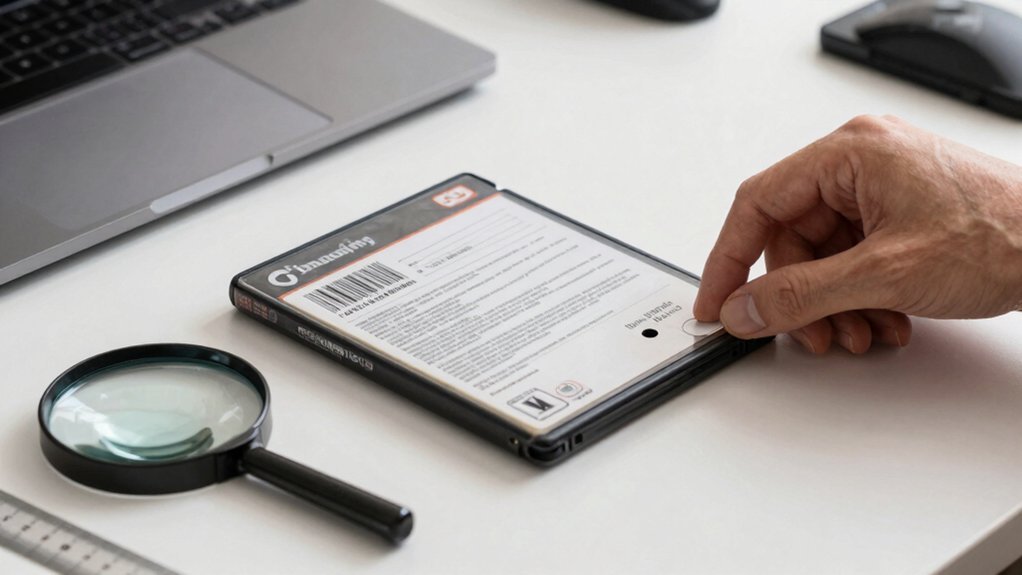
Which games actually run on your system? First, confirm the title belongs to your console family—PS4 versus PS5, Switch versus Switch 2—so the hardware and firmware can read it. Next, check the region code (NTSC, PAL, NTSC‑J) to avoid display or save‑data mismatches. Make sure the format matches your console: a disc for PS4/PS5, a cartridge for Switch, or a digital download code for newer platforms. Inspect discs for deep scratches, pinholes, or warping; examine cartridge contacts for corrosion or debris. Finally, watch for region‑locked or service‑restricted games that may need extra updates or purchases to work on newer hardware. This thorough compatibility check saves you time, money, and frustration. Region‑related compatibility
Test Gameplay of Used Console Games Before Buying
After confirming a game fits your console’s hardware and region, the next step is to test its gameplay before you commit. Power on the console at a local game store and make sure it boots to the main menu without errors, then insert the disc or cartridge.
Load a short level or demo to check for smooth framerate, stable graphics, and no freezes or crashes. Press every button, wiggle analog sticks, and pull triggers to gauge control responsiveness and spot any drift or lag.
Listen for missing audio, glitches, or texture pop‑ins. Finally, create a quick save, power down, and reload to confirm the game writes and retains progress. This hands‑on check saves you from costly surprises later. Testing integrity
Secure Refund or Warranty Options for Used Console Games
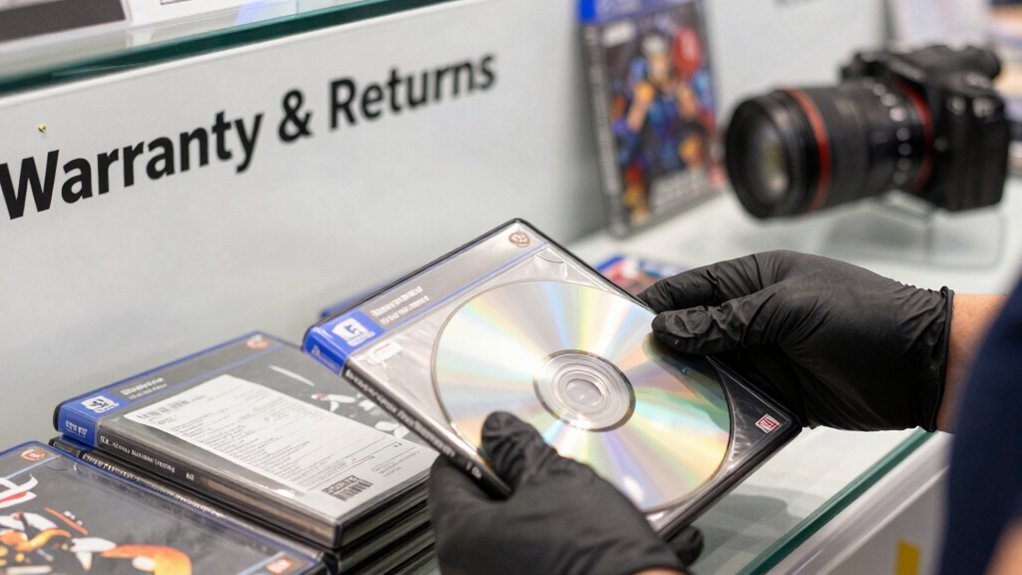
Choosing a retailer that offers a clear return policy or warranty—like GameStop or a trusted local shop—protects you from damaged or dead‑on‑arrival used games. Look for purchases backed by explicit warranty terms and a defined time frame, because private sales rarely include any protection. Before you hand over cash, inspect the case, disc, or cartridge for minimal wear, no scratches, and intact online codes. Test the game on the spot; if the disc skips or won’t read, ask about exchange options right then. A solid return policy lets you return a defective item within days, while a warranty can cover later issues. Weigh the used price against the length of the return window and any warranty coverage to gauge total cost of ownership. Rechargeable battery capacity can influence how long you can test a device before needing a replacement or spare battery, adding another layer of consideration when evaluating used hardware.
Frequently Asked Questions
What Are the Risks of Buying a Used Console?
You risk getting a faulty disc drive, corrupted saves, hidden hardware bans, limited warranty, overheating from dust, noisy fans, and counterfeit games, all of which can render the console unusable or unreliable.
Is It Safe to Buy a Used PS5 From Gamestop?
Yes, you can safely buy a used PS5 from GameStop if you inspect the console, test its functions in‑store, and verify the warranty or return policy before finalizing the purchase.
Do I Have to Buy a Game Twice if I Have Two Switches?
No, you don’t need to buy it twice. Sign into the same Nintendo Account on both Switches, set one as the primary console, and download the game once to enjoy it on both devices.
What to Check When Buying a Second Hand Console?
You should examine the console’s exterior for dust and damage, test power, fan, disc drive, and wireless connectivity, verify controller responsiveness, confirm update compatibility, and ask about return or warranty options.
In Summary
By following these steps, you’ll avoid nasty surprises and keep your gaming library solid. Check the seller’s return policy, inspect discs for scratches, confirm the game matches your console, give it a quick test run, and secure a refund or warranty. With those precautions in place, you can buy used games confidently and enjoy countless hours of play without hassle.


