
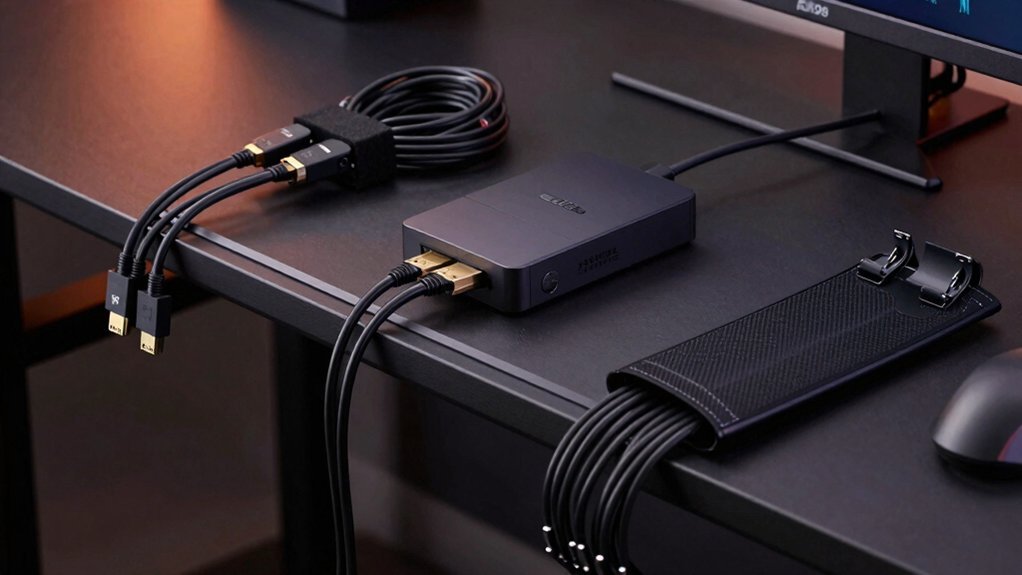
Cut 3‑inch PVC pipe to fit your desk’s back edge and snap PVC tees on for HDMI or power spurs, then spray‑paint to match the décor. Slice a pool noodle lengthwise, slide it along the desk, trim to distance, and secure with adhesive clips for bend‑friendly sleeves. Group cords with reusable Velcro ties and low‑profile adhesive clips to keep bundles tidy. Mount a cheap power‑strip tray under the desk, label each cord, and test everything. If you keep going, you’ll discover even more budget‑friendly tricks.
PVC Channels for Cheap Gaming Cable Management
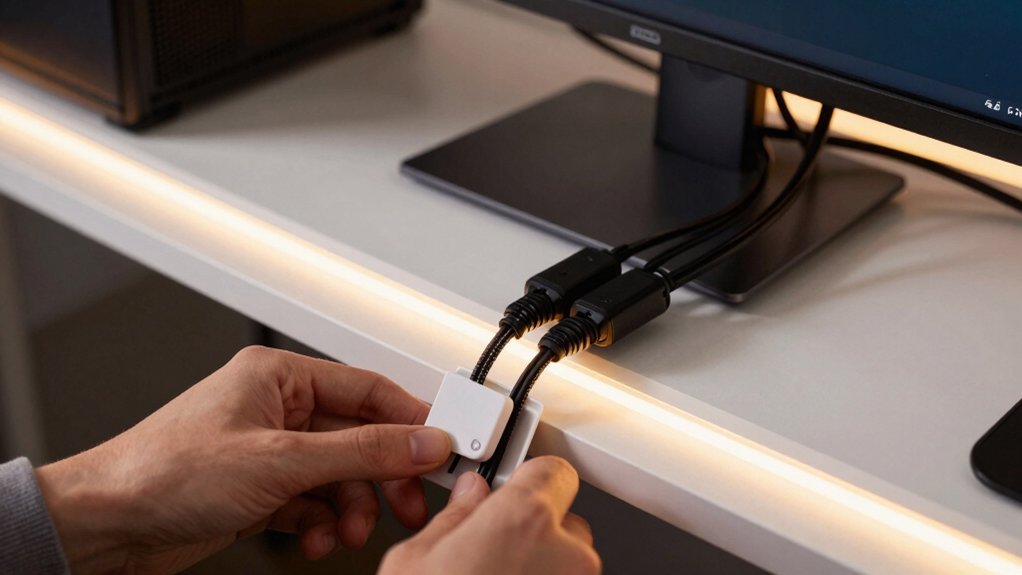
Looking to keep your gaming rig tidy without breaking the bank? You can turn cheap PVC channels into a sleek cable routing solution for a budget gaming setup. Cut 3‑inch PVC pipe to length, then zip‑tie it to the back‑of‑desk channels for a flush, hidden‑cables path. Use PVC tees to branch off shorter runs where you need power or HDMI spurs, keeping desk cable organization tidy. Spray‑painted PVC blends with any décor, eliminating visual clutter. The modular cable system lets you add or remove sections without tools, so you can reconfigure as your rig evolves. This low‑cost method creates a professional‑look cable management scheme that stays out of sight while protecting cords from wear. Upgrade path considerations for future CPU and GPU features can influence where you route and expand your cable channels as components change.
Pool Noodle Conduits for Cheap Gaming Cable Management
If you’ve already turned PVC channels into a sleek routing system, the next upgrade is a pool‑noodle conduit. Cut a pool noodle open lengthwise, slide it along the back of desk, and push the desk tight to the wall to seal gaps. The soft sleeve protects cables, reduces tangling, and keeps your cheap gaming setup looking tidy. Trim the noodle to the exact distance between devices and outlets, then secure it with adhesive clips for a stable DIY conduit. This bend‑friendly channel lets you bundle power, HDMI, and USB cords together, boosting organization without spending a fortune.
If you’ve already turned PVC channels into a sleek routing system, the next upgrade is a pool‑noodle conduit. Cut a pool noodle open lengthwise, slide it along the back of desk, and push the desk tight to the wall to seal gaps. The soft sleeve protects cables, reduces tangling, and keeps your cheap gaming setup looking tidy. Trim the noodle to the exact distance between devices and outlets, then secure it with adhesive clips for a stable DIY conduit. This bend‑friendly channel lets you bundle power, HDMI, and USB cords together, boosting organization without spending a fortune. adhesive clips help ensure a clean, residue‑free installation while maintaining strong, removable hold on various surfaces.
Fasten Cables With Velcro Ties and Adhesive Clips
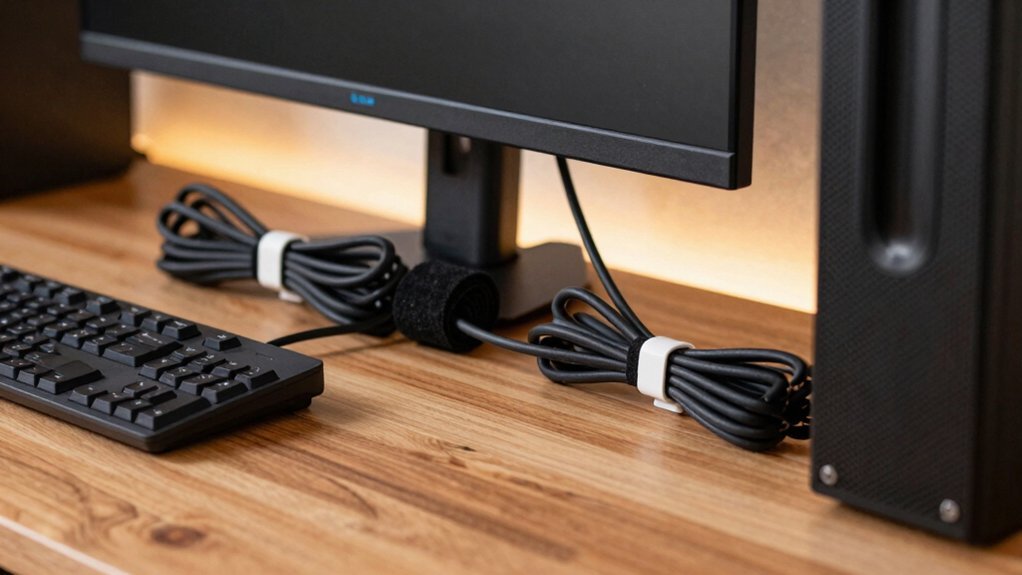
Ever wonder how to keep your gaming rig tidy without spending a fortune? Grab a pack of Velcro cable ties and a few adhesive clips, then start bundling. The reusable ties let you group power, HDMI, and USB cords, reducing cable clutter while keeping pull on connectors low. Snap adhesive clips—preferably low‑profile mounts—onto the desk edge or wall to guide routing and lock bundles in place. Because the clips hold on smooth surfaces with strong 3M adhesive, your desk organization stays sleek and your cable security stays solid. Adjust bundles on the fly: add a new headset or swap a graphics card without cutting anything. This simple combo delivers clean cable management for any gaming setup. Reusable cable ties enhance long-term cost efficiency and reusability, allowing you to reorganize without waste.
Group Devices and Install a Power‑Strip Tray Under the Desk
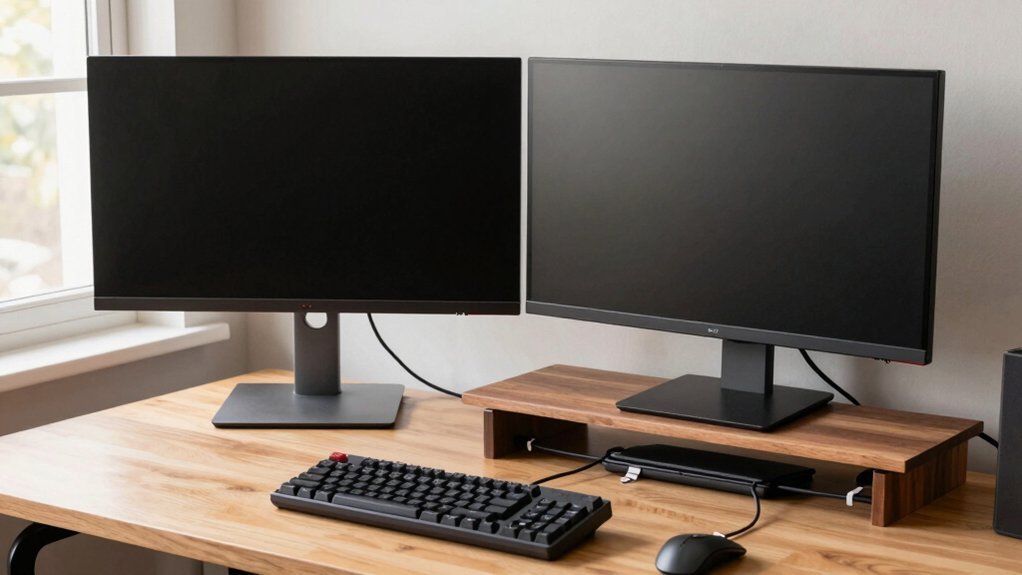
After securing cables with Velcro ties and adhesive clips, the next step is to group your devices by function and mount a power‑strip tray beneath the desk. Start by placing the PC, monitor, console, and peripherals in separate zones; this device grouping keeps power cables short and reduces cross‑talk. Slide a cheap gaming power‑strip tray into the under‑desk space, preferably at the back edge, so all routing stays parallel and out of sight. Plug a surge protector into the tray and run each device’s power cord into it, creating a tidy under‑desk setup. Finish with clear labeling at the entry point of each cable; this organization makes future upgrades painless and keeps your cable management system clean and efficient. Using a compact, fire‑proof design with wall‑mount options can further improve safety and space utilization fire‑proof design.
Label, Test, and Maintain Your Cheap Gaming Cable Setup
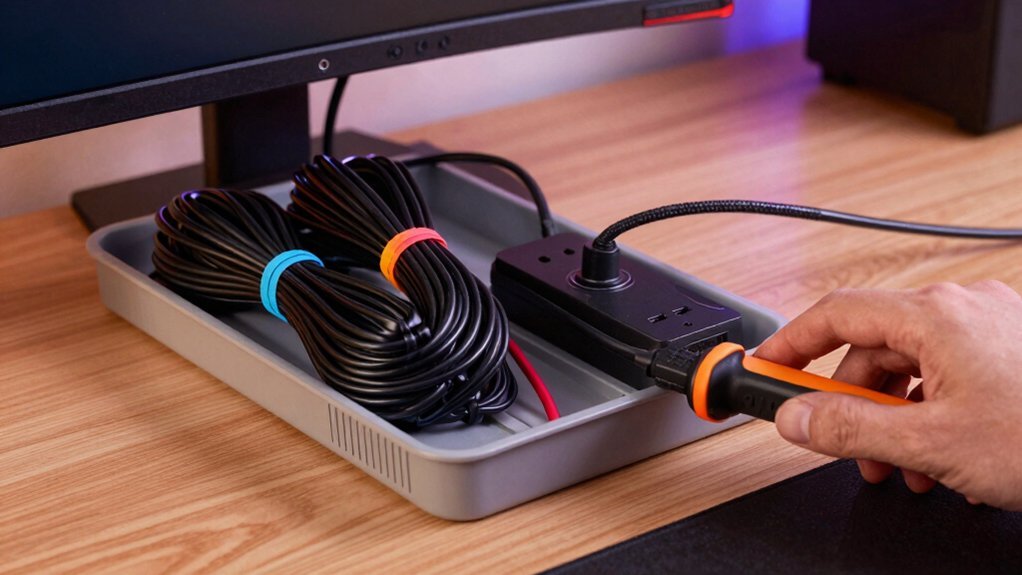
Wondering how to keep your cheap gaming rig reliable after you’ve tidied up the cables? Start with clear labeling: put a short, unique tag on both ends of each cord—think “PS5 HDMI” or “Desk USB Hub.” This speeds troubleshooting and keeps cable management tidy. Next, run a quick testing session: power on every device, verify video and audio, and watch for any miswired connections. Record results in a simple diagram that shows cable routing, power strips, and outlet locations. Schedule a quarterly maintenance check that includes wear and dust inspection, tightening loose plugs, and cleaning dust from power strips. Keep a spare cable kit—matched HDMI/DisplayPort, USB‑A/C, Ethernet—so you can swap a bad line without disrupting your desk organization. This routine ensures your cheap gaming setup stays functional and organized. Cable labeling
Frequently Asked Questions
How Many Cables Can a Single PVC Channel Safely Hold?
You can safely fit roughly ten – twelve standard‑gauge cables in one PVC channel, but keep them loose enough to avoid crushing; if you notice heat buildup, reduce the count or add ventilation.
Can Pool Noodle Conduits Be Painted to Match Desk Color?
Yes, you can paint pool‑noodle conduits to match your desk. Just clean them, sand lightly, apply a primer, then spray or brush on a flexible acrylic finish; let it dry fully before installing cables.
Do Velcro Ties Damage Cable Insulation Over Time?
You’ll find that velcro ties can wear insulation if you over‑tighten them, but using a gentle grip and rotating their position occasionally keeps cables safe for years without noticeable damage.
What Weight Limit Is Safe for a Power‑Strip Tray Under a Desk?
You should keep the tray under about 20 kg (44 lb) total, including the strip and all cords. If you add heavy adapters or multiple chargers, stay well below that limit to avoid sagging or failure.
How Often Should I Test Cable Connections for Wear?
You should inspect your cable connections every month, especially if you move your setup often. Look for frayed insulation, loose plugs, or bent pins, and replace any worn parts before they cause failures.
In Summary
Now, these cheap tricks will keep your gaming rig tidy without breaking the bank. PVC channels and pool‑noodle conduits hide mess, while Velcro ties and adhesive clips secure everything in place. A power‑strip tray under the desk centralizes power, and labeling each cable makes troubleshooting a breeze. Keep it organized, test it regularly, and you’ll enjoy a clean setup that’s as efficient as it is affordable.

Leave a Reply