
Grab a cheap Windows laptop or a Raspberry Pi, install Retrobat or RetroPie, and drop the BIOS files into the designated folder. Plug in a wired Xbox 360 pad or an 8BitDo SN30 Pro, copy legally sourced ROMs from official stores or subscription services into the system‑specific folders, and let the built‑in scraper pull artwork. Tweak hotkeys, enable free shaders or CRT filters, and keep everything organized on a USB stick for portability. Continue and you’ll discover how to expand the library affordably.
Repurpose a Low‑Cost Laptop as a Retro Gaming Gateway
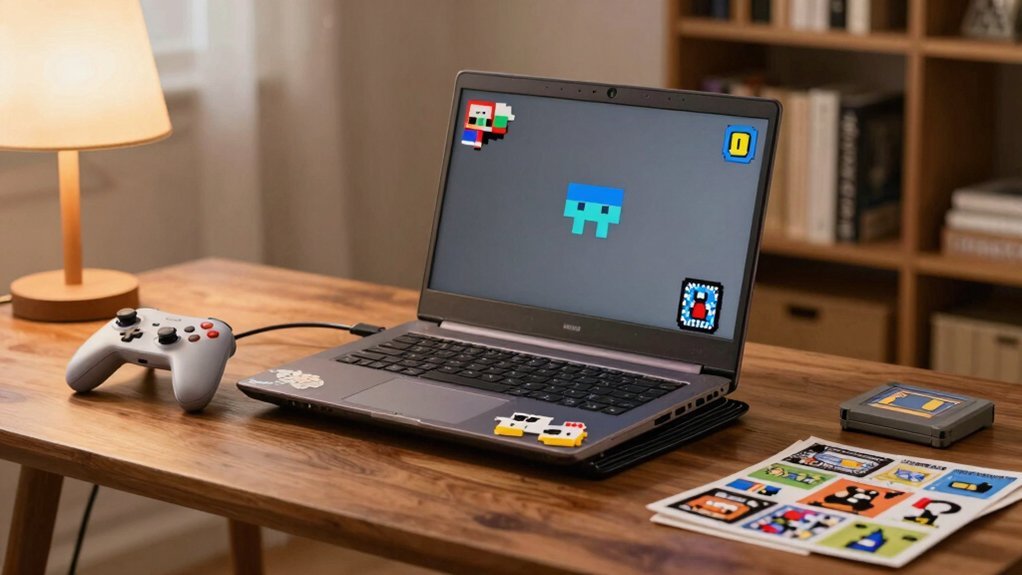
If you have a cheap Windows laptop gathering dust, you can turn it into a retro‑gaming gateway with Retrobat. First, grab the portable machine and download Retrobat from its official GitHub. Choose a folder on the Windows drive, then unzip the package. Plug a USB stick or SD card if you want a portable setup, and copy your ROMs into the appropriate subfolders inside Retrobat’s ROMs directory. Connect a wired Xbox 360 gamepad or an 8BitDo SN30 Pro for the best feel, but a keyboard works too with the preset keys. Add BIOS files, scraped artwork, and a theme to polish the look, and set hotkeys for quick saves and menu access. You now have a ready‑to‑play retro console on a low‑cost laptop. Budget storage principles help you organize and protect your game ROMs and accessories as you expand your collection.
Install the Cheapest Emulator and Set It Up Fast
After setting up your low‑cost laptop as a retro‑gaming gateway, the next step is getting the cheapest emulator running in minutes. Download the Retrobat installer, launch it, and point it to an internal or external drive for ultimate portability. Drop the required BIOS files into Retrobat’s BIOS folder, restart, and you’ll see a tidy list of preconfigured emulators ready for emulation. Add ROMs by copying them into the system‑specific folders under Retrobat’s ROMs directory, then tweak hotkeys and controller settings for a seamless experience. Ensure you keep your setup organized across multiple drives to support easy portability and quick restoration in case of system changes. BIOS folder provides immediate system detection and smoother initialization of emulation components. Add ROMs by copying them into the system folders under Retrobat’s ROMs directory, then tweak hotkeys and controller settings for a seamless experience.
Source Legal ROMs and Free Low‑Cost Game Packs
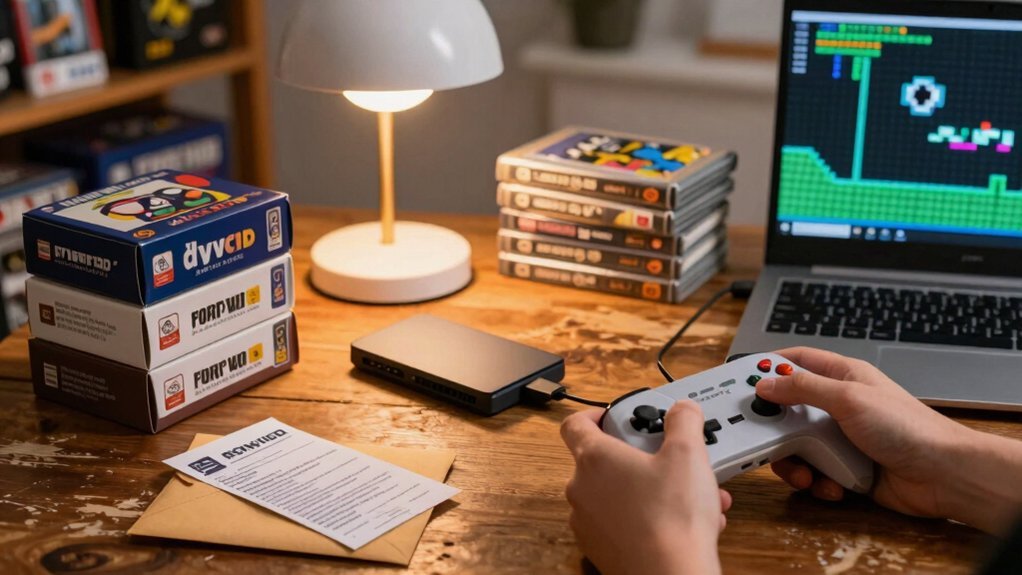
Where can you find legal ROMs and affordable game packs without hunting down pirated files? Start by checking official storefronts and publisher‑backed compilations; they often sell retro emulation bundles at budget gaming prices. Subscriptions like Nintendo Switch Online or PlayStation Now grant you a rotating library of classic titles for a modest monthly fee, eliminating the need to hunt individual ROMs. Universal-fit and affordable options like mini plug‑and‑play consoles provide curated game packs pre‑loaded, making three-dimensional design of retro gaming accessible without sourcing ROMs. Mini plug‑and-play consoles—NES, SNES, Genesis Mini—come pre‑loaded with curated games, so you skip sourcing ROMs altogether. If you already own cartridges or discs, use front‑ends such as RetroArch or Retrobat to organize your legal ROMs and run them on your hardware. Always verify licensing and regional availability to stay compliant and keep your gaming costs low.
Convert a Raspberry Pi Into a Retropie Console for Plug‑And‑Play
You’ve got the legal ROMs and affordable game packs, so the next step is to give them a dedicated home that’s ready to fire up at a moment’s notice.
Grab a Raspberry Pi, flash a RetroPie image onto an SD card, and boot it up. The installer bundles RetroArch cores for over 50 systems, so you’ll have a true plug‑and‑play experience once the OS loads.
Transfer each ROM into its system‑specific folder, add any required BIOS files, and plug in a controller—wired Xbox 360 or 8BitDo SN30 Pro works best. Tweak themes, scrape box art, enable shaders or bezels for visual polish, and you’ve got a portable, ready‑to‑go retro console that runs straight out of the box. Chroma key
Pick Budget Handhelds That Run Emulators Out‑of‑the‑Box
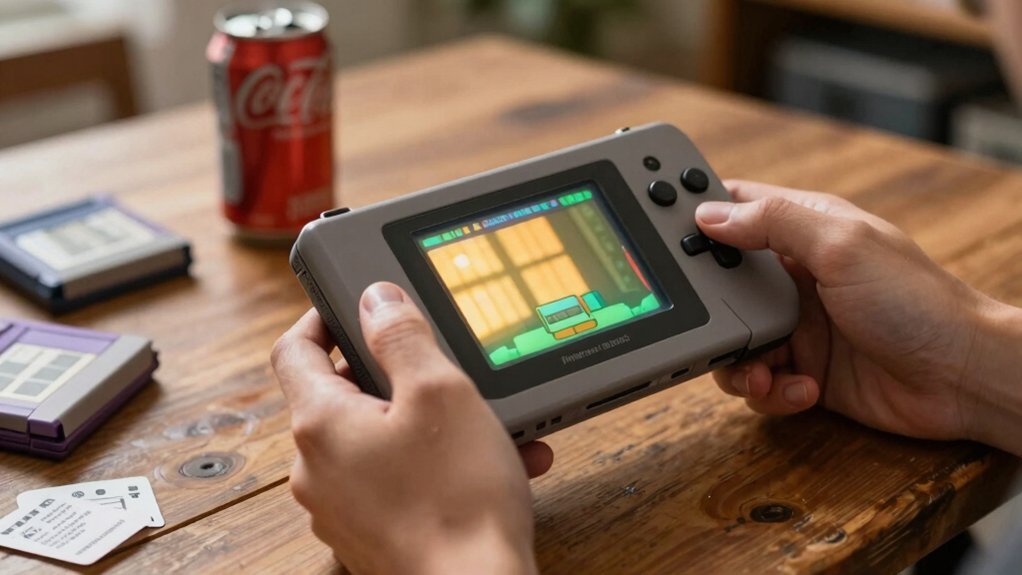
Looking for a handheld that launches retro games straight out of the box? You can grab a cheap device that’s ready for emulation without tinkering, letting you plunge into classic titles on the go. These retro handhelds blend budget gaming with solid performance, so you don’t need a PC to enjoy your library.
Grab a ready‑to‑play handheld and dive into classic retro games anywhere, no tinkering required.
- Anbernic RG351P – Linux‑based, 3.5‑inch screen, pre‑loaded RetroArch, runs dozens of cores smoothly.
- Retroid Pocket 3 – Android OS, dual‑boot option, battery UI, solid for handheldtensity games.
- PocketGo V2 – Minimalist design, open‑source firmware, cheap price, decent battery life.
Each offers plug‑and‑play emulation, but weigh performance, battery, and core compatibility before deciding which budget handheld fits your retro gaming needs. VRM cooling
Grab Free Classic‑Game Subscriptions and Start Playing Instantly
You can sign up for free subscription services that instantly release a library of classic titles. Those zero-cost trial periods let you start playing right away without buying anything. Just grab the offer, explore the catalog, and enjoy retro gaming on your console. Library catalog
Free Subscription Services
Ever wondered how to snag classic games without spending a dime? You can tap into free subscription services that unlock retro subscriptions, giving you instant emulation access to sprawling classic libraries.
These platforms often bundle flagship titles in rotating collections, so you never feel stuck with a single era. Here’s how to make the most of them:
- Sign up for trial periods on services like Nintendo Switch Online and PlayStation Plus, which include 80+ legacy games and occasional new adds.
- Link your account to a compatible console or PC emulator to stream titles without downloading bulky files.
- Keep an eye on promotional events that grant temporary upgrades, expanding your library to include N64, Game Boy Advance, and other hidden gems. subscription benefits
Instant Game Library Access
Want instant access to a massive retro catalog without hunting down cartridges? You can jump straight into retro gaming with instant game library access through modern ports and subscriptions. Services like Nintendo Switch Online, PlayStation Now, and Xbox Game Pass bundle classic titles into a single monthly fee, letting you download or stream games the moment you subscribe. The Switch Online Expansion Pass adds Game Boy Advance, N64, and Sega Genesis collections, while PlayStation Now rolls out updated legacy libraries. Mini consoles and plug‑in devices—NES, SNES, Genesis Minis—offer built‑in game sets that start playing instantly, no download required. Pair a subscription with curated compilations from Capcom or Sega, and you’ll have dozens of timeless experiences ready at a click, all without hunting for original hardware.
Zero‑Cost Trial Periods
Ever wondered how to plunge into retro classics without spending a dime? You can tap into zero‑cost trial periods that let you test games before you buy. Nintendo’s Switch Online offers a free trial window where you explore Game Boy, NES, SNES, and even N64 libraries, and the Expansion Pass adds more titles. PlayStation Now and Xbox Game Pass sometimes launch free‑to‑play weekends, giving you a weekend of unlimited access. Keep an eye on digital storefronts for time‑limited promotions that unlock entire retro collections for a few days.
- Sign up for a Switch Online trial and browse the classic catalog.
- Mark your calendar for free‑to‑play weekends on PlayStation or Xbox.
- Check regional offers on Nintendo, PC, or console stores for extra trial codes.
Buy Affordable Mini‑Consoles and Compilation Hardware to Expand Your Library
Often the easiest way to expand your retro library is to grab a mini‑console or compilation device that plugs straight into your TV.
Mini‑consoles like the NES Classic, SNES Mini, and Genesis Mini give you instant access to curated collections, while third‑party options such as the Retro‑Bit Super Retro‑Cade and Evercade broaden retro gaming libraries with cartridge‑style slots and portable design.
When you compare models, weigh library size, authenticity, and display output.
Official units deliver authentic form‑factor and included controllers but often lack expansion, whereas compilation hardware lets you add save states, patches, and extra titles via SD cards.
Choose a device that fits your budget, offers decent HDMI output, and matches your preference for plug‑and‑play simplicity.
Add Free Shaders and CRT Filters for High‑Resolution Upscaling
You can grab free shader packs and CRT filter options straight from Retrobat’s community library, then toss them into the shader menu with a couple clicks.
Free Shader Packs
Curious how a simple shader can make a retro title feel brand‑new? Free shader packs give you CRT‑style scanlines, phosphor glow, and crisp upscaling without spending a dime. You’ll find GLSL and RZ‑shader presets in the RetroArch or RetroBat manager, ready to drop into any emulation front‑end. Install a pack, toggle it per system, and watch the visuals pop while preserving the original palette. Test a few presets on low‑power hardware to keep frame rates smooth.
- CRT Scanline Shader – adds nostalgic scanlines and subtle curvature.
- High‑Resolution Upscale – sharpens pixels while keeping color balance.
- Retro Bloom Filter – introduces soft glow for a vintage TV feel.
Mix, match, and fine‑tune for the perfect balance of performance and visual fidelity.
CRT Filter Options
Looking for a way to keep your upscaled games feeling authentically retro? Add free shaders and CRT filters to your emulation setup. RetroBat and RetroArch both support simple CRT, CRT‑yllian, and SBP/CRT shader packs, letting you tweak pixel pitch, phosphor type, and scanline density. These crt filters run in real time, smoothing 2D edges and cutting jaggedness on 1080p+ displays while preserving glow, low contrast, and bezel framing. Start with moderate settings, then enable per‑system overrides to fine‑tune brightness, contrast, and gamma for each console. The result is a nostalgic visual feel without hardware, and the performance impact stays low enough for smooth gameplay.
Connect Cheap Controllers and Adapters for a Comfortable Setup
Ever wondered how a cheap wired controller can feel as smooth as a premium one? You can achieve that by pairing inexpensive retro controllers with USB adapters and a retrofront‑end setup like RetroBat. The software handles hotkeys, so you skip per‑emulator tweaks. A compact controller plus a small USB power bank keeps you portable without sacrificing reliability.
- Plug an Xbox 360 wired controller into a USB‑C adapter, then launch RetroBat to map buttons automatically.
- Use a Bluetooth dongle with a 8BitDo SN30 Pro, letting you switch between modern and classic games on the fly.
- Add a portable hub to power a cheap controller and a USB‑C power bank, ensuring consistent input during road trips.
These steps give you a comfortable, affordable gaming station that feels premium.
Maintain and Grow Your Retro Collection Affordably
How can you keep your retro library thriving without breaking the bank? Use Retrobat on Windows to centralize emulation, letting you launch dozens of systems from one front end. Drop ROMs into the appropriate folders, add needed BIOS files, and you’ll expand an affordable collection without buying new cartridges or consoles. Run Retrobat from an internal drive, an external SSD, or a USB stick for a portable, low‑cost setup you can move or share. The built‑in scraper pulls artwork and logos, keeping your library tidy and searchable without extra catalog purchases. Pair Retrobat with retro compilations, mini consoles, or FPGA‑based hardware to broaden your game library while staying budget‑friendly. This workflow maximizes enjoyment and minimizes expense.
Frequently Asked Questions
How to Legally Play Old Games?
You can legally play old games by subscribing to official services like Nintendo Switch Online or PlayStation Now, buying remastered editions, or purchasing digital copies from platform stores, ensuring you own the titles.
What Nintendo Game Sold for $100,000?
You’ll find that the 1985 Bandai “Stadium Events” cartridge, especially a sealed, mint‑condition copy, sold for over $100,000, making it the most expensive Nintendo game ever auctioned.
Why Do ADHD Like Video Games?
You love video games because they give you rapid feedback, constant novelty, and short, achievable goals that keep your mind engaged, reduce boredom, and let you customize controls to match your focus style.
Are 87% of Games Lost?
You’re not seeing 87% of games lost; estimates vary, but most titles survive through archives, emulators, or re‑releases, though some obscure or hardware‑specific games remain inaccessible.
In Summary
You’ve seen how a cheap laptop, Raspberry Pi, budget handhelds, or mini‑consoles can turn any room into a retro gaming hub without breaking the bank. By grabbing free emulators, legal ROMs, and inexpensive accessories, you’ll enjoy classic titles with modern polish—shaders, CRT filters, and smooth controllers. Keep hunting low‑cost upgrades, share your collection, and the nostalgia will stay fresh, affordable, and endlessly fun.


