
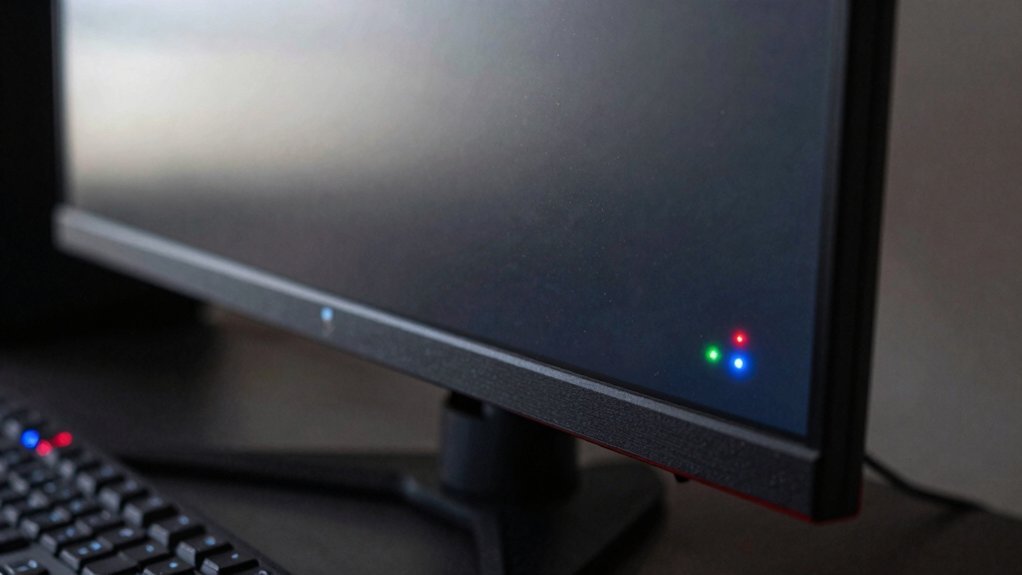
You’ll spot three dead‑pixel risks on refurbished gaming monitors: a bright stuck pixel that never turns off, a dark dead pixel that stays black, and a flickering pixel that flashes intermittently. Each can mar visual fidelity, especially in dark scenes or fast‑moving games, and warranties often treat them differently—some exclude single defects while others offer limited coverage. Knowing how to test for these issues and what the return policy covers will help you decide if the monitor meets your standards.
Typical Dead‑Pixel Issues on Refurbished Gaming Monitors
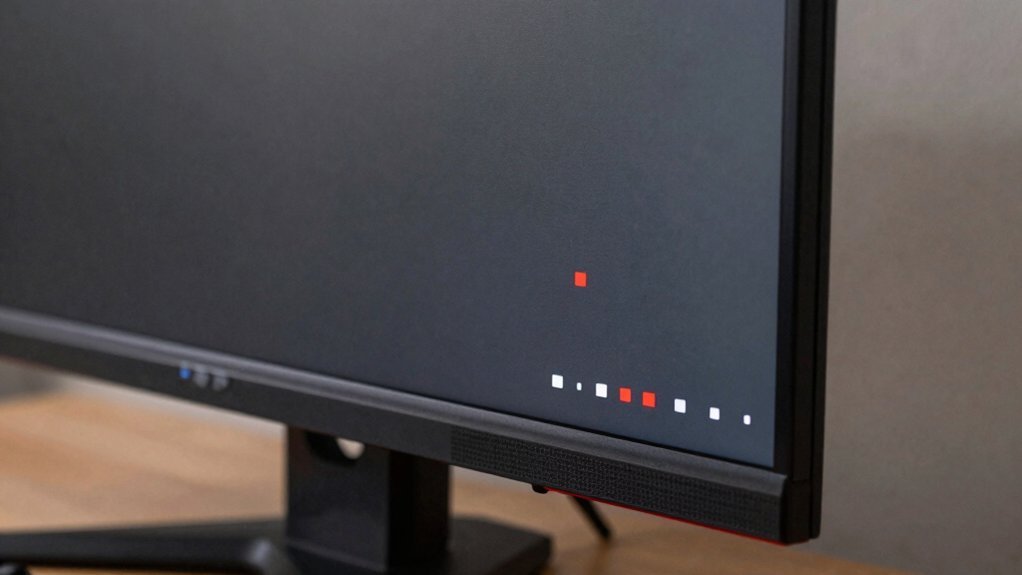
Ever wondered why a single speck of color sometimes pops out on a refurbished gaming monitor? You’ll notice dead pixels when a tiny dot stays stuck, fully lit, or flickers, especially against uniform backgrounds. On refurbished monitors, these flaws are rare but possible; a green stuck pixel can be more noticeable than a dim red one. Manufacturers usually test panels before shipping, yet a few defective pixels can slip through depending on quality controls. You might try a gentle pixel massage, but that’s risky and not guaranteed to work. This is why understanding the test and warranty processes—such as the typical 90‑day to one‑year return periods—can help you decide whether a refurbished unit meets your gaming standards. Warranty policies
Warranty and Return Policies for Dead‑Pixel Defects
If you spot a dead pixel on a refurbished gaming monitor, the warranty and return policies you encounter will determine whether you can get a replacement or a refund. Most basic warranties exclude a single dead pixel, so you’ll likely need an optional warranty that explicitly covers it. Check the retailer’s return policy: many give a 14‑ to 30‑day window, sometimes with a restocking fee, which can affect whether you pursue a return or a refund. Regional and platform differences mean you must verify the exact terms before buying. Additionally, understanding how long a retailer typically stands by refurbished panels can influence your decision to purchase extended coverage.
Test and Fix Dead Pixels Before Purchase
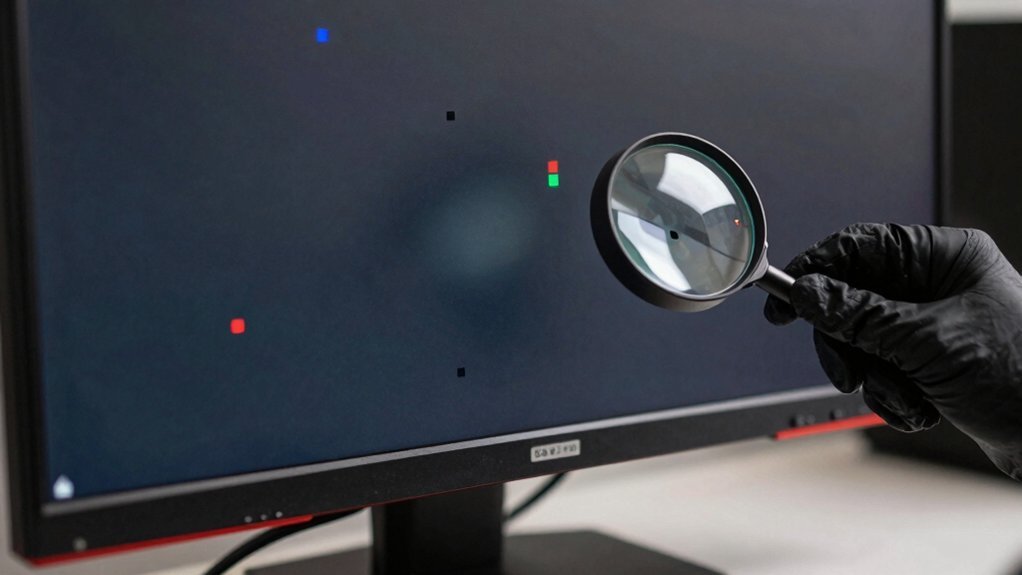
How can you be sure a refurbished gaming monitor won’t disappoint you with a dead pixel? Start by loading solid black, solid white, and a colorful test image. Scan the screen in a dim room, watching for static spots that stay lit or dark. If you spot a dead pixel, try a gentle massage with a soft cloth; stuck pixels sometimes revive, while truly dead ones won’t. Note its location—central pixels are more intrusive than peripheral ones. Before you buy, verify the seller’s return policy and ask if they cover dead‑pixel defects. Even though refurbished monitors often undergo multi‑point testing, some dead pixels slip through. A clear return policy protects you if the issue persists after purchase. This aligns with the broader theme of ensuring robust power and protection for gaming setups, including reliable surge protection and safe power delivery across multiple devices. return policy
Frequently Asked Questions
Should I Keep a Monitor With a Dead Pixel?
You should keep it only if the dead pixel doesn’t distract you during gameplay or daily work; otherwise, return or exchange it, since warranties often exclude single‑pixel defects and repairs can risk further damage.
Are Dead Pixels on Monitors Common?
Yes, dead pixels are relatively uncommon, appearing in a tiny fraction of panels. You’ll typically see one or two isolated pixels rather than large clusters, especially on quality‑checked refurbished gaming monitors.
Can I Return a Monitor if It Has a Dead Pixel?
Yes, you can usually return it if the warranty or retailer policy covers dead pixels; check the return window, any restocking fees, and whether the pixel impacts your gaming experience.
Can Dead Pixels Spread on a Monitor?
You won’t see dead pixels spreading; they stay isolated. Occasionally, a blinking pixel hints at instability, but it rarely triggers neighboring failures. So, you can generally ignore spread concerns.
In Summary
So, before you buy a refurbished gaming monitor, make sure you test for dead pixels, understand the warranty, and know your return options. If you spot any defects early, you can negotiate a discount or a replacement. By taking these steps, you’ll avoid nasty surprises and keep your gaming experience smooth and immersive.


