
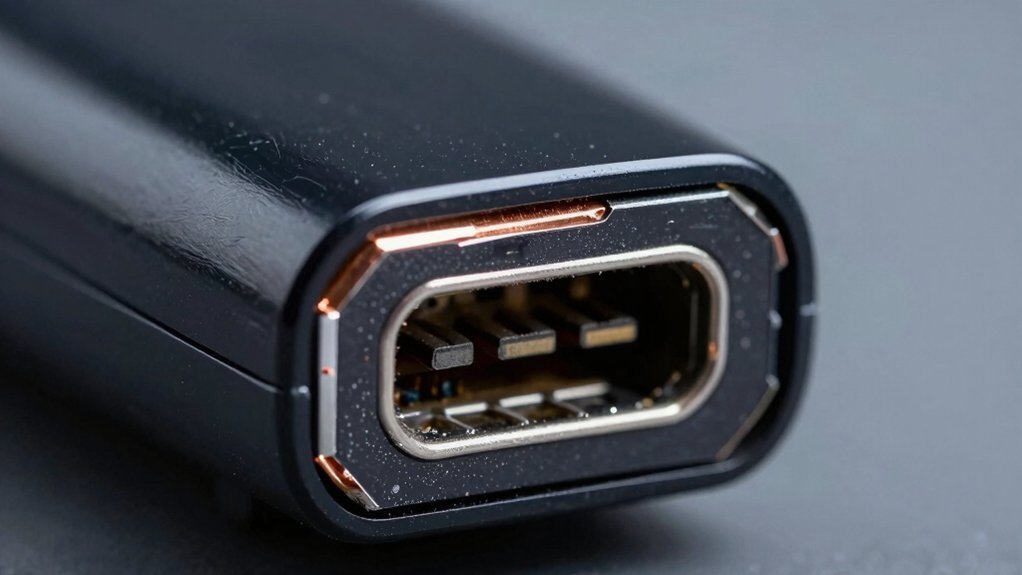
You’ll spend roughly $20‑$50 on parts and tools for a DIY charging‑port fix, while a professional service usually charges $80‑$150 and includes labor and warranty protection. DIY is cheaper if you have soldering skills, but it risks further damage and may void your warranty. Replacement becomes more economical when multiple ports, the battery, or the internal board are failing, especially with budget bundles. If you keep going, you’ll discover the exact price drivers and long‑term prevention tips.
How Much Does a Controller Charging Port Repair Usually Cost?
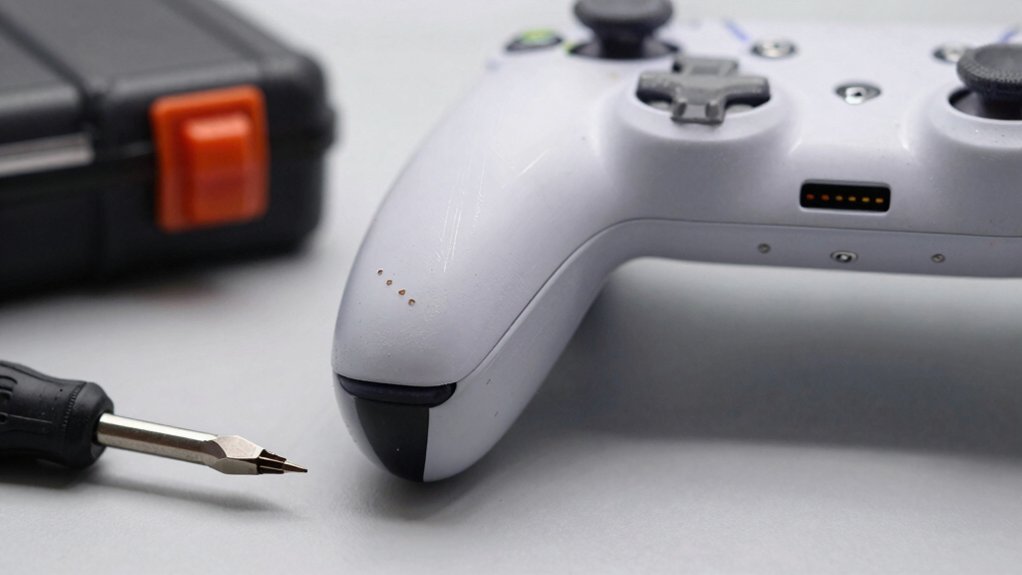
A controller’s charging port repair typically runs $20‑$50 if you tackle it yourself—just the cost of a replacement port and basic tools—while a professional service usually charges $80‑$150, covering labor and a warranty. When you choose DIY charging port work, you’ll buy a port assembly or replacement parts for $5.99‑$8.99 each, depending on the controller generation. If the controller charging port is a soldered port, you’ll likely need a third‑party repair shop, where the repair shop price range can climb to $150. For longer‑term reliability, consider opting for an authorized service center which often provides a broader warranty and support compared to budget third‑party options professional repair.
When Is Replacing the Whole Controller Cheaper Than Repair?
If you’ve already seen that DIY port fixes can run $20‑$50 and professional repairs $80‑$150, it’s worth checking when swapping the whole controller actually saves you money. You’ll find replacement cheaper when the controller shows multiple damaged ports, a dead battery, or a failing internal board. A quick price comparison often reveals that buying a new controller costs less than paying for repeated professional repair fees. Additionally, consider that budget-friendly controller bundles and multi-pack options can provide cost-effective replacements when multiple components wear out over time Stand Features and Compatibility.
DIY vs. Professional Controller Charging Port Repair: What to Expect?
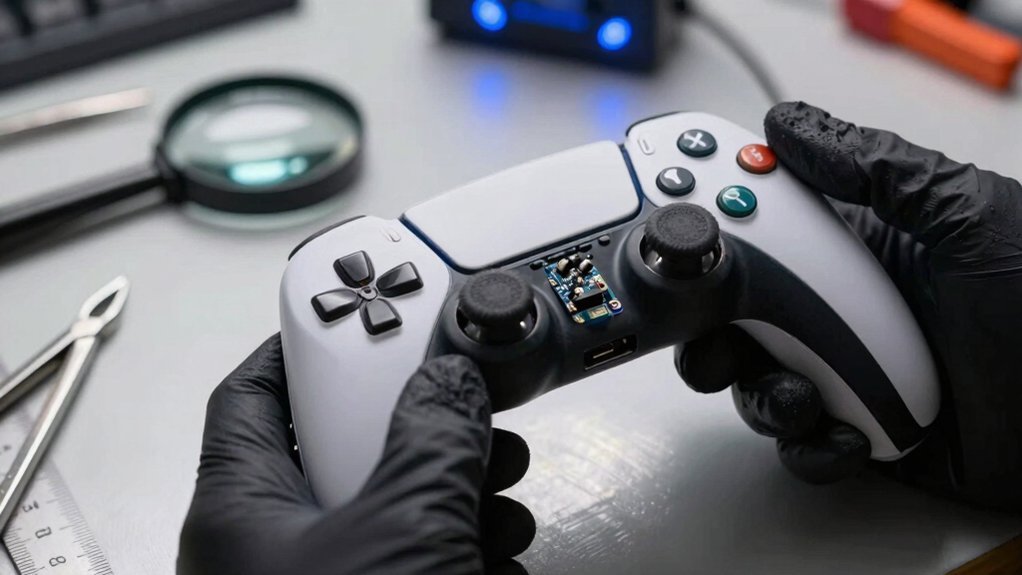
Wondering whether to tackle a broken charging port yourself or hand it off to a pro? If you choose DIY repair, expect to spend $20–$50 on parts and tools, but you’ll need soldering skills, risk of damage, and possible warranty impact. Professional repair usually runs $40–$150, includes labor, and comes with a warranty that shields you from hidden charging issues. Below is a quick comparison:
| Aspect | DIY Repair | Professional Repair |
|---|---|---|
| Cost | $20‑$50 | $40‑$150 |
| Parts & Tools | You buy & use | OEM/quality supplied |
| Warranty Impact | May void | Preserved |
| Skill Needed | Soldering, micro‑handling | Technician expertise |
| Risk of Damage | Higher | Lower |
Weigh the replacement cost against your controller’s value, age, and warranty status before deciding. A professional service often provides a reliable diagnostic to ensure that related charging components aren’t failing, which can save money in the long run.
What Factors Influence the Price of a Controller Charging Port Repair?
Why does the price of a controller charging‑port repair vary so much? It hinges on several variables that shape repair cost and replacement cost. First, the device type and part generation matter: older consoles use cheaper JDS‑001 parts (~$5.99), while newer models need JDS‑011 (~$8.99). Second, the repair method influences expenses: DIY vs professional work can swing from $20 for$50 for parts plus tools to $40‑$150 at a shop, especially if you need micro‑soldering. Third, service center pricing and issue severity affect the bill: authorized centers charge more but include OEM warranties, while a simple loose connection or debris cleaning often saves you money.
- Part generation price differences
- DIY vs professional labor costs
- Service center pricing and warranty value
How to Prevent Future Damage to Your Controller Charging Port
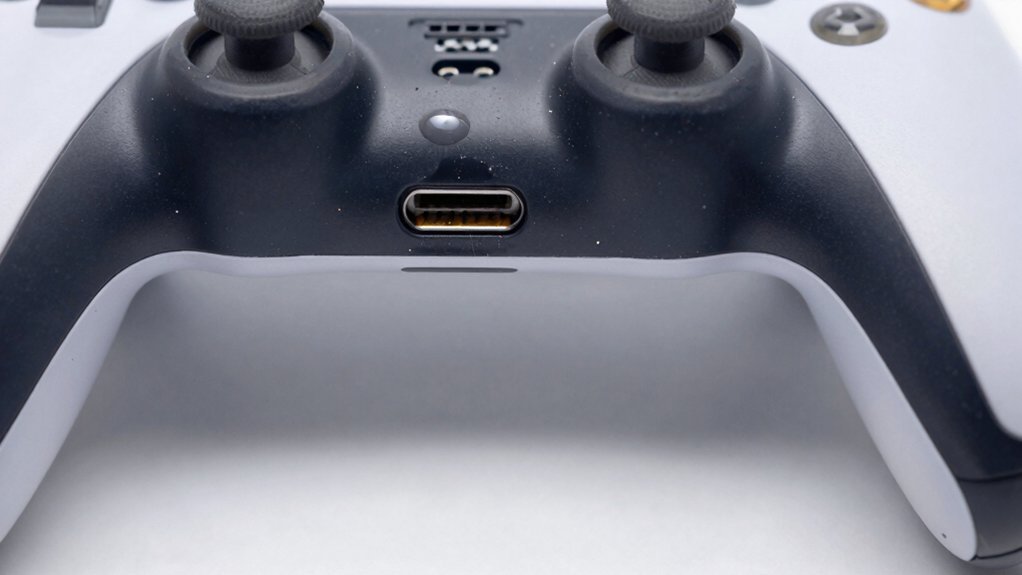
Ever wondered how a simple habit can keep your controller’s charging port from failing? Start by treating the charging port gently—avoid yanking cables, keep debris out, and store devices in a dry, stable environment. Use a short, sturdy cable and align it carefully before plugging in; this reduces stress that often leads to port damage prevention.
When you must unplug, pull the plug, not the cord.
Periodically inspect the port for dust and clean it with a soft brush; a clean port lowers the chance of costly charging port repair.
If you notice wear, address it early with a DIY repair kit—remember the parts price is low, but a warranty may be voided.
For peace of mind, schedule professional repair before the issue escalates, as the cost of replacement can far exceed preventive care. Regular checks and using a proper cable can extend the life of the port maintenance practices.
Frequently Asked Questions
What Is the Average Cost to Fix a Charging Port?
You’ll usually spend between $40 and $150 for a professional fix, but if you handle it yourself you can get a replacement port for roughly $5‑$20, depending on the model.
Is It Worth Fixing a Charging Port?
Yes, you’ll likely save money fixing it yourself—parts are under $25 and tools cost little—but weigh warranty risk and potential damage against a $40‑$150 professional repair.
How Much to Fix PS5 Controller Charging Port?
You’ll spend roughly $40‑$100 on professional repair, but if you buy a $5‑$10 DIY kit and have tools, you can fix it for about $20‑$50, though it risks voiding warranties.
Is It Worth Repairing a Controller?
Yes, you should repair it if the controller’s still valuable or recent, because a $20‑$50 DIY fix beats buying a new one; otherwise, replace it when it’s old or cheap.
In Summary
You’ve seen the costs, the DIY trade‑offs, and the factors that drive pricing, so you can decide whether to repair or replace your controller’s charging port. By weighing the expense against the controller’s age and value, and taking steps to protect the port, you’ll avoid unnecessary downtime and keep gaming uninterrupted. Choose the route that fits your budget and skill level, and enjoy a reliable, long‑lasting controller.


Leave a Reply